Desert Online General Trading LLC
Dubai, United Arab Emirates
Desert Online General Trading LLC
Dubai, United Arab Emirates


🚀 Scan Smart, Live Free!
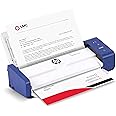
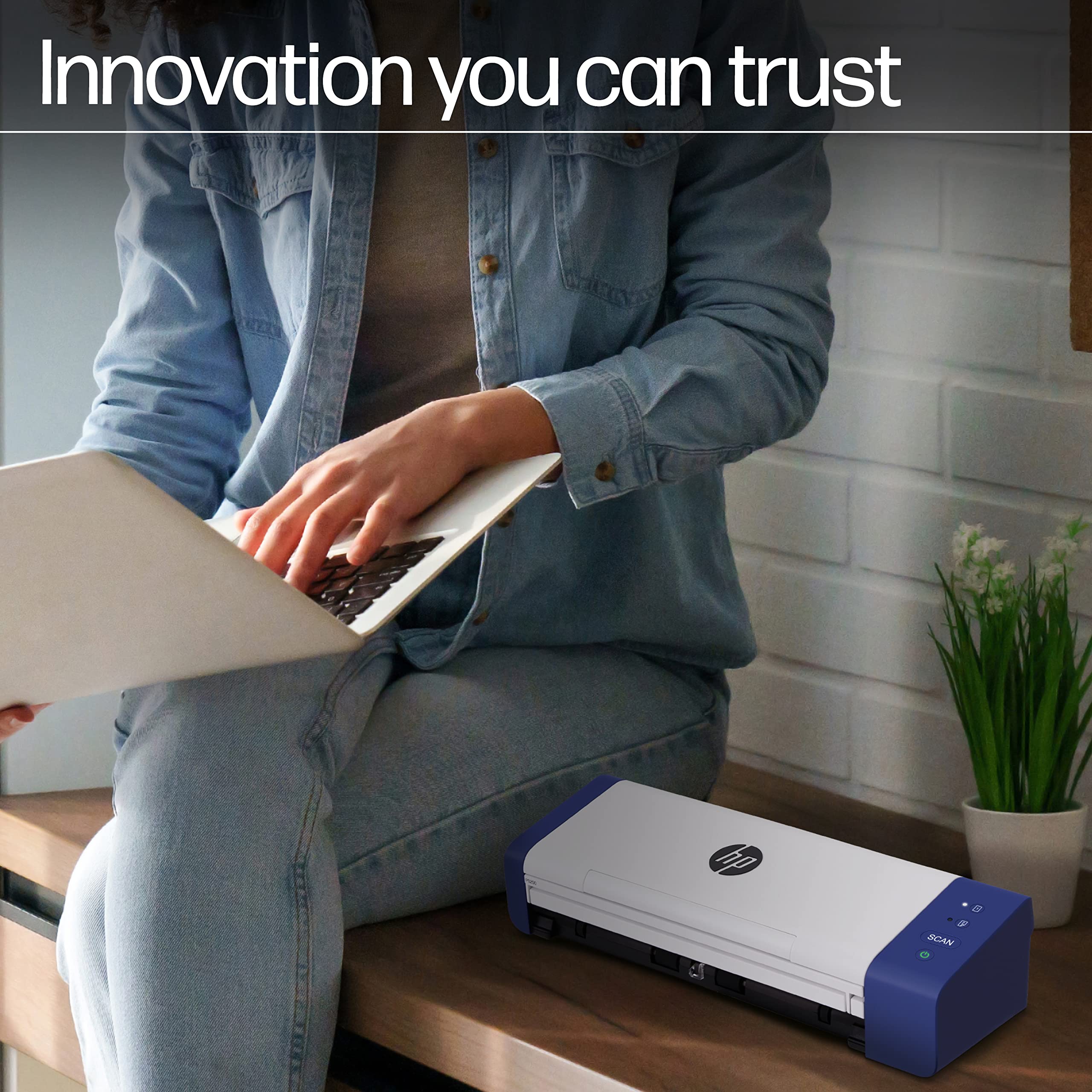
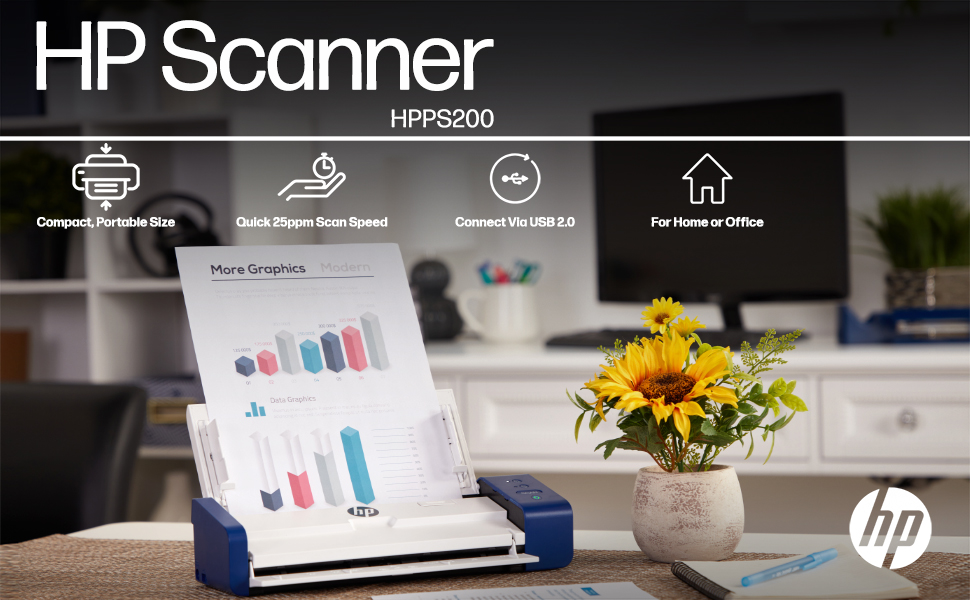
The HP Compact Desktop Duplex USB Mobile Document & Photo Scanner (Model HPPS200) is designed for professionals who need fast, efficient, and high-quality scanning on the go. With a remarkable speed of 25 pages per minute and the ability to scan both sides of a document in one pass, this lightweight scanner is perfect for home or office use. It offers versatile compatibility with PC and Mac, and comes with HP WorkScan software for easy document management.


C**S
Works great
Great scanner
P**N
Software is not available from HP for this device.
Apparently there is no 'official' software available to operate this device. I am not going to complain and I am not in the business to disparage this scanner but the lack of software make it unusable and I don't want to use software that will not be updated.
A**R
Doesn't scan higher than 200 dpi; 2 sided scanning not working; auto-crops photos inappropriately;
I really wanted to like this scanner because it is so portable and it does scan quickly, but there were too many issues. I bought this to scan 40 years of photos and sadly, this will not be my solution.I can't believe HP allows someone to use their logo and trusted brand name on such a terrible product, yet not providing any technical support. This scanner does not even exist on the HP website.I am returning this scanner, and here's why:*** 1200 ppi is a complete lie - it won't scan anything over 200 ppi no matter which size you choose.*** Auto-cropping is SO FRUSTRATING! The scanner sometimes ignores dark or bright parts of the photo, cropping them out; other times, it was just randomly cropping the sides or top/bottom out. I tried using the specific photo dimensions, and it still cropped sections out.*** Five days after the last time I used it, I received an error message: "ADF Bulb rear Error," after which two-sided scanning only worked about 5 percent of the time.*** Clicking the two-sided/one-sided buttons on the machine do nothing.*** If you change any of the settings, they don't take effect unless you close then open the app. (specifically, the image size and two-sided scanning.)*** When you click on "Save As," then change the folder location, the app freezes then returns an "unknown error" that won't resolve and requires you to "end task" in the task manager, thus LOSING ALL OF THE SCANS you were trying to save.*** Random paper-jam errors when nothing is in the scanner; sometimes would not resolve until performing several attempts to open and close the cover.I removed then re-downloaded the application - twice, I turned the scanner off, waited 5 minutes and turned it back on, I restarted my computer, Everything works for a short time (except for the 200 dpi) then it starts with paper jam errors, etc.sending it back.
S**D
Works well...when the computer recognizes it
I have been incredibly frustrated with this scanner. I have used it with my MacBook Pro, and it works well when HP gets around to updating their software to match the latest macOS version. However, if you regularly keep your computer up to date, it may be another few months until HP releases compatible software, and therefore another few months until you can use the scanner again. Without the HP updates, the app completely fails to recognize the scanner and the scanner becomes completely useless. Other apps, such as Adobe, will not recognize the scanner for importing documents either. Before purchasing this scanner, I used to use a Fujitsu ScanSnap, which was at least a little more reliable until they too stopped creating regular updates. So glad I spent all this money for a scanner that I have only successfully been able to use twice in the last 9 months.
K**Y
Easy to Use
This portable scanner was very easy to set up on my laptop and use. I was able to efficiently make scans of multi-page documents while traveling for work.
E**.
Awful product
I bought this to be able to scan multiple pages. 2-side scanning does not work with the "Auto scan" setting. At times, it gives a "feeder jammed" error message when there is no paper in the scanner. I also get the error message "unknown error" when I try to scan multiple pages.If you need a scanner for simple documents, this device would be enough, but for bulky work, it does not meet the capability advertised by HP.
S**5
Compact
Scans great, one and two sidedIt kicks off line every once is a while, but comes back
M**D
HP scanner
Love that this scanner was so easy to set up. Its so small and compact, but yet so functional. Scans on both side in black and white and color.
Trustpilot
1 month ago
1 day ago