
DOWNLOAD THE APP


Customer Services
Copyright © 2025 Desertcart Holdings Limited
DOWNLOAD THE APP



🖨️ Print smart, live connected — your home office MVP!
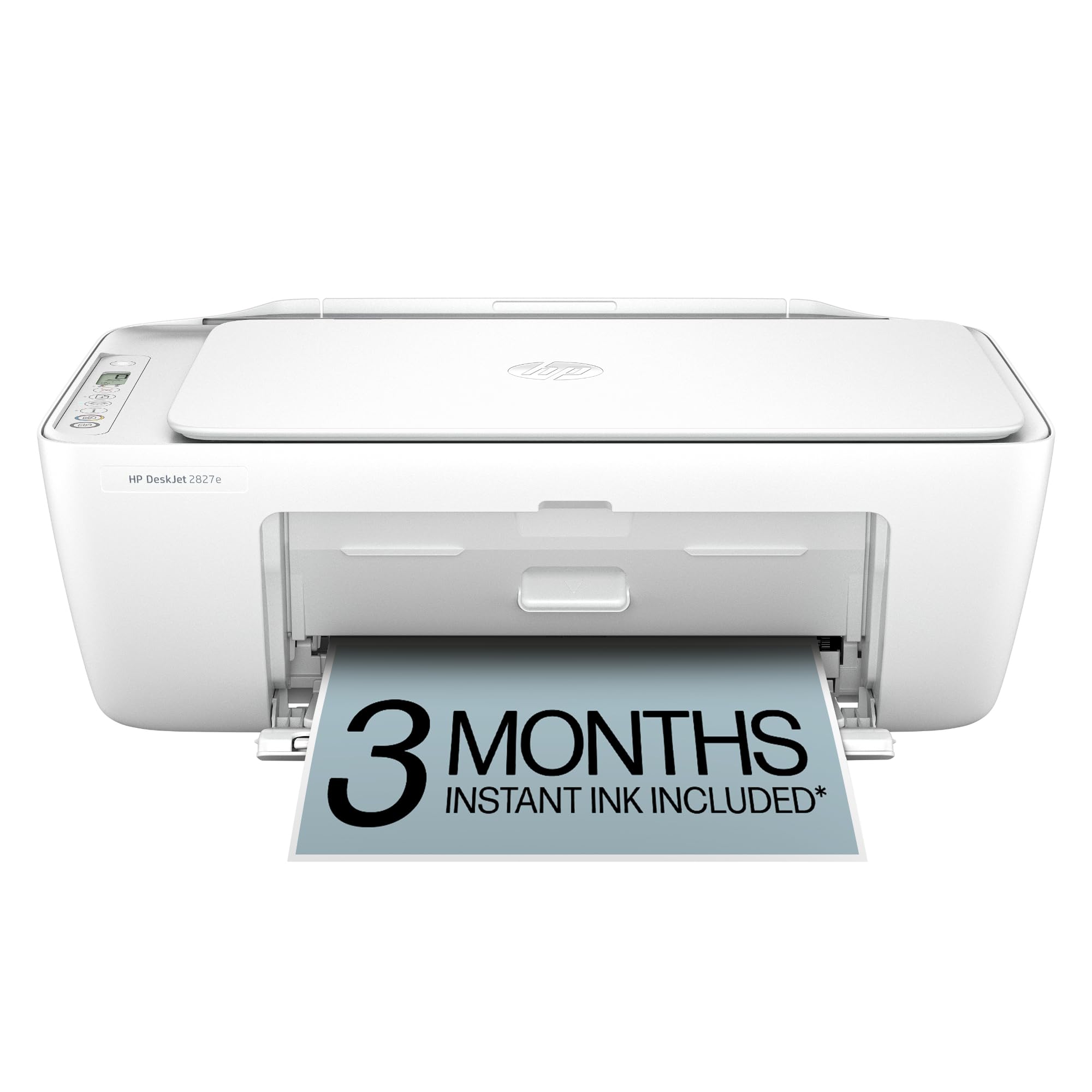
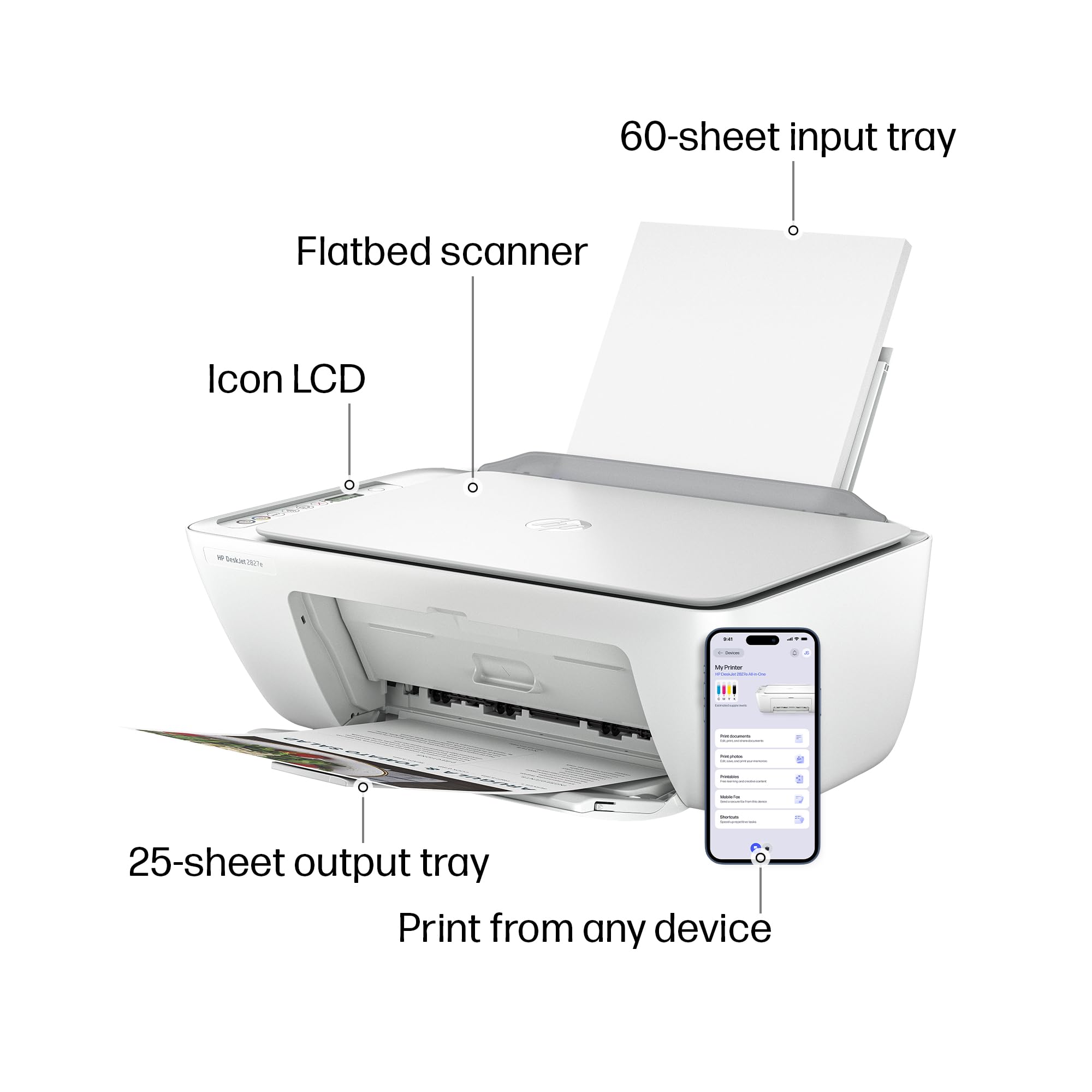
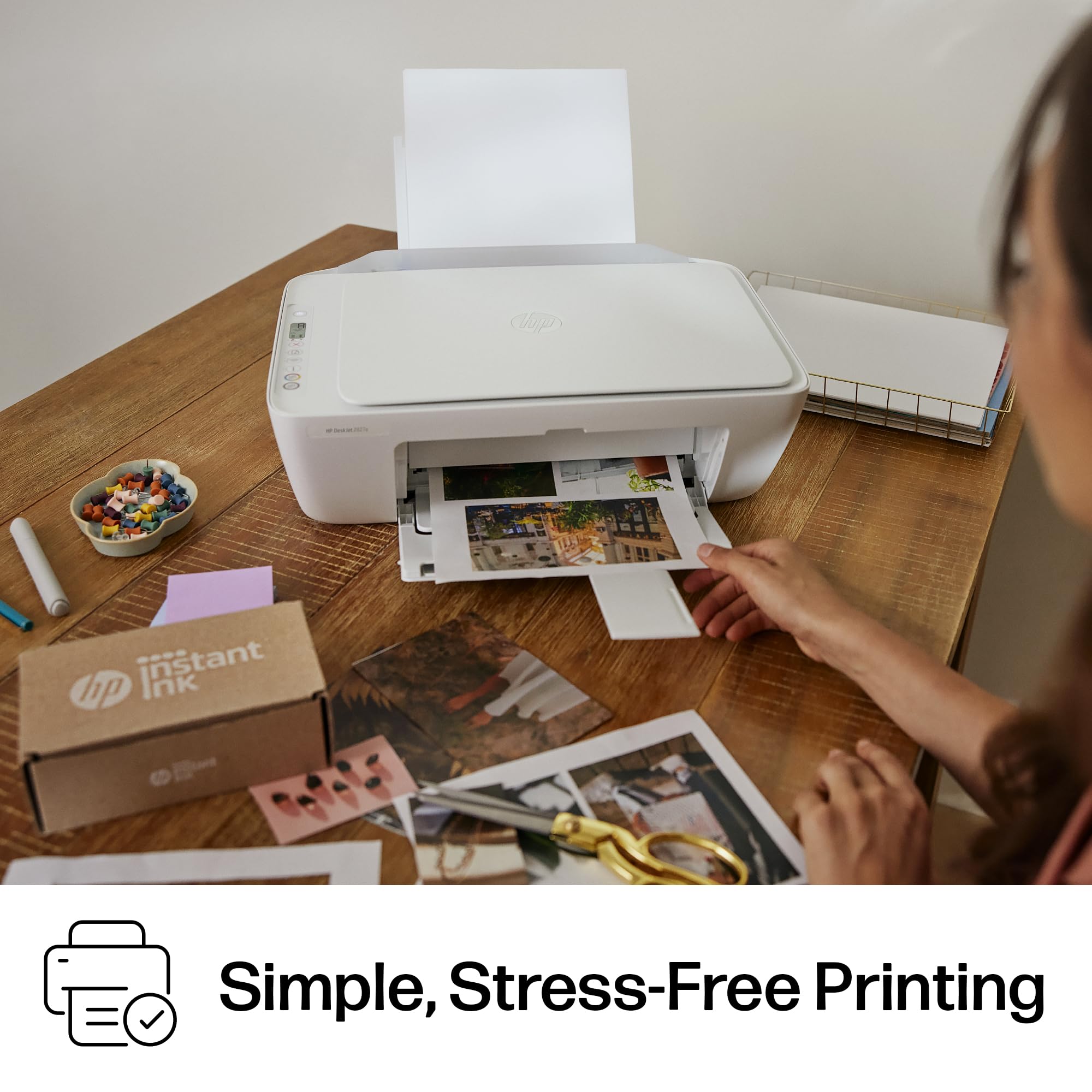
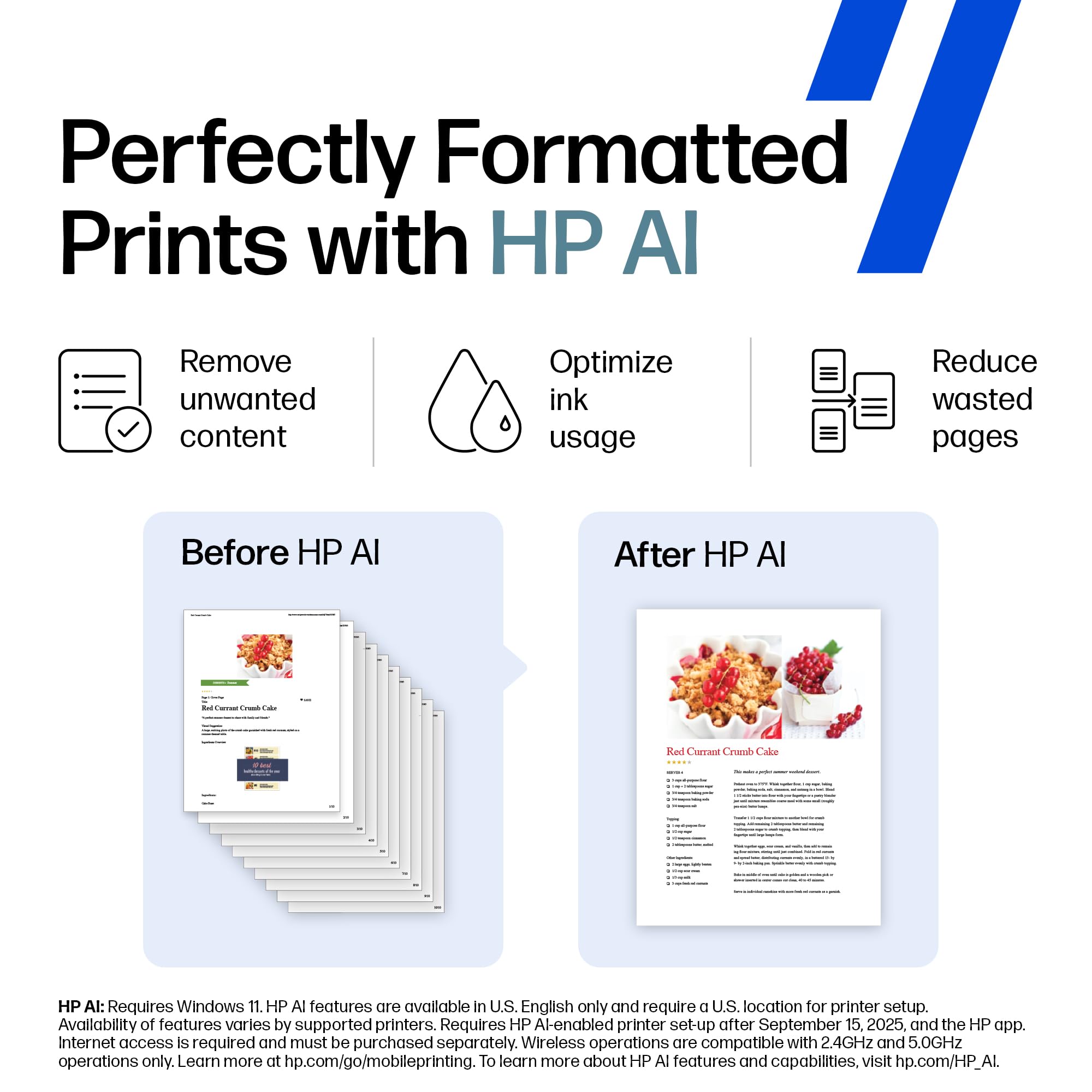
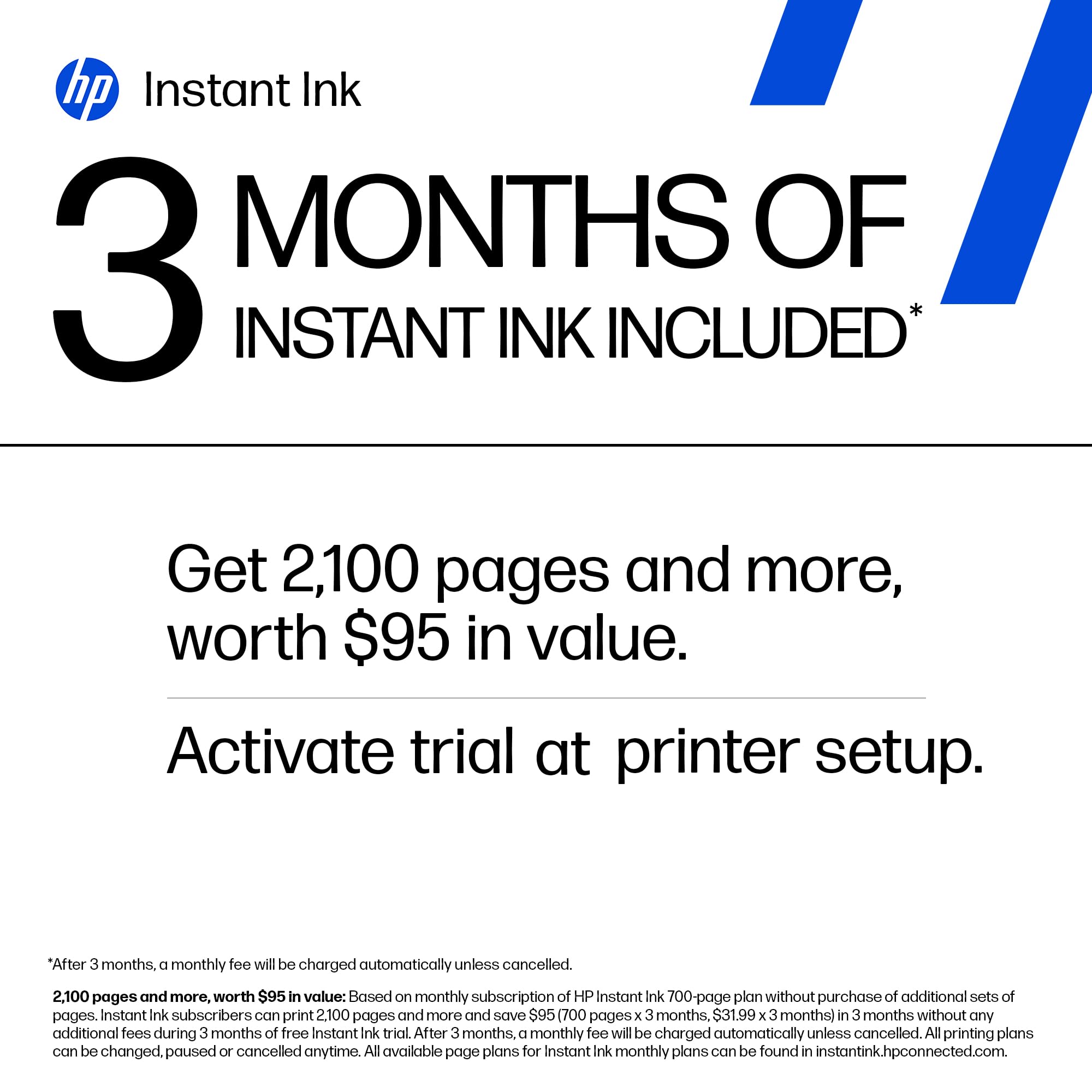
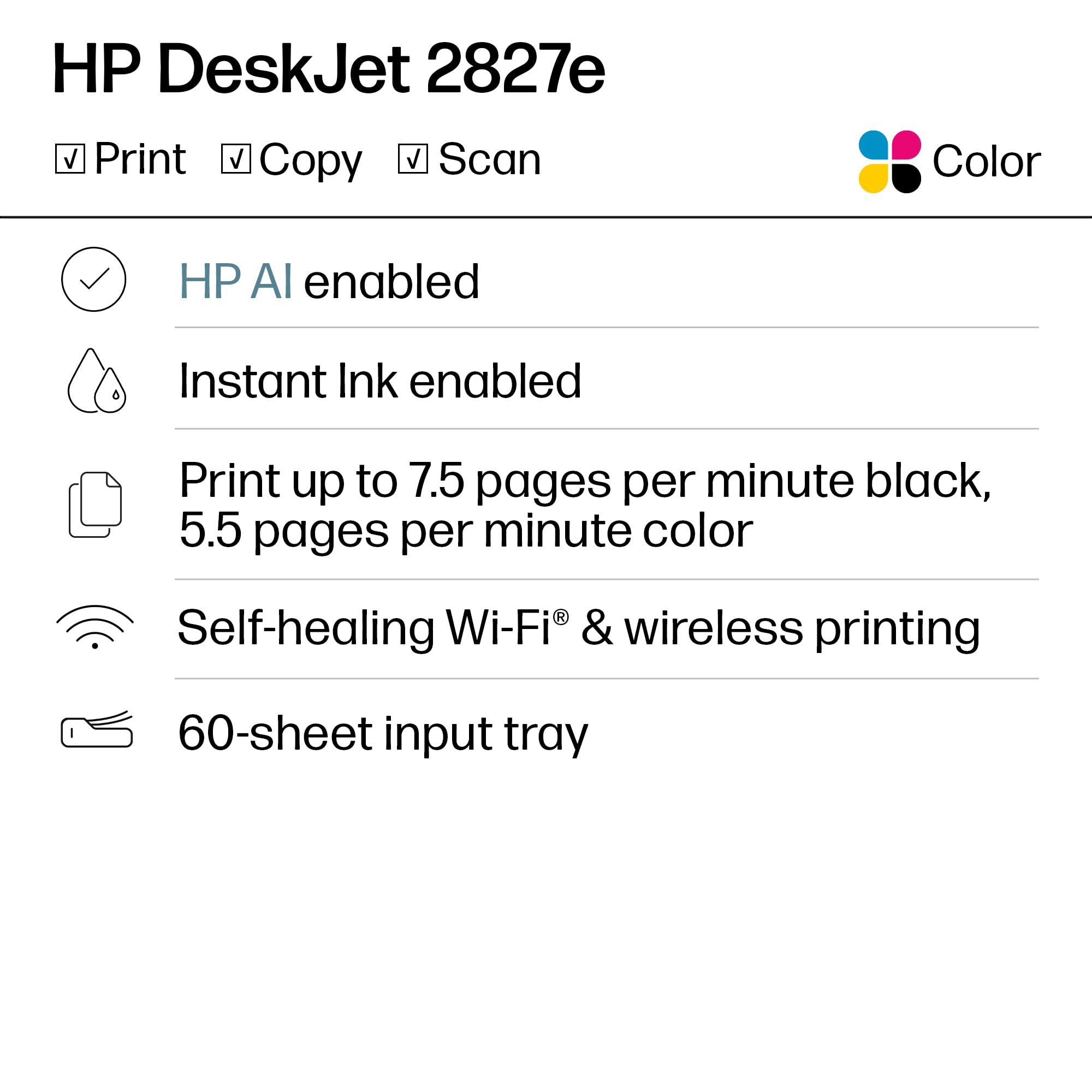
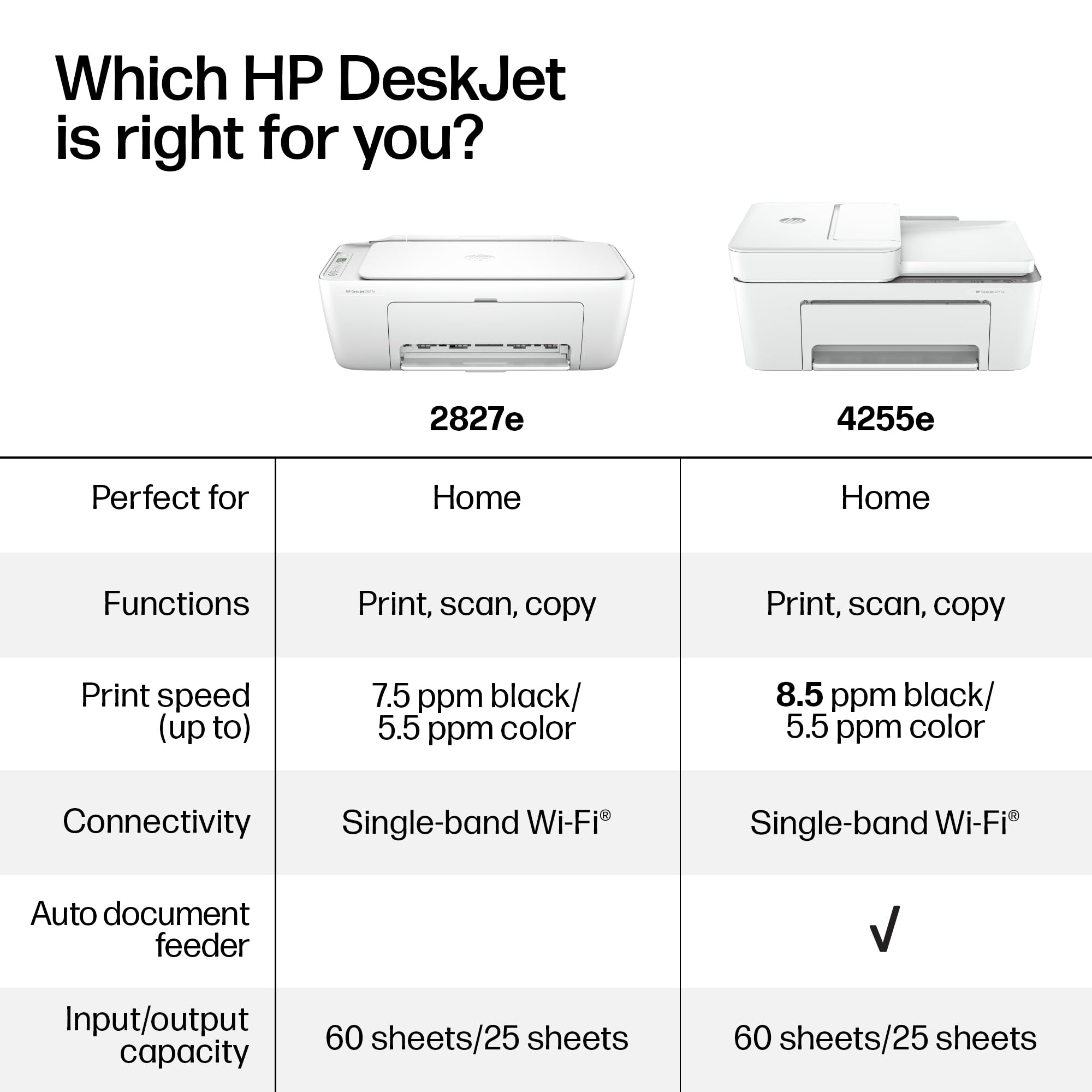
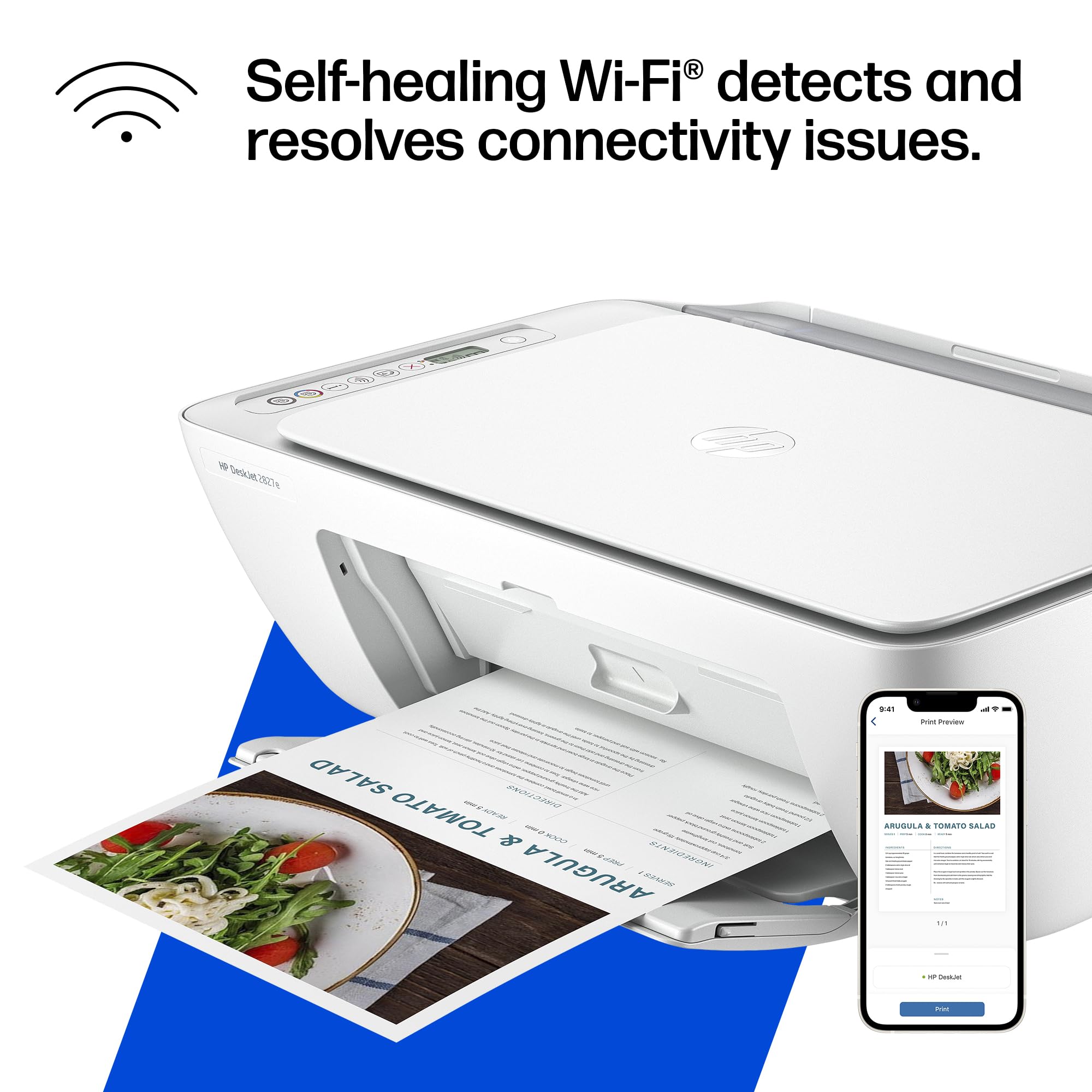
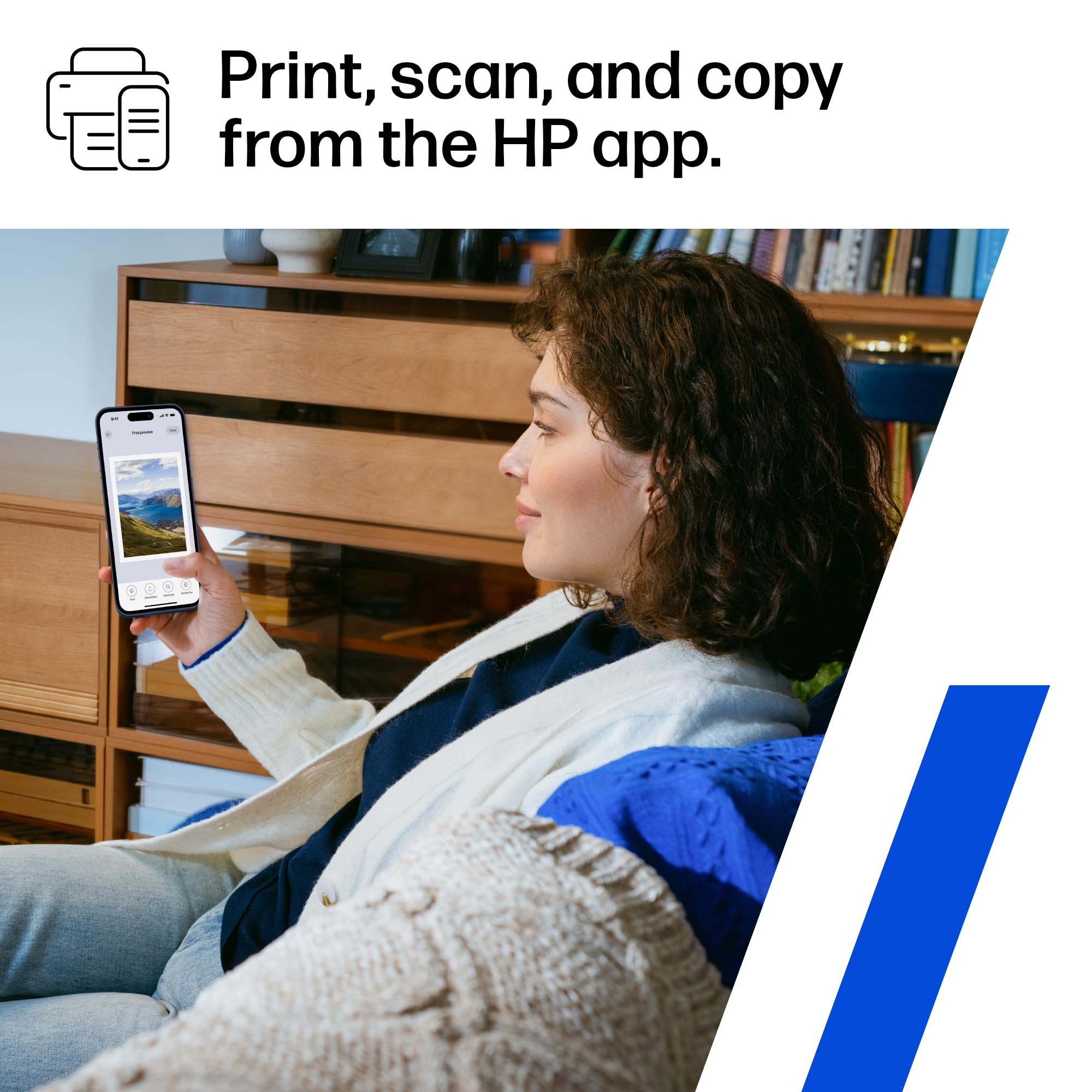
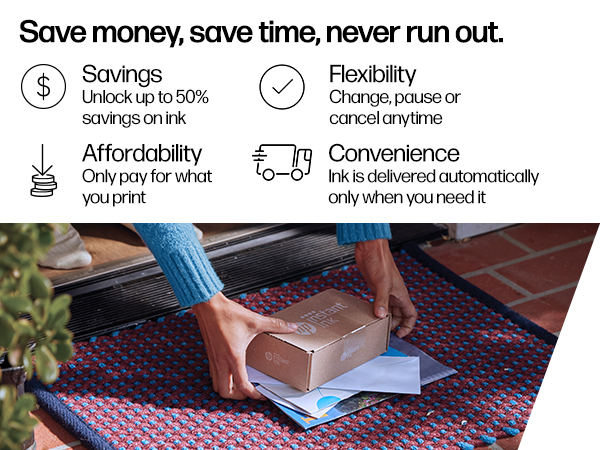
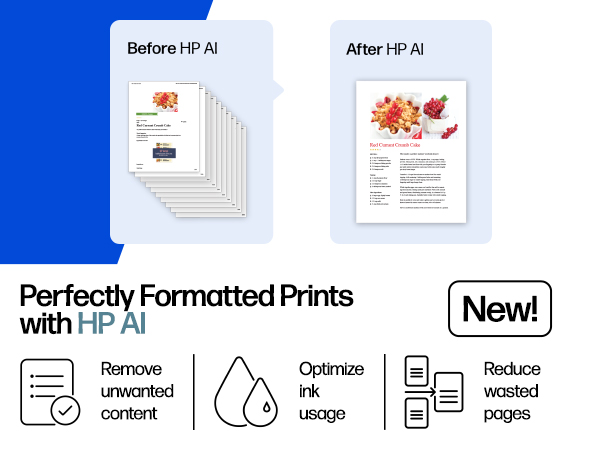
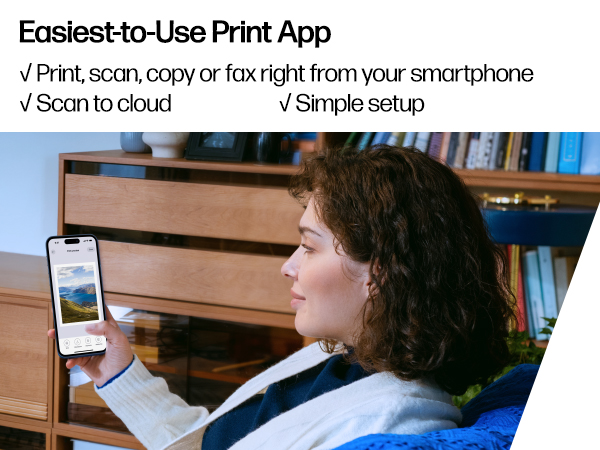
The HP DeskJet 2827e is a compact, wireless all-in-one printer designed for home use, offering reliable color and black printing at up to 7.5 ppm, a 60-sheet input tray, and flatbed scanning/copying. It features seamless smartphone integration via the HP app and includes 3 months of Instant Ink subscription for hassle-free ink delivery. Built sustainably with 60% recycled plastic and Energy Star certified, it balances performance with eco-conscious design.






| ASIN | B0F1NJ75D5 |
| Are Batteries Included | No |
| Color | White |
| Colour depth | 24 |
| Compatible devices | Laptops, PC, Smartphones |
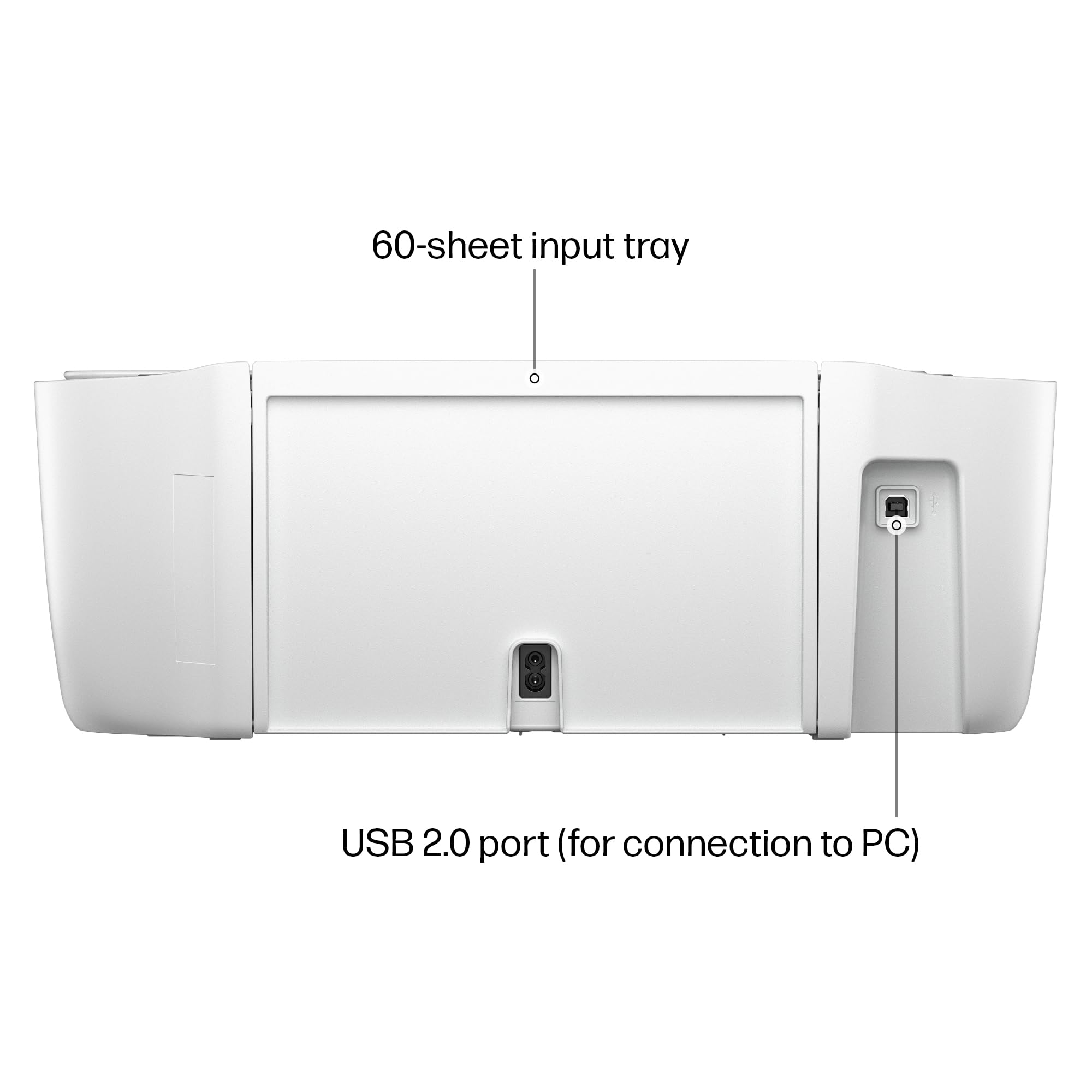
| Connectivity Type | Apple AirPrint; Google Cloud Print; USB; Wireless (Wi-Fi); Wireless direct printing |
| Customer Reviews | 4.0 4.0 out of 5 stars (3,124) |
| Date First Available | 18 April 2025 |
| Dual-sided printing | No |
| Form Factor | Multifunction / All-in-One |
| Included components | HP DeskJet 2827e All-in-One; HP 67 Setup Black Cartridge; HP 67 Setup Tri-color Cartridge; Regulatory flyer; Setup guide; Reference guide; Power cord [For ink volume and page yield information, visit http://hp.com/go/learnaboutsupplies ] |
| Item Weight | 3.42 Kilograms |
| Item model number | 6W7F5A#B1H |
| Manufacturer | HP |
| Max copy speed (black & white) | 6 ppm |
| Max input sheet capacity | 60 |
| Maximum Media Size | 3 x 5 to 8.5 x 14 in |
| Maximum black and white print resolution | Up to 1200 x 1200 rendered dpi Dots Per Inch |
| Maximum color print resolution | Up to 4800 x 1200 optimized dpi color (when printing from a computer on selected HP photo papers and 1200 input dpi) Dots Per Inch |
| Maximum copies per run | Up to 9 copies |
| Power consumption | 2.8 Watts |
| Print media | Paper (plain) |
| Processor Count | 1 |
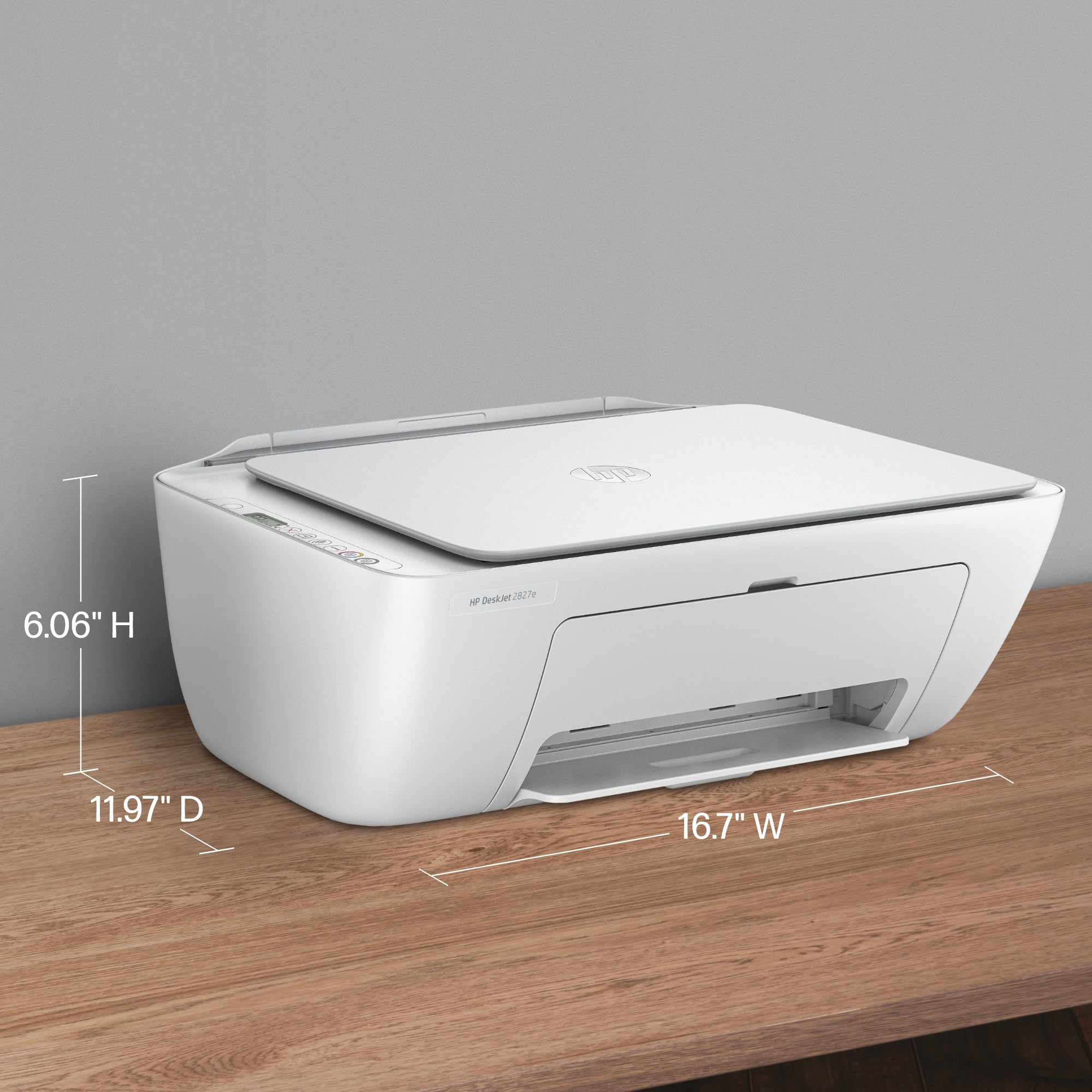
| Product dimensions | 30.4D x 42.4W x 15.4H centimeters |
| Scanner type | Flatbed |
| Sheet size | 8.5 x 11;8.27 x 11.7;8.5 x 14;7.16 x 10.12; |
| Wattage | 100 watts |
J**Y
Perfect affordable printer for at home use! It was super easy to set up. HP support has a video on their YouTube channel of how to set it up, and it was really straight forward. After you take off the tape and plastic liners, it has you download the HP app and the app guides you through setting up the WiFi, paper, & ink. Overall from unboxing to printing my first sheet, it probably took about 15-20 minutes. Setting up my WiFi and connecting to my phone was a breeze. I don’t have a computer so I was worried about finding a printer that could easily print from my phone, but this was very simple and easy to do. I was able to print documents directly from my files, as well as photos from my photo app. It takes a little less than 30 seconds per sheet, which isn’t bad for an at home printer, but could be slightly irritating if you’re printing over 50 pages at a time. The ink is great, prints pretty true to color. The black is saturated, and the colored ink is slightly less vibrant but that’s not an issue for me personally. I added a photo of what it looks like printing via the HP app, as well as the printed page afterwards. As you can see, the black is nice and saturated, the red is slightly less saturated but nothing bad, and it prints very accurately. This is perfect for my homeschooling needs, & for less than $40 I’m very happy with it. Pros : - printer and copy machine in one - comes with ink both black and colored - black ink is nice and saturated - an additional 3 month free trial to their ink subscription - after the trial the ink subscription isn’t very expensive either which is great. - 1 year warranty included - affordable printer (bought on sale for $35) - set up took less than 20 minutes start to finish - prints fast enough for at home use - can print straight from my phone, either from files or photo library Cons : - colored ink is slightly dull, but not too bad as long as you’re not printing actual photos. - the print speed could be an issue for you if you’re printing over 50 pages at a time
B**S
Great value @ $50. Easy set up; works perfectly via wireless. Ink program (3months free) is great; I print limited so @ less than $3 per month great deal. Print quality great. Online account is nice too. Recommend
Y**N
Very good printer, easy to set up. Takes up minimal space. Comes with own wifi 3 different size paper size acceptable which printer recognize on its own, warns when ink is running low, warns when jam, plus it come VPN security Only issue is it prints slow when printing colored graphics and very rare it prints item half way. This happens sometimes when too much documents are being printed at once.. But it's a great buy no doubt.
R**E
Inexpensive printer, setup was not too bad using the HP app, the printing is slow but decent quality.
B**T
Printer works OK, but HP is very pick about printer cartridges. Only original HP cartridges or recycled HP cartridges can be used on it. keep in mind that most of their individual cartridges cost as much as the original printer price. One other factor is that this printer can only be addressed through a wireless router, rather than also allowing a cable connection. That means that ALL your data, goes through a wi fi link, even if your printer is sitting next to your computer. This is great if you want to network multiple computers to it, but also impacts data security. Having both cable and wi fi available would be a much better design.
Trustpilot
2 weeks ago
1 week ago