Desert Online General Trading LLC
Dubai, United Arab Emirates
Desert Online General Trading LLC
Dubai, United Arab Emirates
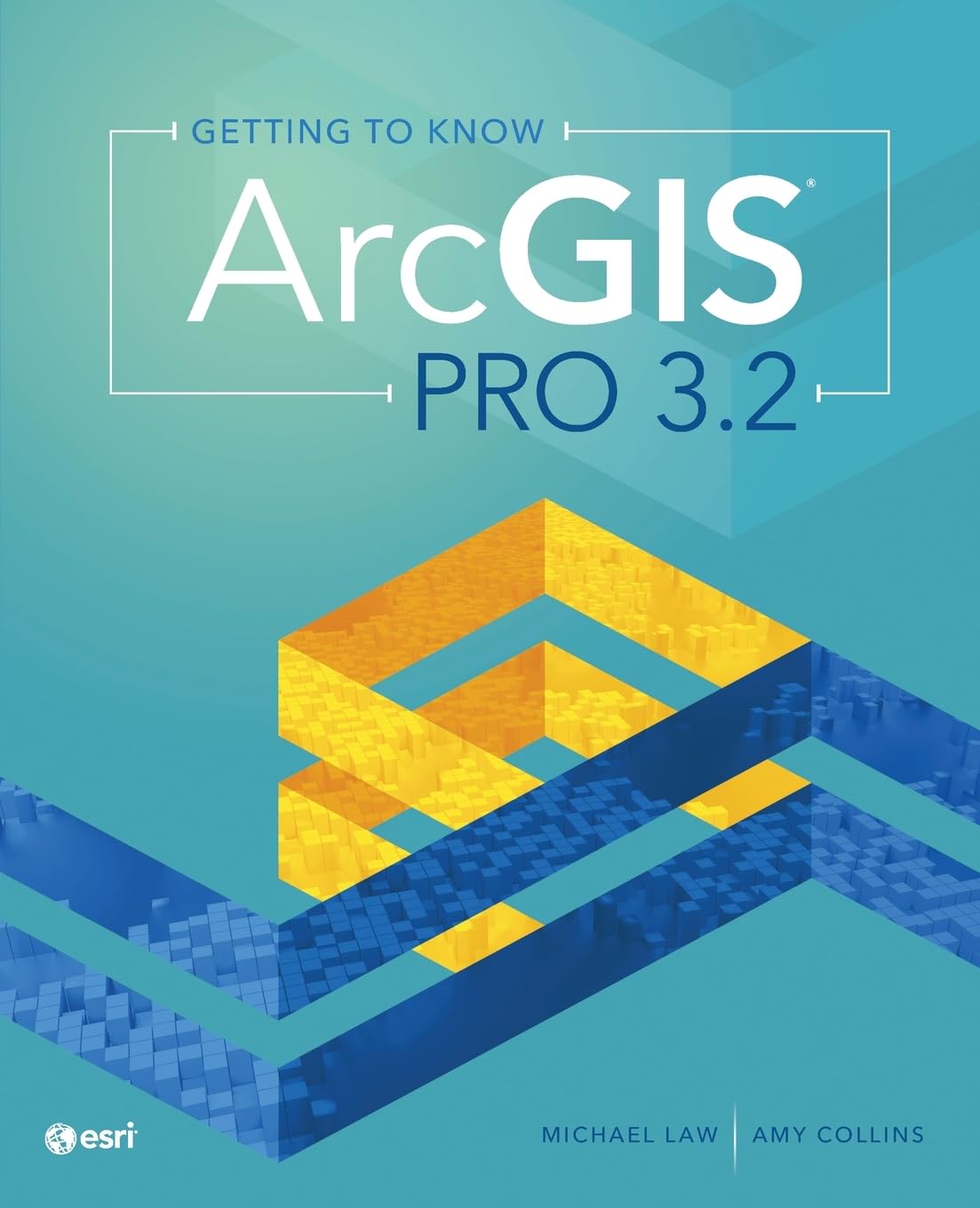

Getting to Know ArcGIS Pro 3.2
F**R
A Comprehensive Guide for GIS Beginners
Getting to Know ArcGIS Pro 3.2" by Michael Law and Amy Collins is an excellent resource for anyone looking to master ArcGIS Pro. This well-organized book sets clear learning objectives for each unit, making it easy for learners to track their progress and understand the goals of each chapter. The authors have included detailed screenshots that are invaluable in guiding users through the software, ensuring that the instructions are easy to follow.One of the standout features of this book is its user-friendly approach. The instructions are clear and concise, making it accessible to both beginners and those with some prior experience with GIS. The practical exercises and examples are well thought out and help solidify the concepts covered in each chapter.However, one minor drawback is that this new fifth edition is one chapter shorter than the previous edition (2.8). It is somewhat unexpected as newer editions typically expand on previous content. Despite this, the book still offers a comprehensive guide to ArcGIS Pro 3.2, and the quality of the material remains top-notch.Overall, "Getting to Know ArcGIS Pro 3.2" is a valuable and user-friendly guide that I would highly recommend to anyone looking to enhance their GIS skills or to instructors in search for a textbook for an Intro to GIS course.
M**N
Lacks guidance to getting started
For learning the program efficiently, this book is a fail. I borrowed a copy to have a look before buying it, and I'm glad because it's sometimes too basic and elsewhere doesn't help you get started. First it wastes a whole chapter on what GIS is, which nearly anyone who's planning on using the program already knows. Chapter 2 fails to consider what a beginner ArcGIS user, or someone who's already a decent QGIS user needs to find right at the beginning of the book: a good, thorough introduction to the layout of the ArcGIS Pro interface. There's exactly one page on that, whereas there should be 10, or a whole chapter on finding where everything is. What bars, menus, dropdowns, panes, etc. exist? and where do you find them all and make them work? For one example, by far the two most commonly used tools for navigating any graphics or GIS program (ALL of them) are Pan (hand) and zoom to rectangle. It was ill-advised for Pro to make the latter hidden (and not explained if you try Help) and less convenient than in ArcMap, but given that, a book like this should specifically show how to do it. Satellite imagery is heavily used by a whole class of important GIS users, but there's zero to poor guidance on adding, choosing, modifying, and analyzing it. Neither "Image" nor "Imagery" nor "Satellite" appears in any of the Task Index entries (there is no conventional index, something that can be instantly generated digitally when writing a book).That said, I think the task system for introducing how you learn some spatial data manipulation or other might work well enough, and as far as I can tell so far they're quite well explained (at least, WAY better than the help systems ESRI provides online). But I found it mystifying and incredibly inefficient to do the first few because it took me forever to find and operate some functions and simple tools. I was constantly going online and surfing around a variety of web sites where the general public provides what ESRI should have in the first place.
Trustpilot
1 week ago
1 month ago