Some deliveries may take a little longer than usual due to regional shipping conditions.

DOWNLOAD THE APP


Customer Services
Copyright © 2025 Desertcart Holdings Limited
DOWNLOAD THE APP
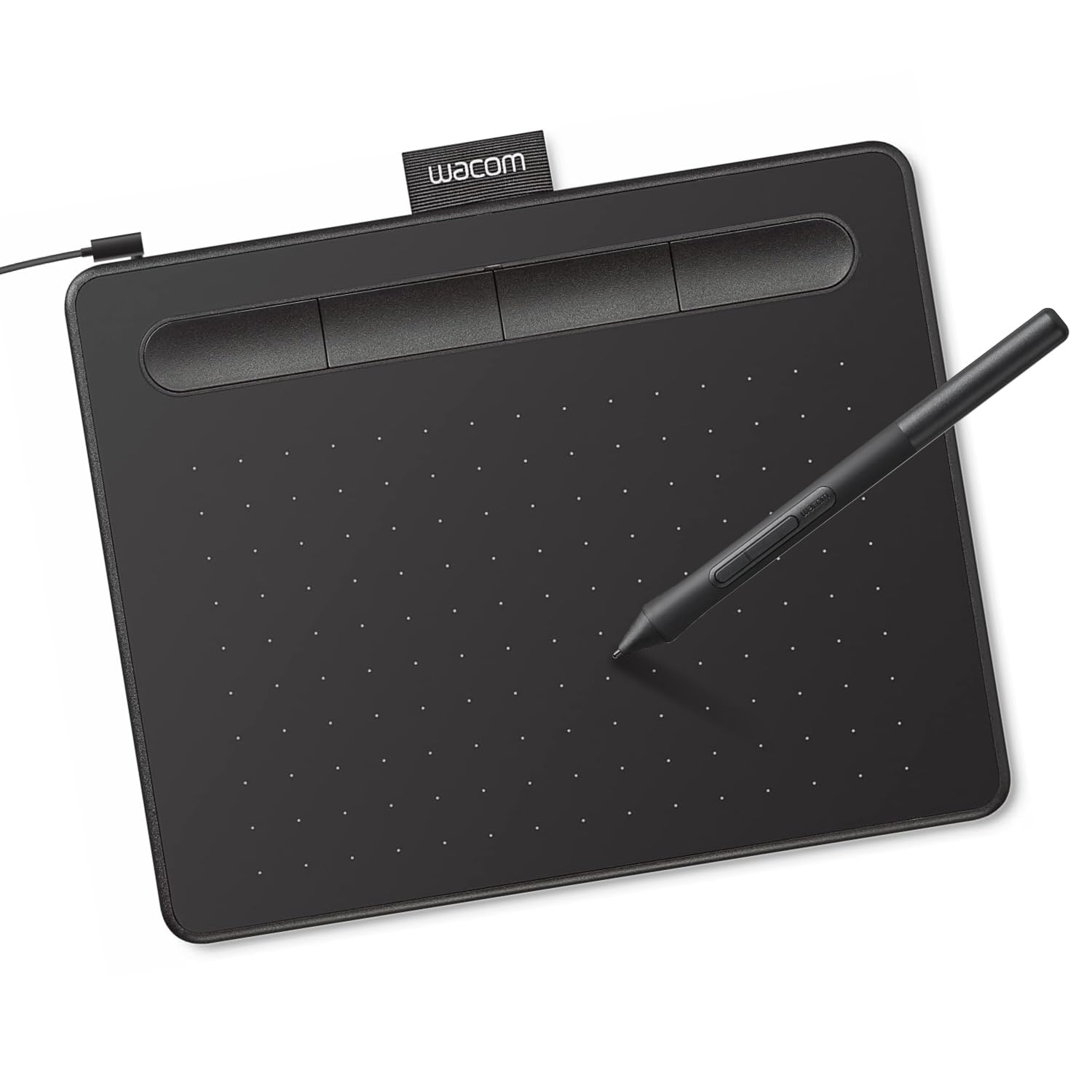
🎨 Elevate your digital canvas with Wacom Intuos — where creativity meets precision.
The Wacom Intuos Small Graphics Drawing Tablet offers professional-grade EMR pen technology with battery-free precision, 4 customizable ExpressKeys, and broad compatibility across Mac, Windows, Chromebook, and Android devices. It includes exclusive creative software and online training, making it the perfect starter tool for digital artists, designers, and remote professionals seeking seamless, intuitive control.


| ASIN | B079HL9YSF |
| Best Sellers Rank | #1 in Computer Graphics Tablets |
| Customer Reviews | 4.5 4.5 out of 5 stars (31,757) |
| Date First Available | February 28, 2018 |
| Is Discontinued By Manufacturer | No |
| Item Weight | 8.1 ounces |
| Item model number | CTL4100 |
| Manufacturer | Wacom Technology Corporation |
| Product Dimensions | 6.3 x 7.87 x 0.1 inches |
J**.
Great
Small, but perfect for my needs. I used to have a wacom bamboo connect, I think this is comparable in useable area, and seems to work about the same. I use it for graphic design as a hobby now, but used to use my bamboo for my day job. Wacom makes a quality product.
S**E
Great for Linux Mint
Works way better then drawing with a mouse. Feels a little weird to use at first but hovering around makes the cursor move. The pen has two buttons that work like the buttons on the mouse, it is a little bit of a pain as they are easy to click accidently while drawing. The pen also contains extra tips. This worked great with Linux but on the another computer it needed soft ware down loaded.
G**H
i prefer this tablet
preface i use this brand alot and this is my second intuos small. im a digital artist and use this as a mouse most of the time due to it's ease. it's not perfect. multiple times my pen pressure gives out during drawing and i have to wait till it works again which is like 15s. but overall it's good. nibs do run down quickly and I don't recommend using a nib till it's sharp as it will cut up the tablet. train yourself to have a lighter hand it'll save you in the long run. it's a good starter tablet and it's a good tablet even as an intermediate. you could go professional and still use it. i don't travel but it's a good size for it. i just wish the american ones came in pink like the japanese one. the black is monotonous and the green looks sickly after acouple years. these tablets if cared well can last awhile and that means DON'T USE THESE AS COASTERS. that's all!
D**S
Nice and inexpensive tablet with native Linux support.
I wanted a drawing tablet for use with coloring models for multi-color 3D printing and this works great, only complaint is the micro-USB port, would prefer C, but not a big deal. On Ubuntu 25.10, Gnome knows what this tablet is without any additional software and it has a nice control panel for it to map the buttons and change other settings. For $39 I cant ask for much more.
M**T
Great product,
Works great, no issues
A**A
I am grateful to Wacom. Saved my hand!
I have beenusing wacome for over 25 years and the tablet is easier to use than a mouse if you are working all day on a computer -- protecting the tendons in your hand. this is a new and improved model. thank you.
W**S
Quality for great price
Definitely worth getting the name brand. Very happy with the size, quality, and value.
L**A
Great beginners tablet
Really nice for art
A**H
it came faster than i thought, nothing was broken etc and it works perfectly
S**N
Good
A**K
SÜPER
H**G
I bought it for photo editing, it is very easy to setup and adapt to the way it work. A very good value for money product.
K**G
My son enjoyed the drawing pad. All is well, thank you!
Trustpilot
1 month ago
3 weeks ago