
DOWNLOAD THE APP


Customer Services
Copyright © 2025 Desertcart Holdings Limited
DOWNLOAD THE APP


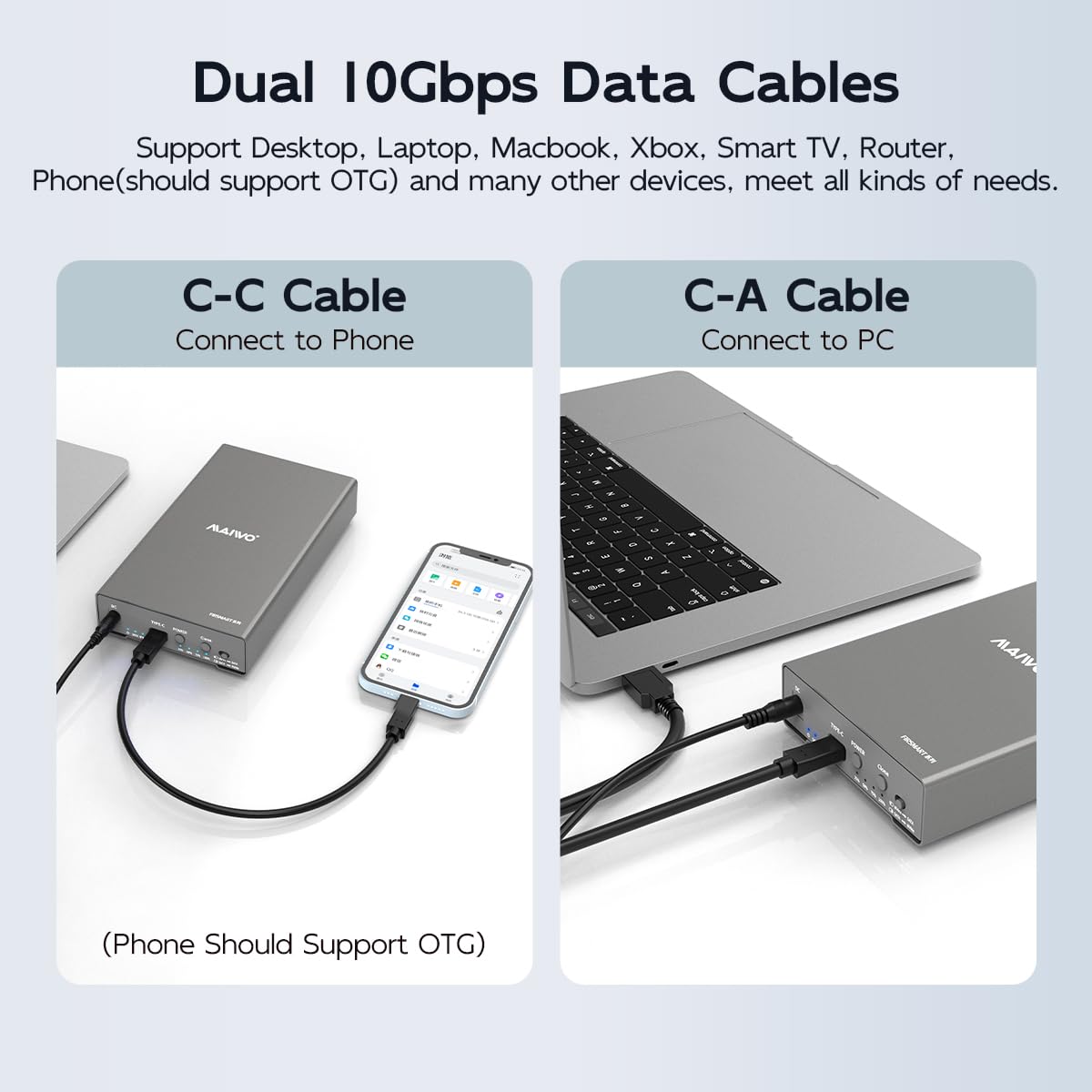


🚀 Clone, transfer, and upgrade your storage game—fast, flexible, and future-ready!
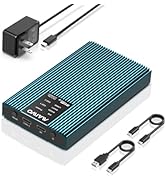
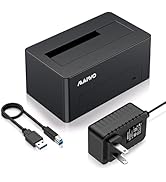
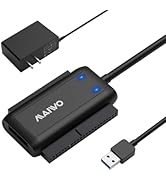
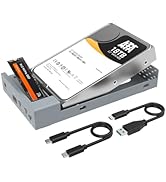
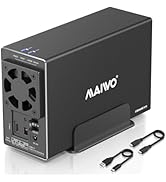
The MAIWO External Hard Drive Enclosure is a high-performance dual-bay docking station supporting M.2 NVMe and 2.5/3.5 inch SATA SSDs/HDDs. Featuring USB 3.2 Gen2 with 10Gbps transfer speeds, bidirectional offline cloning, and broad device compatibility, it offers a plug-and-play solution with robust aluminum construction and advanced heat dissipation for professional-grade storage management.









| ASIN | B0CCCHRW5Z |
| Best Sellers Rank | #43 in Enclosures |
| Compatible Devices | Desktop, Laptop, Smartphone, TV, Router, Macbook, Notebook, Tablet |
| Customer Reviews | 4.3 4.3 out of 5 stars (356) |
| Data Transfer Rate | 10000 Megabytes Per Second |
| Date First Available | July 20, 2023 |
| Item Weight | 10.6 ounces |
| Item model number | M.2 NVMe to 2.5/3.5” SATA Cloner |
| Manufacturer | MAIWO |
| Max Number of Supported Devices | 2 |
| Memory Storage Capacity | 24 TB |
| Product Dimensions | 7.52 x 4.37 x 1.38 inches |
D**E
Excellent for putting your own external enclosure together.
These work great for my hard drive and have survived several falls. There were so good I bought them a second time when I upgraded.
G**L
Fantastic operation and appearance, very pleased.
First day in, both 2-12TB Seagate Barracuda Pro HDDs, 1 in this Maiwo external as primary from PC and 2nd off the hub in a secondary Orico external, both drives immediately picked right up in Explorer with smooth and seamless operation, the Maiwo 5 bay dock was constantly freezing and stalling Explorer even when only scrolling through file names in the primary folder. Very pleased with this product starting on day of receiving, July 27, 2025.
P**F
Great Enclosure
This drive enclosure is an exceptional value for the price and handles at least up to twenty terabyte drives (I'm currently using a twenty in it now) and I suspect it would handle all the way up the max of twenty-eight terabytes (as of this writing) without any issues. It also handled a drive that would not work with other enclosures or docks. I slipped it into this enclosure and it powered up and connected with no effort at all to my MacBook and stays connected without error. The case is aluminium so it syncs heat really well; my drive stays under thirty degrees even under heavy loads. The design is sleek and looks good on my desk with my other peripherals. The drive installation is easy but it is the source of one of my complaints with this unit. To mount the drive you have to tilt and slide it into the SATA connector. It doesn't just slide straight into the connector like a normal enclosure. The tilt that's needed to get the drive into the enclosure was such that I was afraid I was goofing to damage the drive putting it into the enclosure. In the end, I got it in successfully, though. I did wind up using the optional screws just minimize vibration but the screws are totally optional although I would recommend if the enclosure is going to be used a portable drive.
D**M
Enclosure works great, as long as you replace the cable
The cables that came with this thing were unreliable and slow. I replaced them with quality USB C cables that were 10Gbit cables capable of 100 Watts, and even with a 6 foot cable, it works like a charm. The included cables were a bit short, but even using the short cables, it caused issues with disconnects and slow speeds. Swapping it out for better cables all around made the difference for me, and now I'm happy with the purchase. Let's face it, this was an inexpensive enclosure. Considering the price of a reliable USB C high speed data cable, there's no way they could have included one. That's my opinion, and that and $10 might get you a cup of coffee if you show a little leg to the barista. (Inflation sucks.)
P**K
Decent enclosure and USB hub
Connected to this enclosure via USB 3.2 gen 2, writing speed for the installed HDD (Toshiba N300) ranges between 250~290MB/s; the portable SSD connected to the usb c port of the enclosure shows writing speed of stable 700+MB/s. Haven't yet tried the two USB A ports. Overall, it's a very decent enclosure, the built-in USB hub is a good plus if you need it.
G**A
Good value and easy to use.
Worked very well, fitted the hard drive making it safer than open. Good value and easy to use.
K**E
Disappointingly, NOT STACKABLE
Bought 2 of these specifically because: "Stackable They are stackable, you can combine multiple enclosures to expand more storage as needed for your devices." Sure... they can be stacked one on top of the other, however, they are not chainable as advertised. Tried on Mac, Linux, and Window. 1 drive was detected. Separately, both work fine across all the machines. Very very dissapointed... not useless tho. Transfer speed seems fine, cases themselves see sturdy.
P**C
Excellent Read my Review
For those interested in using two of these adapters. And what's impressive is that they will reliability allow the SATA Hard Drive to go to Sleep mode automatically but also will wake up when the computer it in my case server needs to address the drive. I've tested this and it work perfectly. This is a big deal as most of the lower end USB to SATA adapters do not do this. Some will allow the drive to sleep when not in use but then it will not automatically wake up. So This Adapter is a cost effective Winner for my own needs.
R**N
love it it save me work time and speed up the job
L**E
一時的な保存用としてバラクーダ24TBを購入した為、こちらのケースを使っていますが思ったより安定的に使えています。アルミハウジングなので放熱もある程度してくれますが、結構熱くはなるのでファンで冷やしながら使っています。 転送速度にばらつきがある様に感じますがケース由来なのかHDD由来なのかはわかりません。 数TBのデータもそこまでストレスなく転送できます。 持ち運びには向いていないサイズなので家設置用ですが24TBでもちゃんと使えるのでよかったです。
M**L
Existió Buena Comunicación Y Fue Entregado En Tiempo Y Forma Por Parte Del Vendedor Y la Mesajeria Recomiendo al Vendedor Y Seguiré A Futuro Asiendo Compras Con El Y En La Plataforma De AMAZON MÉXICO
D**H
Works My old laptop had SATA SSD AND M.2 Slots, the main windows and my data were on SATA SSD. The sata connector got damaged and was not able to detect boot drive. After confirming that the drive was fine bought this and a large M.2 Ssd cloned it from sata ssd. Works as is Always clone to a larger drive. ALWAYS CHECK FIRST IF THE DIVE WORKS CLONE IN COOL PLACE Ps : (optimise your HDD mechanical hard drive before cloning)
B**7
I bought this a an emergency replacement for another trusted, known brand of enclosures. Unfortunately, the first enclosure was defective. Maiwo is a moderately known brand for hard drive enclosures, docking stations and cloning devices, and despite not having owned one before, I got this one as a quick replacement. The enclosure itself is neatly packed in the box, well protected. It contained the cable, power supply, some screws and even a screwdriver to facilitate drive installation. Installation is very simple. Slide out the caddy from the enclosure housing, drop in your drive - carefully aligning the SATA power and data connectors. Align the holes on the drive with those on the caddy and use the supplied screws to secure the drive. Don't tighten too much since the caddy is plastic. Once the drive is installed, slide the caddy into the case. There are 4 felt pads that you can use as feet, so the enclosure does not vibrate or move around on your desk. Plug in all the cables and you're done! I installed a small hard drive (only 4TB), so I wasn't able to confirm the maximum capacity recognized.
Trustpilot
2 weeks ago
4 days ago