
DOWNLOAD THE APP


Customer Services
Copyright © 2025 Desertcart Holdings Limited
DOWNLOAD THE APP



📡 Power up your WiFi game with range and efficiency that keeps you connected and ahead!
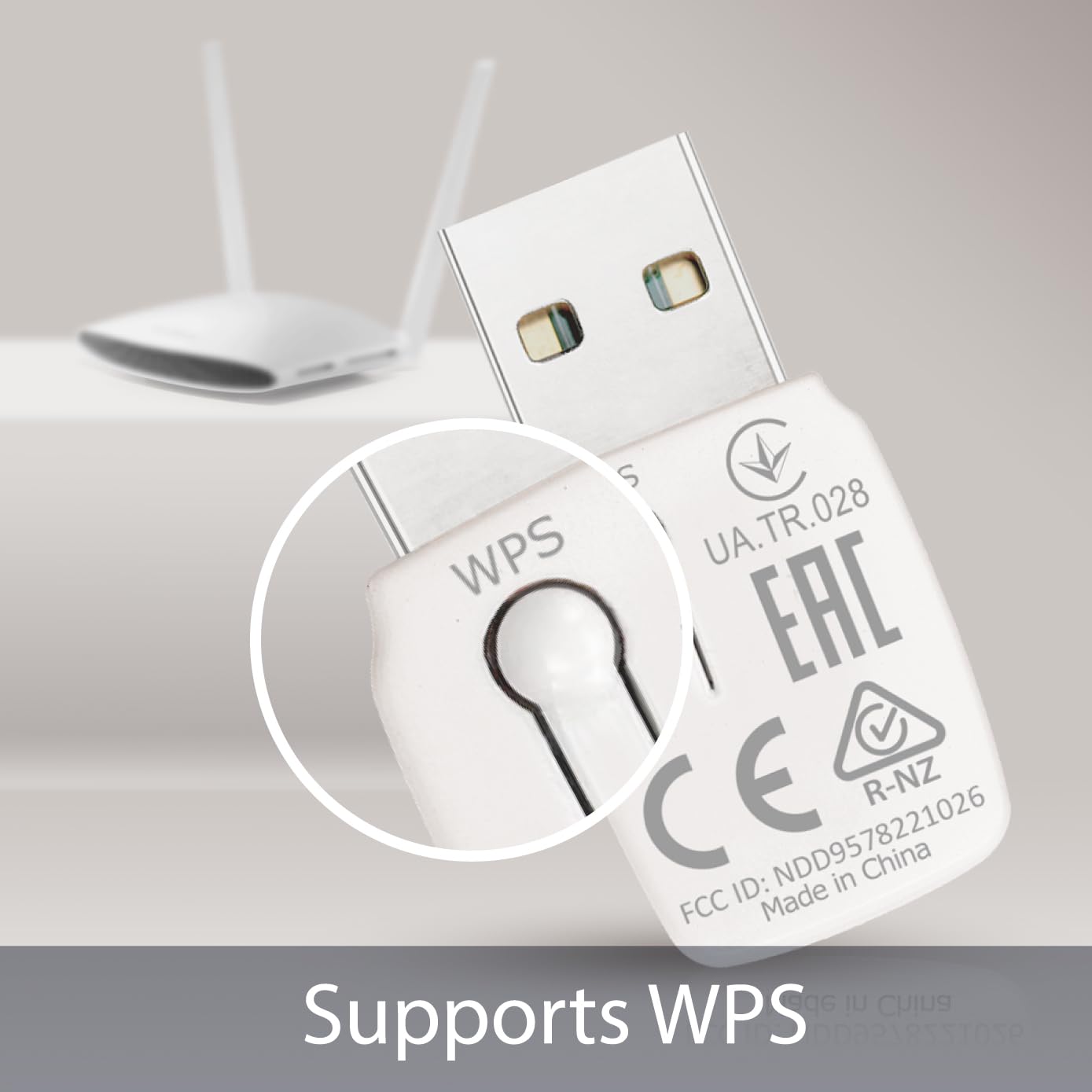
The Edimax EW-7722UTn V2 is a lightweight, dual-antenna MIMO USB WiFi adapter designed for professional-grade wireless range and ultra-low power consumption. Compatible with Raspberry Pi and major operating systems, it offers plug-and-play convenience with robust performance, making it ideal for tech-savvy millennials seeking reliable connectivity without compromise.
| ASIN | B005GSGPDM |
| Are Batteries Included | No |
| Brand | EDiMAX |
| Customer Reviews | 4.0 4.0 out of 5 stars (164) |
| Date First Available | 11 Aug. 2011 |
| Guaranteed software updates until | unknown |
| Item Weight | 68 g |
| Item model number | EW-7722UTn |
| Manufacturer | Edimax |
| Product Dimensions | 15.8 x 13.59 x 3.3 cm; 68.04 g |
| Series | EW-7722UTn V2 |
| Wireless Type | 802.11bgn |
M**G
This device works well with a Raspberry Pi. It was recognized by the latest Raspbian distro (June 2014) running on an RPi model B+ without any extra work on my part. I have a collection of WIFI dongles now. I was specifically trying to find a dongle that combined low current consumption, but long wireless range. Some nano adapters are super small and don't draw much current, but they have relatively weak wireless output. Other high-power USB WIFI dongles have good wireless range, but they consume a lot of power (all the time!) to generate their WIFI range. I got this dongle specifically because it claimed to be a 2-antenna MIMO radio, which I was hoping would give me better range without blowing the power budget. To my happiness, my experiments have shown that its wireless transmit performance is on par with the high-power external-antenna USB WIFI dongles that I have tried. Even better is that when the wireless interface is idle, the power consumption drops down to be as low as any of the dongles in my collection. During wireless activity, the power consumption increases by about 0.4W, but it would appear that the increased power is going into increased transmit power. My access point indicates that the transmit signal generated by this dongle is much higher than the little nano adapters, and almost the same as the high power external antenna USB dongles. That was exactly what I was looking for. For the record: Using this EW-7722UTn V2 dongle, my RPi B+ uses 240 mA at 5V (1.2W) when the wireless is idle. When the wireless link is active, the power increases to 360 mA at 5V (1.8W). With the dongle completely removed, the power consumption is 210 mA at 5V or 1.05W. That means that the dongle is only drawing about 0.15W during idle, which is really quite good.
A**R
Had a few of these for a macbook, drivers weren't well maintained. Not much for tech support. Very delicate if on laptop, break pretty easily.
A**R
So I ordered this product because it was cheap $13, has good reviews, and was 300 mbps -upon my husbands recommendation. I dont know a whole lot about computers I really use a computer more for internet and thats about it. First off I was installing this on a Acer All-in-one Windows 7 computer. So I got this took it out of the sealed box- packaging was great, and looked at the instructions. What I did at first was just put the little usb adapter in without attaching it to the longer usb thing, and put the disk in because my computer was saying there was a driver missing, popping the disk in installed the driver, went through the setup process, got about as far as trying to find a connection and then I was stuck. I opened the user manual that comes on the program and read through it and then it hit me that maybe I should try plugging in the small usb thing to the big one and problem solved. Instantly picked up my connection, just had to type in my network key or whatever. As far as speed, just as fast as my laptop which is used in the same room as my modem! Which is crazy because the computer I have it on is downstairs half way underground and I don't even get good cell service down there. The only reason I dont give it 5 stars is I've noticed whenever I turn the computer on I have to go into the interface for the program and type the network key in maybe there is a trick that I havent figured out yet, I've only has it set up for a day. Also there is a blue flashing light that is practically always flashing, not a big deal, let's me know it working at least. So that extra star is more for things having to do with me personally. I would definitely buy this again, I'm surprised that it was only $13!!! Very happy with my purchase.
C**.
As a former user of the 150Mbps adaptor I have since found myself in need of another adaptor. The 150 made me have to go online to the Edimax website to download the driver. Not a problem, saved the file to desktop, put it on thumb drive and always had it. When I bought this I thought, no problem, I know where to find the drivers if need be. This came with a driver disk and instead of auto run I went into the folders and found my win7 setup and whala. Windows 7 couldn't find the drivers on its own so the disk was needed to get me up and running. Wireless 'N' speeds (close enuff for my needs) and it comes with an extension cable so you don't have to use your finger tips or nails to pull it out, it's that small. The big reason I went with it is because of experience with Edimax before and the extension cable that makes it worth while.......and it works great!
R**4
The Edimax Wireless Mini USB Adapter is a great little WiFi Adapter. The first time I installed it, it set up and worked like a dream... Fast, Good Connections, Great Software for managing your connections (much better than the built in Windows 7 stuff). The problem is when you remove it from some systems. I made the mistake of "ejecting" the unit (Safely Remove Hardware and Eject Media) and then reinserting into the USP port... and...nothing!... The rest is history... I tried uninstalling, reinstalling, uninstalling and reinstalling... disabling other wireless adapters, etc. It appeared the unit was "dead". I eventually had to Open Device Manager and watch for the unit to appear upon inserting into the USB port. Then, I manually installed the driver from the CD ROM. My system then recognized the unit and I thought I was set... until I restarted the System and it wasn't recognized again. I finally rectified the problem by once again uninstalling everything to do with Edimax, inserting the unit in the USB Port, manually installing the driver, manually installing the connection software and then restarting the system. This seemed to work for the time being. I am not a Computer Genius, but I am not a newbie either. This thing seems to not ever want to be unplugged from my computer... if it is... well, read above. If you are in need of a nice little WiFi adapter and have a USB port that you don't use and don't need and don't mind leaving this plugged in forever then I recommend. If you want to take it with you... well, I would advise caution. I am sure that on some systems this would not be the case... but On mine (Windows 7, couple years old with all updates, etc) it wasn't. I would recommend buying a more expensive brand if I had to do it over again.
Trustpilot
2 weeks ago
2 weeks ago