
DOWNLOAD THE APP


Customer Services
Copyright © 2025 Desertcart Holdings Limited
DOWNLOAD THE APP

🚀 Double Your Display, Double Your Power
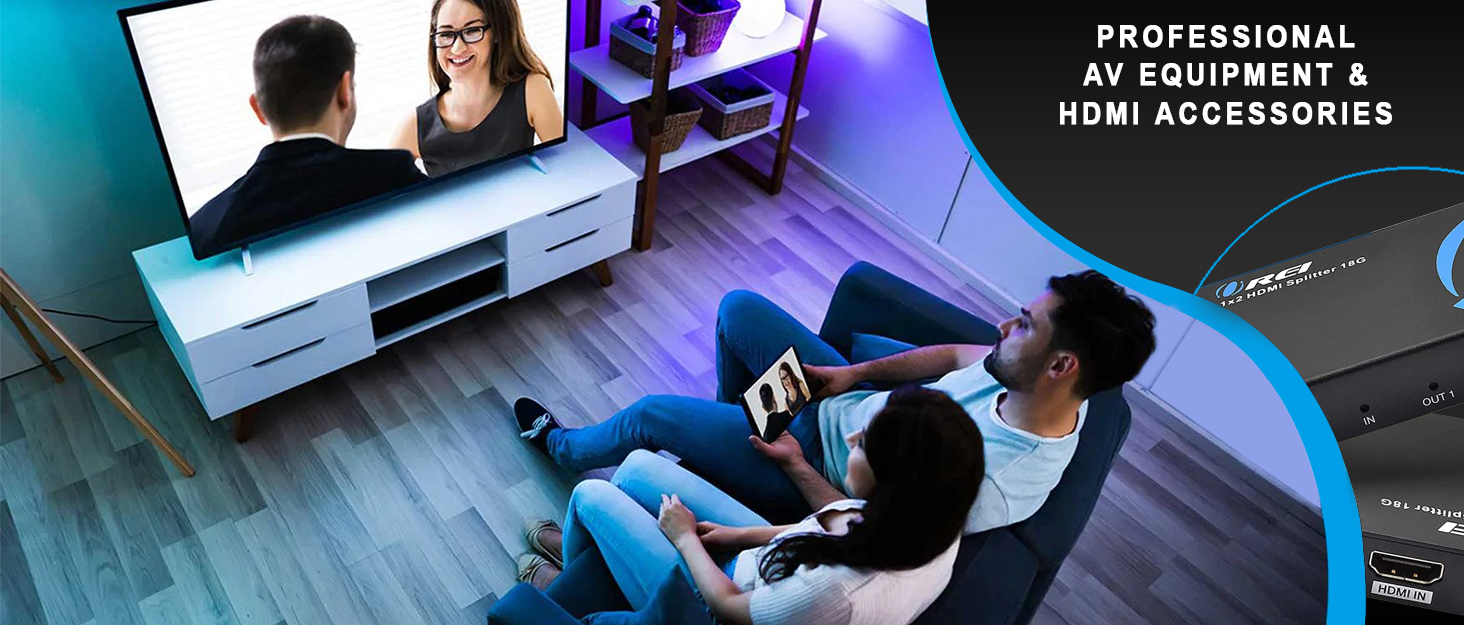
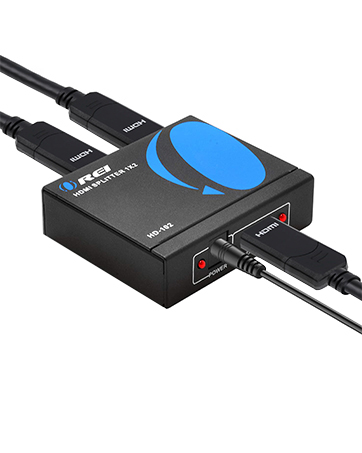
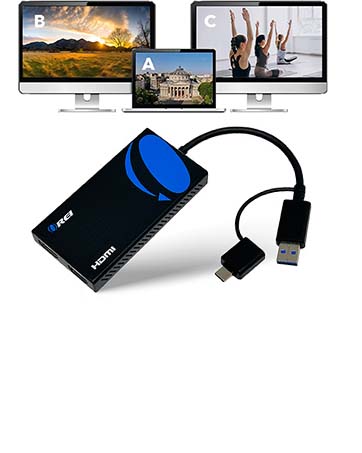
The OREI BK-22 HDMI Splitter delivers seamless 2-in, 2-out 8K@60Hz and 4K@120Hz video with Dolby Vision pass-through and HDCP 2.3 support. Designed for gamers and professionals, it features VRR, ALLM, and Auto EDID management for lag-free, hassle-free switching between two HDMI sources on dual displays. Compatible with all major OS and devices, it’s the ultimate upgrade for multi-room or multi-screen setups.





| ASIN | B0BMQVNTSY |
| Best Sellers Rank | #27,664 in Electronics ( See Top 100 in Electronics ) #81 in Satellite TV Splitters |
| Customer Reviews | 4.0 4.0 out of 5 stars (67) |
| Date First Available | November 17, 2022 |
| Item Weight | 13.9 ounces |
| Item model number | BK-22 |
| Manufacturer | OREI Products |
| Product Dimensions | 2.67 x 5.7 x 0.6 inches |
N**Z
Saved me buy a 2nd PS5
This product work great. I was wanting a Ps5 in an a 2nd room without haven't to move my console. I considered just buying a new one to avoid the hassle of the back and forth. I heard of this product on YouTube and gave it a shot! I was able to cut out clean holes through my wall and run a 4k @120Hz into the next room - (Ps5 controllers are working great and rooms are about 30ft apart) Everything is running smooth! And the Orei unit is doing just as it was designed to do. It saved my money and an glad I made the purchase.
H**P
Works Flawlessly!
This is incredible, I can now play on either my TV or my monitor without having to switch HDMI cables. It detected my Xbox Series X and PS5 right away without any issue! I even had them on at the same time and switching between the 2 was quick with the included remote control! Highly recommend this!
M**W
Great Splitter Despite Not Meeting My Needs
Overall, this is a great HDMI 2.1 splitter. It does exactly what it is supposed to do. Confirmed it works with G-Sync and VRR at 4k / 120. My use case for this was trying to split 4k120fps HDR video from a PS5. I wanted to send Output 1 to a LG C2 screen at 4k120 / HDR / VRR. I wanted Output 2 to go to an Elgato HD60X capture card where I was hoping the image could be downscaled at the capture card to 1080p 60 or 120. The splitter will output the same signal on both outputs and in my case the capture card I was using could not accept a HDMI 2.1 4k / 120 signal. You can configure the EDID in a number of ways. By default, it copies the EDID of the Output 1 display. If I setup my PS5 to output at 4k 120 and connect my C2 to Output 1, it will try to mirror those settings to Output 2. The workaround in this case for me was to run my PS5 at 4k60 and disable 120hz and VRR on the PS5. This will allow 4k60 out on both outputs which my capture card will accept. If you are dead set on 4k 120fps on your main screen, look for a HDMI 2.1 splitter that has scaling on the second output. There are a few splitters than can convert your 4k 120 signal to 1080p 120 on Output 2. If HDMI 2.1 capture cards become available in the future, this should work perfectly with them for my use case. As a standalone splitter, it works perfectly for sending out two identical HDMI 2.1 signals.
B**D
Legit
This company is legit. They take pride in their hardware. I wonder if there's switches/splitters that support 48gbps hdmi 2.1
D**Y
Review from real person
Item does not support 4k 120hz without constant flickering. There is also no audio to second output. Seems to work at lower resolutions but still could not get any audio to the second output. Save your money and look elsewhere
D**L
Orei BK-22 outputs to Projector and Avr
Bk-22 review - I could not get it to pass through 4k at 120hz for computer or for the ps5. Audio at 5.1 to avr would not work either. Only edid set at 1080 and 2 pcm would work. What's the point then? Older avr will run 4k at 60 with surround sound, so ended up returning it and will get an avr that supports 4k at 120hz in the future.
H**R
it just works
I found a device that can actually work as intended. I wanted to play my PS5 game on my monitor and sometimes on my projector. now I can.
S**O
make sure you're within specifications.
for 4K/60 any cable length. 4K/120, 10 ft max, even using max cables. Now I have a useless Orei device unless I go down to 4K60.
B**1
I'm getting a black screen interrupt the signal from time to time that lasts about 5 seconds edit: I've tried to only have 1 input and 1 output for the past week which seemed to mitigate the issue but just now ended up have a flashing black screen. after power cycling the device it fixed it. this is not normal...
K**A
Great product solved my issues for display and sources
J**N
Signal from both outputs randomly cuts out and reconnects, very disappointing not sure if I possibly got a defective unit
A**R
This product seems built with quality and sturdy with outer case of metal. Received it today and using it. So far experience is good.
P**E
This is my third HDMI splitter, the first two were around the £30.00 price point and worked on my Xbox Series X but not on my PS5 - that said, I didn't check whether the Xbox was showing as 4K 120Hz on either. Needless to say, after being £56.00 down I was still on the hunt for a working HDMI splitter for my two consoles. Up pops the OREI 8K UltraHD HDMI Splitter. I went for the 2 x 2 without audio as it suited my needs better, plus it was cheaper! Item turned up (left outside in the freezing cold courtesy of Amazon Prime deliverers!) and I immediately unboxed it and looked to get it plugged in. The unit itself is very solid and feels premium in your hands. The remote is a little plastic naff thing so I left that in the box. The UGREEN power from my last switch was still in place and fitted this unit so I used that, connected my 3 8K HDMI 2.1 cables and gave a test. To my delight I could now easily switch between my PS5 and my Xbox without having to fiddle around in the cupboard to swap out from the Samsung Frame control box. So far so good. The first downside was with the HDMI control. When I turned on my Xbox (which in turn, turned on the TV) it also turned on my PS5 and, as the PS5 powered on last, the OREI box switched over to that. That issue doesn't occur though if I switch on the PS5, the Xbox remains powered off. Initially, the PS5 seemed to be working fine - menu options showed 120Hz was automatic, although the VRR was disabled (which I was sure was enabled when connected directly). Games seemed fine but I wasn't 100% sure it was running at 120Hz. The Xbox though was showing that the TV wasn't cable of 4K at 120Hz. Not ideal but at least it's a working solution so I was going to go with it. Today though, after everything had been power cycled (except the splitter), the PS5 and the Xbox are both running at 4K 120Hz - note, I don't normally power off the TV at the mains but I did during my testing because there's an issue with the Samsung Frame when it's left connected to an idle device for a prolonged period of time, it messes with the audio. Well, cuts the audio completely! A power cycle is the only resolution, so something to bear in mind if you have any issues when first setting up. Why only 4 stars then? Well, I had a problem where I had both consoles on, powered off the Xbox thinking I can simply switch over to the PS5 but was stuck with a green screen so had to hard power the PS5 too. Given the power-up snafu I mentioned earlier, this could end up being a regular issue when I play Xbox so, to me, that warranted a 1 star removal. Could just require a firmware upgrade that I haven't looked into yet. Once I've done that I may come back and update the review/rating accordingly. TL/DR; works almost perfectly with the Samsung Frame (plugged into the Game port), Xbox Series X and PlayStation 5.
Trustpilot
2 weeks ago
2 weeks ago