Desert Online General Trading LLC
Dubai, United Arab Emirates
Desert Online General Trading LLC
Dubai, United Arab Emirates



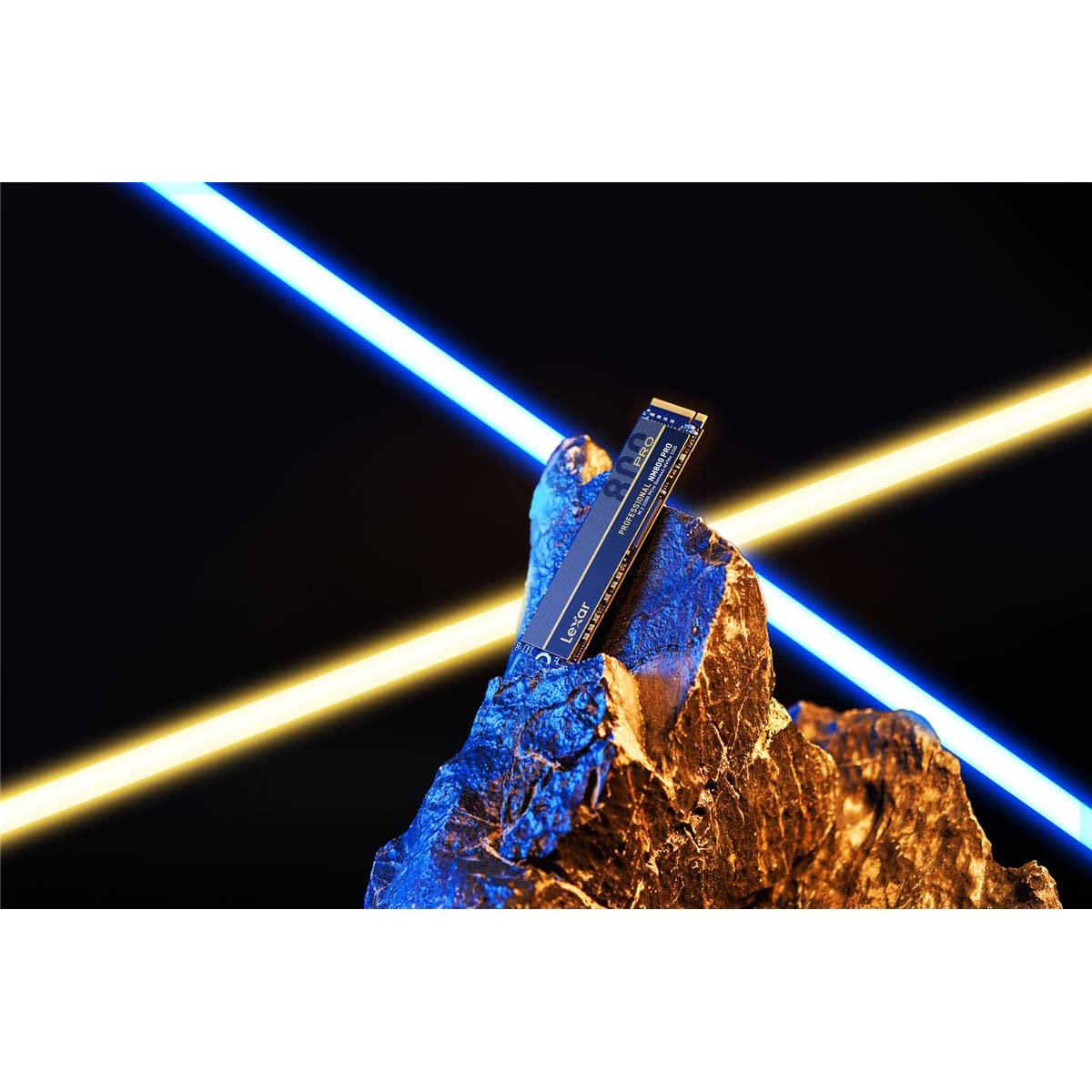
🚀 Elevate your speed game — don’t get left behind!
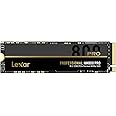
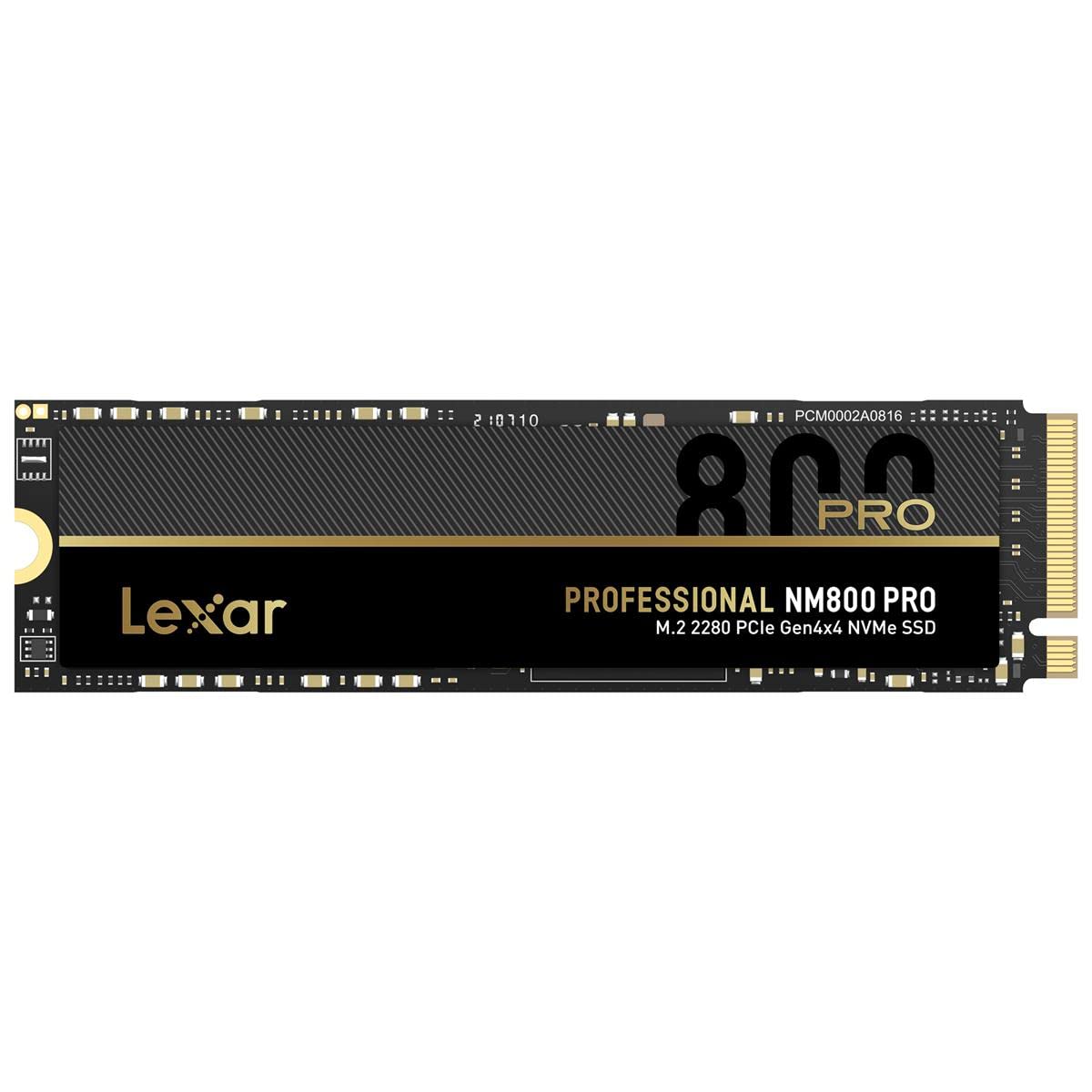
The Lexar 512GB NM800 PRO SSD leverages PCIe Gen4x4 NVMe 1.4 technology to deliver ultra-fast 7450MB/s read and 3500MB/s write speeds. Designed for gamers, professionals, and creators, it features a power-efficient 12nm controller, shock resistance, and seamless PlayStation 5 compatibility, all backed by a five-year warranty.


| Hard Drive | 512 GB Solid State Drive |
| Brand | Lexar |
| Series | Nm800 Pro |
| Item model number | LNM800P512G-RNNNG |
| Item Weight | 0.32 ounces |
| Product Dimensions | 0.08 x 0.87 x 0.1 inches |
| Item Dimensions LxWxH | 0.08 x 0.87 x 0.1 inches |
| Color | Black |
| Computer Memory Type | DIMM |
| Flash Memory Size | 512 GB |
| Hard Drive Interface | NVMe |
| Manufacturer | Lexar International |
| ASIN | B0B7LBVHH2 |
| Date First Available | July 25, 2022 |
J**.
Nice SSD
I'm using this 1TB SSD as my boot drive, and it is fast and works flawlessly. It offers great capacity and speed at a reasonable price point. It was easy to install in my new build.
M**O
Great Budget SSD with Effective Heatsin
I purchased the Lexar NM790 SSD with Heatsink 1TB PCIe Gen4 NVMe M.2 2280 for my budget PC build, and I'm quite satisfied with its performance.The inclusion of the heatsink is a nice touch, as it helps keep the drive cool during heavy usage, ensuring consistent performance. The product's build quality appears to be decent, which is essential for long-term durability.The SSD has worked flawlessly for my needs, and I've experienced noticeable improvements in load times and overall system responsiveness. It offers good value for the price, making it an excellent choice for those on a budget.I'm pleased with my purchase and would definitely consider buying another Lexar NM790 SSD in the future.
C**B
Great for a Second Drive
I'm using this for a data drive in a newly purchased computer. Access to the drive is very fast. The drive come unformatted, so, if using Windows, you must access the drive and format it through the Device Manager. It's an easy process (look it up on the web, if you don't know how) and everything works great. Very dependable. Since I've had this less than a month, I cannot say anything about its longevity, but I have used Lexar memory cards with no failures. I purchased this with the heat sink for added protection, although the other drive in the computer does not have one. Extra protection is always a better choice. I am pleased with the drive and am sure I will get many years of flawless performance.
B**O
Great amount of storage for an excellent price.
I've been looking at getting a larger NVMe SSD for a year or so now but prices have largely remained steady up until Fall off this year when they really started to get more affordable.This is replacing an older Gen 3 MP510 960GB. I was getting rather tired of having to pick and choose what I wanted installed on the drive.I picked the Lexar after reading numerous reviews and seeing nothing but positives.It's TLC based drive unlike most of the others around this price point for 4TB models. QLC drives have their own issues, the most concerning being longevity, as their NAND is much more easily worn out and typically do have any DRAM so in heavy or intense workloads they can drop to speeds like that of normal mechanical hard drive.It's got a rather high endurance rating, over twice the 1400 TBW of the drive out replaced. This was another reason for getting this as I don't have to worry about the drive failing due to exhausting the endurance. I'm sure I'll be looking gone before the drive would fail.One incredible thing is that Lexar managed to get all 4TB on a single side of the NVMe. Most drives they're on both sides making it harder to cool.My only con is that it does run quite warm. It does sit under my GPU and in general, idling on the desktop it can sit in the 50's. If your motherboard doesn't have a heatsink, you'll want to pick one up. I can't imagine how much worse it could be if I didn't have 2 140mm intakes on the side above the GPU blowing air down onto the board. I did buy a heatsink but have not yet installed it so I'll likely be looking at around a drop off 10-15C or more. If the extra $15-20 for the heatsink model didn't bother you, go that route.I will say I am hampering the drive as the m.2 slot it occupied is only a PCIE Gen 3 so it won't ever hit it's true speeds, but when I tested it, it was hitting the limit of the maximum bandwidth. I was getting identical read and write speeds capping out around 3500MB/s, a little less than half what the drive is capable of.If you're looking for speed, endurance, size options and a good price, the Lexar is the way to go. They've been in the storage game for a long time and have always been reliable for flash based storage
B**R
high quality, fast, good price
works great, no complaints
S**F
Nice but.....
Very good purchase, very good price, capacity and speed. The only thing I noticed is that it is somewhat hot at full load, so keep that in mind when purchasing it, if you don't have a motherboard with aluminum heatsinks for NVMe it is better not to buy it since at full load it goes up to 66 degrees. I would not recommend it for a laptop or console. But yes for a desktop computer with good ventilation.
K**R
Awesome upgrade!
I purchased a portable ORICO M.2 NVMe USB SSD enclosure to clone the almost full 128GB NVMe SSD that came in my Lenovo IdeaPad-3 14IIL05 laptop. I installed this new Lexar 2TB NVMe SSD in the portable USB enclosure, and used EaseUS Disk Copy Pro to clone the 128GB SSD to this Lexar 2TB NVMe SSD via the laptop USB port. The whole cloning process took about ten minutes. I then safely ejected the ORICO M.2 NVMe SSD USB enclosure containing the Lexar 2TB NVMe SSD. After removing the bottom of the Lenovo IdeaPad-3 14IIL05 laptop, I disconnected the small battery plug from the motherboard and removed the 128GB NVMe SSD from its slot and replaced it with the new Lexar 2TB NVMe SSD that I had removed from the ORICO M.2 NVMe SSD USB enclosure after the cloning process. I applied the longer thermal sticky pad that came with the new Lexar 2TB NVMe SSD, reconnected the battery plug on the motherboard, and reinstalled the bottom panel of the laptop. I plugged in the laptop power adapter and booted up the laptop. Everything is working perfectly. My Lenovo laptop now boots up much faster than before, and I now have a ton of extra drive space for music and videos. I'm 100% happy with this purchase!
S**I
Works well so far
Runs fine using heatsink comes with mobo, easy to install. Not into name brand or speed test much, as long as I can see stuffs moving fast, and The price is right. Lexar has been there forever, I have confidence this SSD will last.
S**N
Works great in BosGame B100 Mini PC
Upgraded an m.2 SSD in a Mini PC (BosGame B100) for extra capacity and faster performance to use as an Umbrel node - great budget option when you don't need the ultimate performance.
E**S
Fantastic
Very good SSD, it fits very well and comes with their screw, it is amazing terms of performance, I updated from HDD and now my computer is as fast as a new one.
M**.
Very good ssd. Works well in HP Pavillion
Initially purchased WD Green 1TB SSD as an upgrade for my HP Pavillion cs3003ca boot drive. Laptop would not recognize the WD SSD. Returned for refund and ordered this instead. Mirrored the existing SSD to the Lexamark SSD using clonezilla. Installed in laptop and although recognized the SSD, was giving a windows boot error. Followed blue screen options to re-install windows 11. Re-installation ran perfectly and computer functions really well with the new Lexmark SSD as the boot drive. Bit of a process, but happy with the end result.
C**.
Fantastic Performance for the Price
I was short on storage and my board had an unused M2 port available.I always trusted Lexar and, once again, I was not disappointed. Performance is stellar for the price range, reaching above 1,2 GB/sec in some cases.Although it is fairly recent, I doubt reliability is going to be a concern.
J**A
CALIDAD-PRECIO
Antes mi laptop tardaba hasta un minuto y medio en encender completamente y ahora con el ssd solo tarda maximo 2 a 3 segundos una enorme diferencia, y no me quiero imaginar como debe ser si le saco toda la velocidad posible ya que mi laptop solo puede alcanzar velocidades de 3 gb y el ssd alcanza hasta 7.4 gb de escritura, pero en general muy buen producto.
Trustpilot
3 days ago
2 months ago
1 month ago
2 months ago