We remain fully operational. Our teams are working around the clock to ensure your deliveries continue safely.

DOWNLOAD THE APP


Customer Services
Copyright © 2025 Desertcart Holdings Limited
DOWNLOAD THE APP
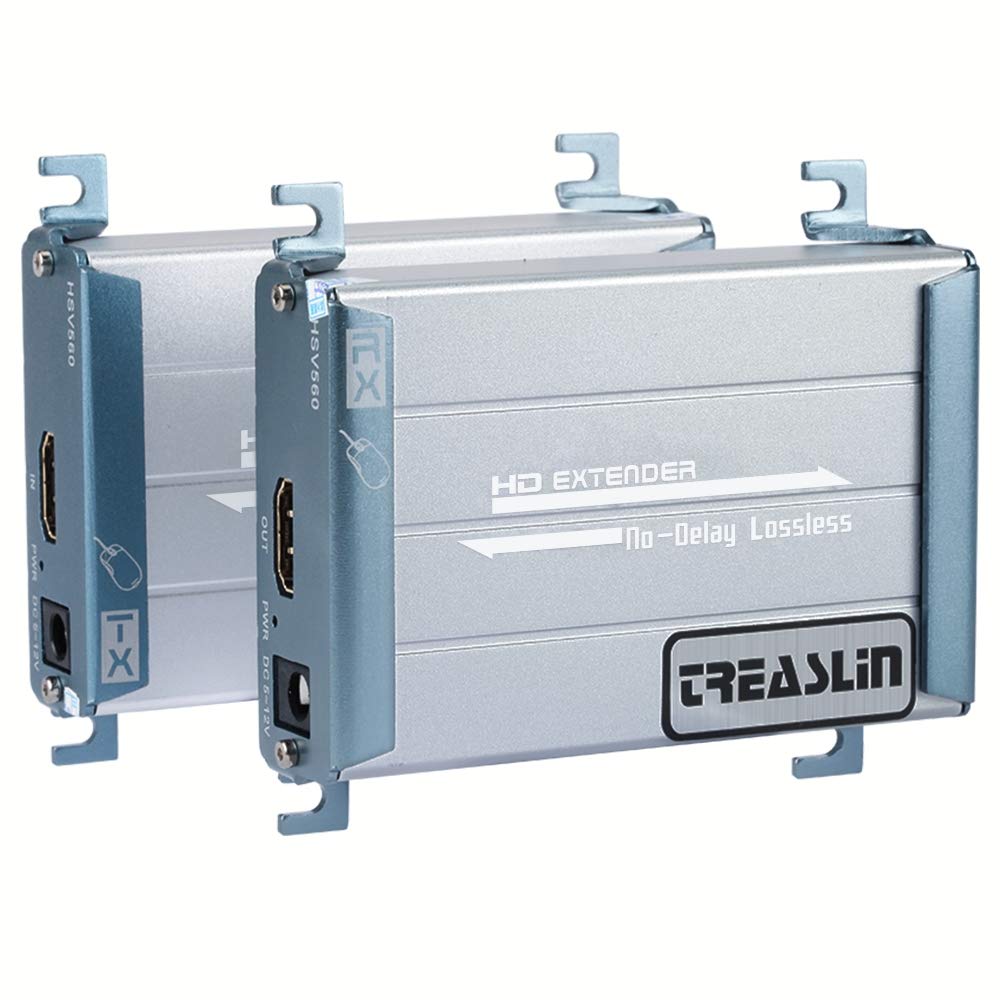
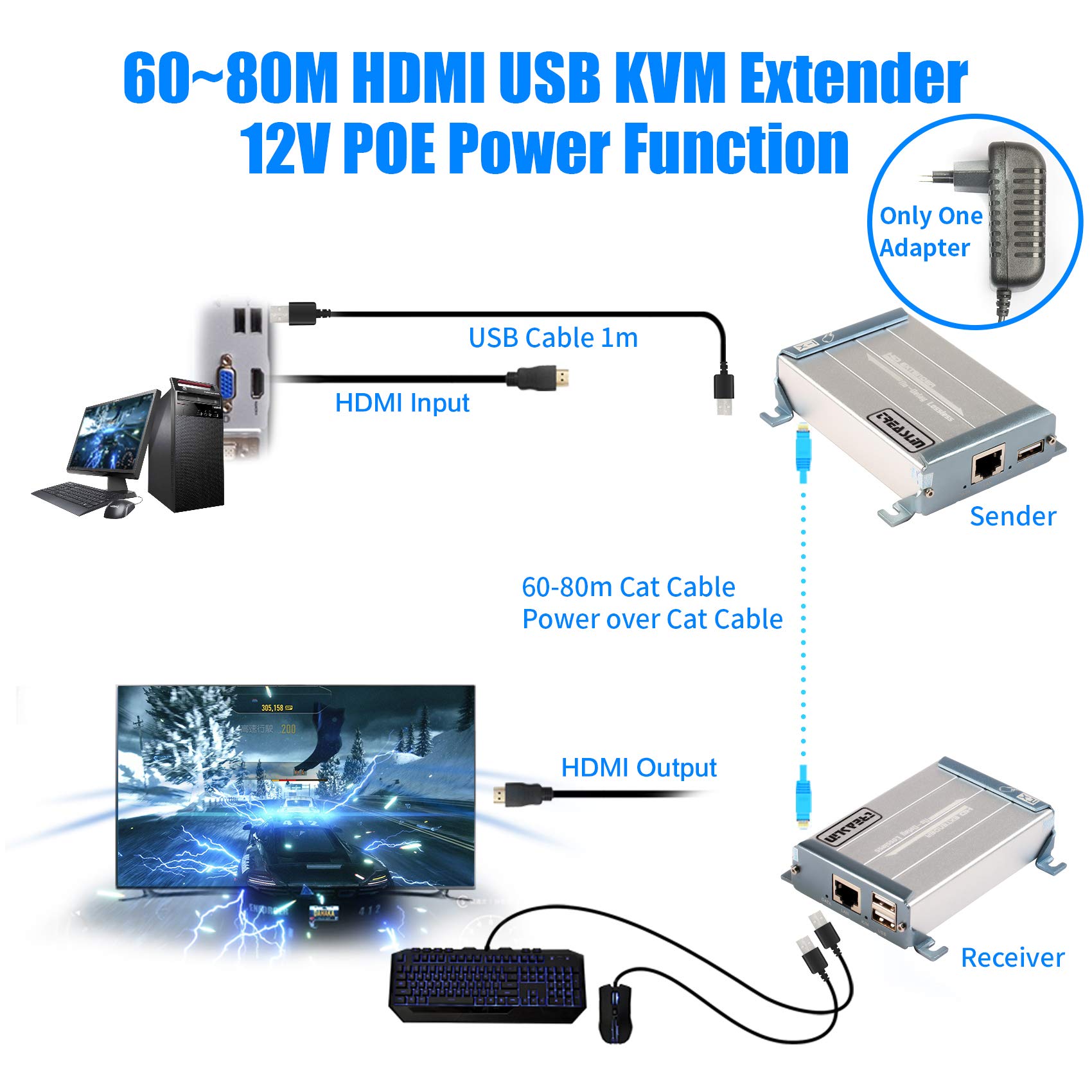
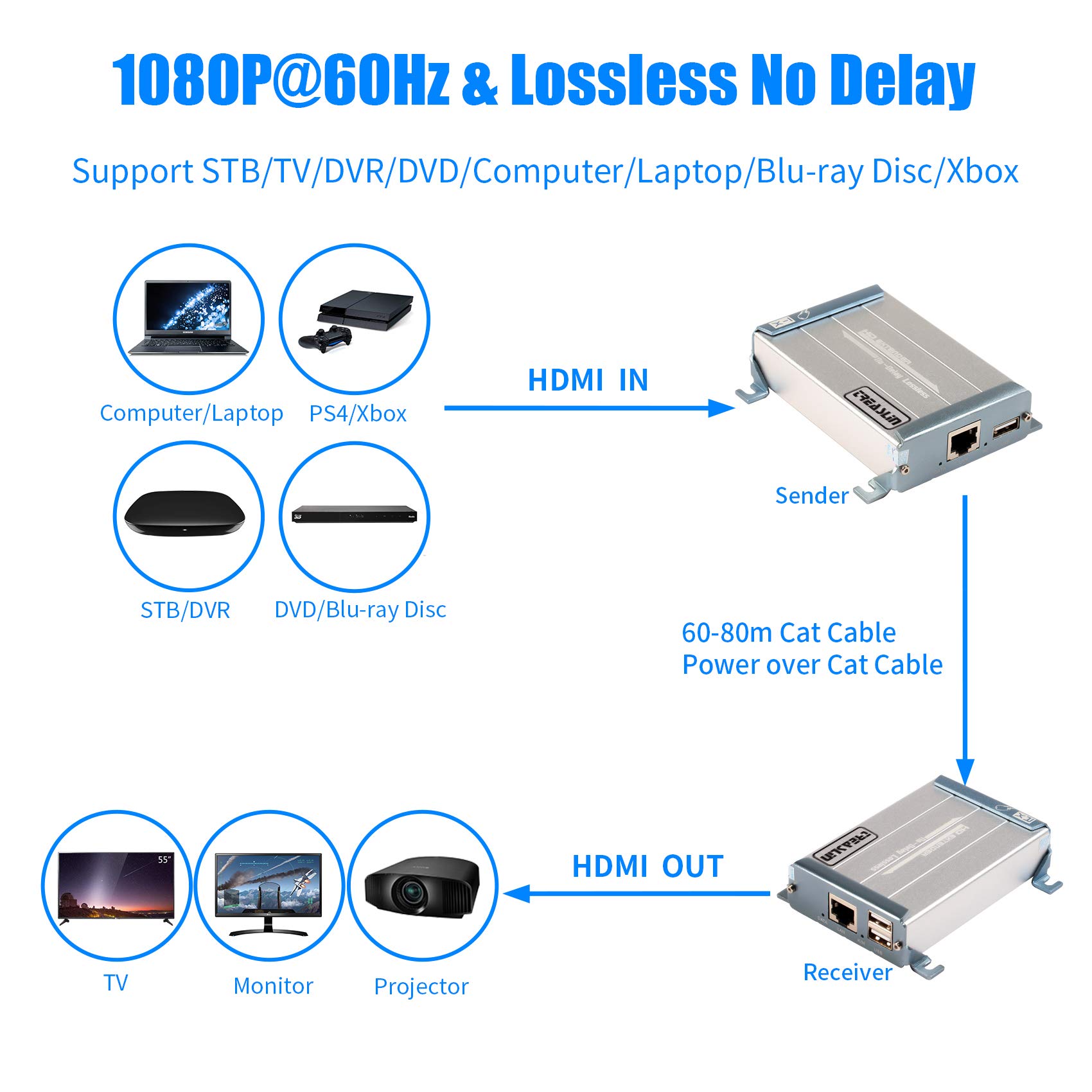
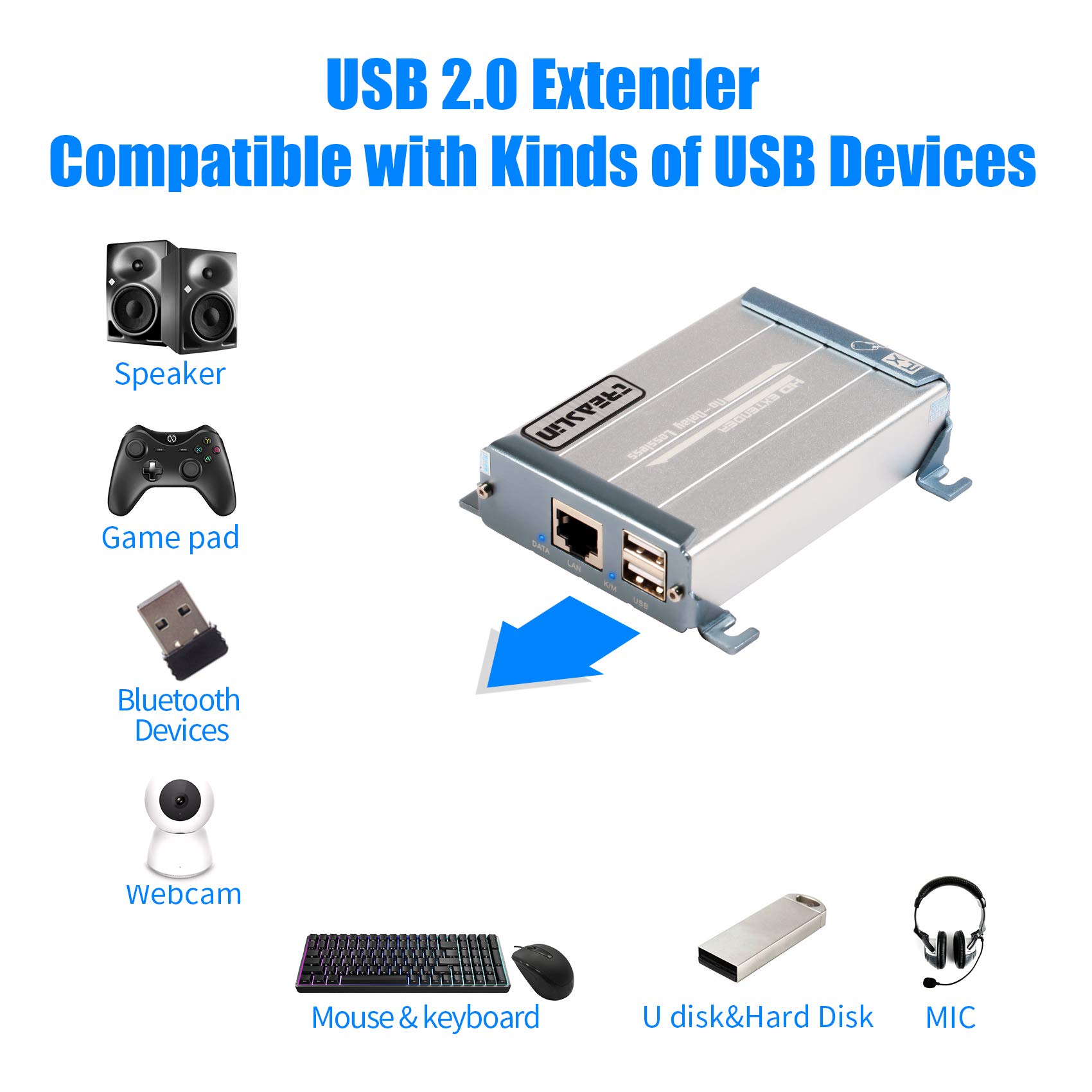
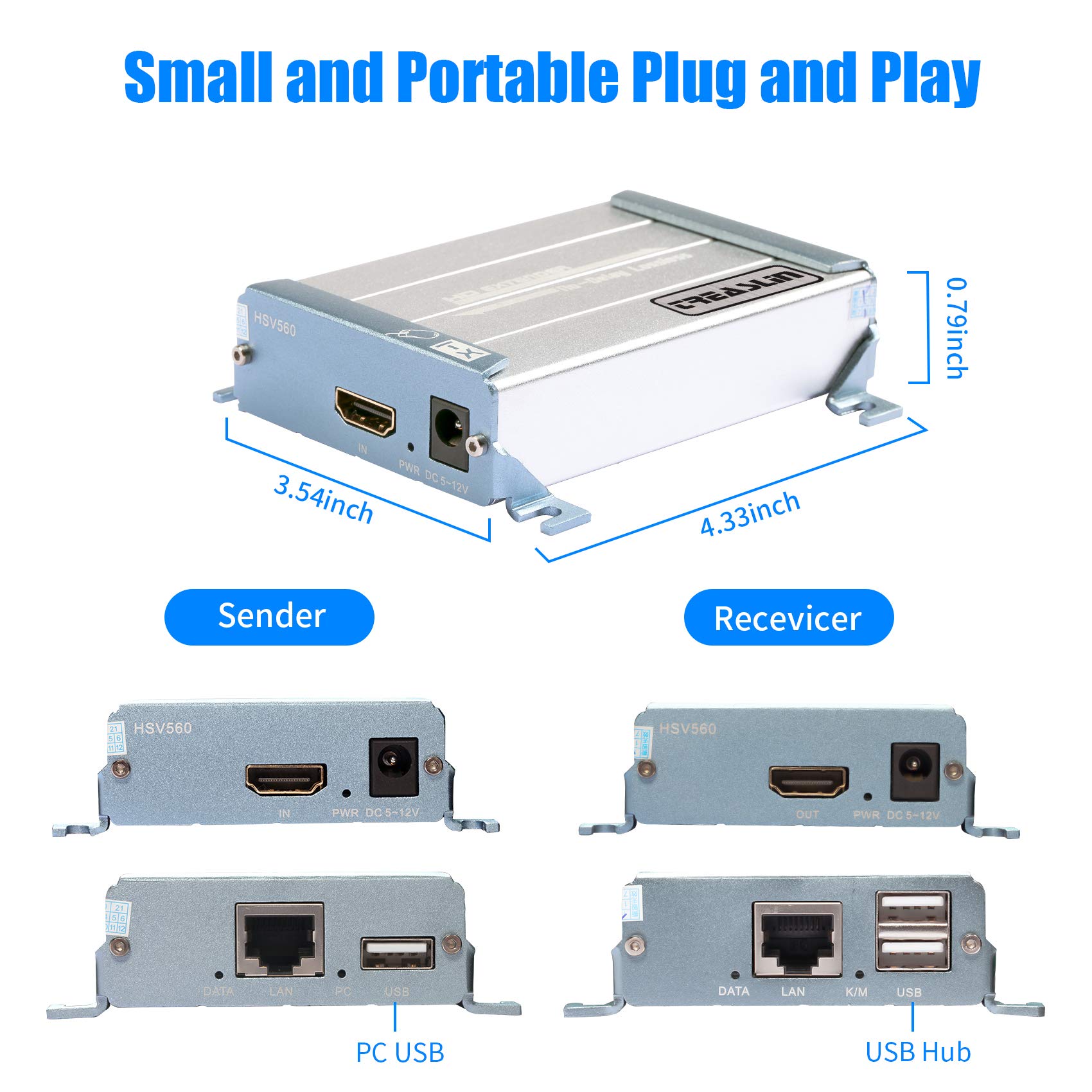
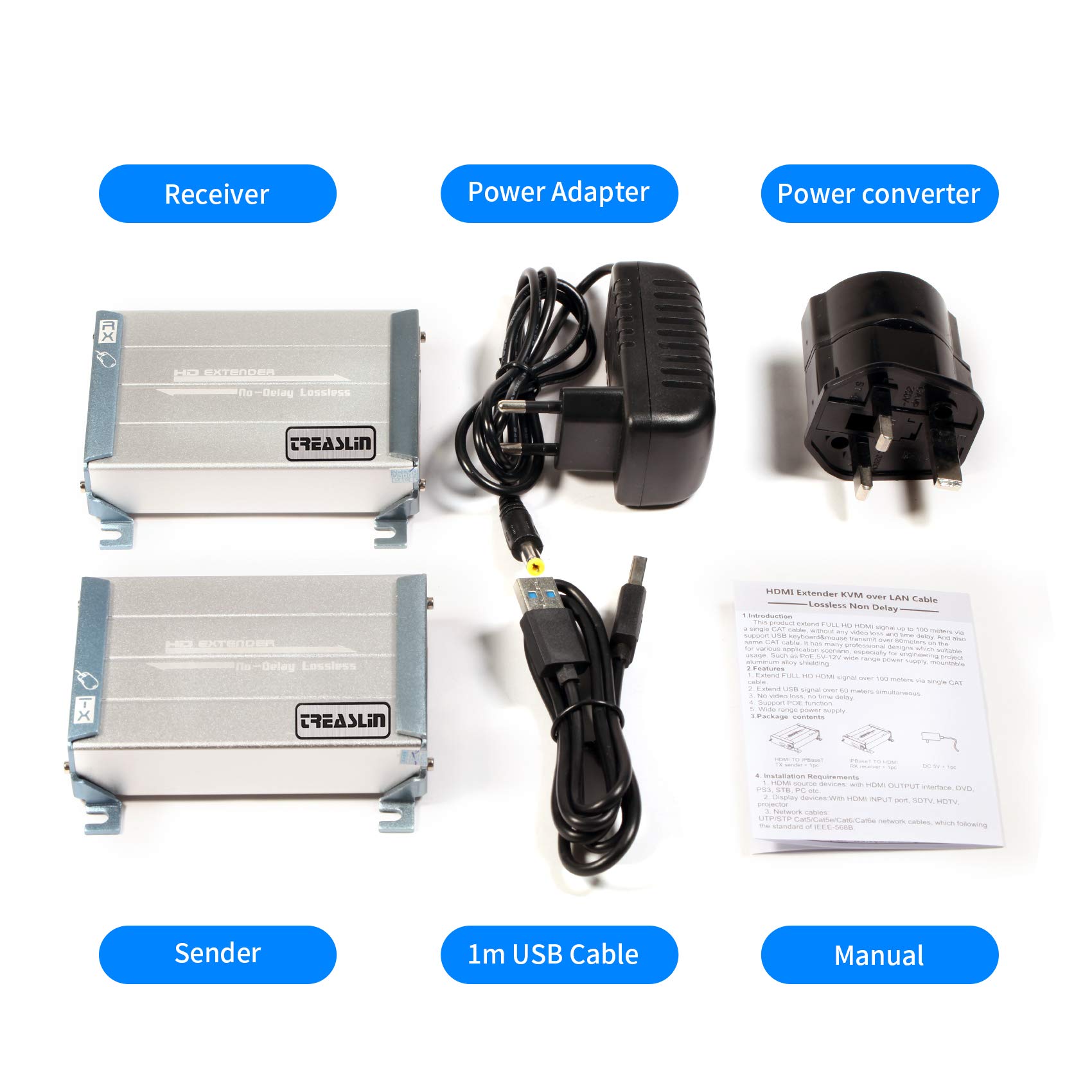
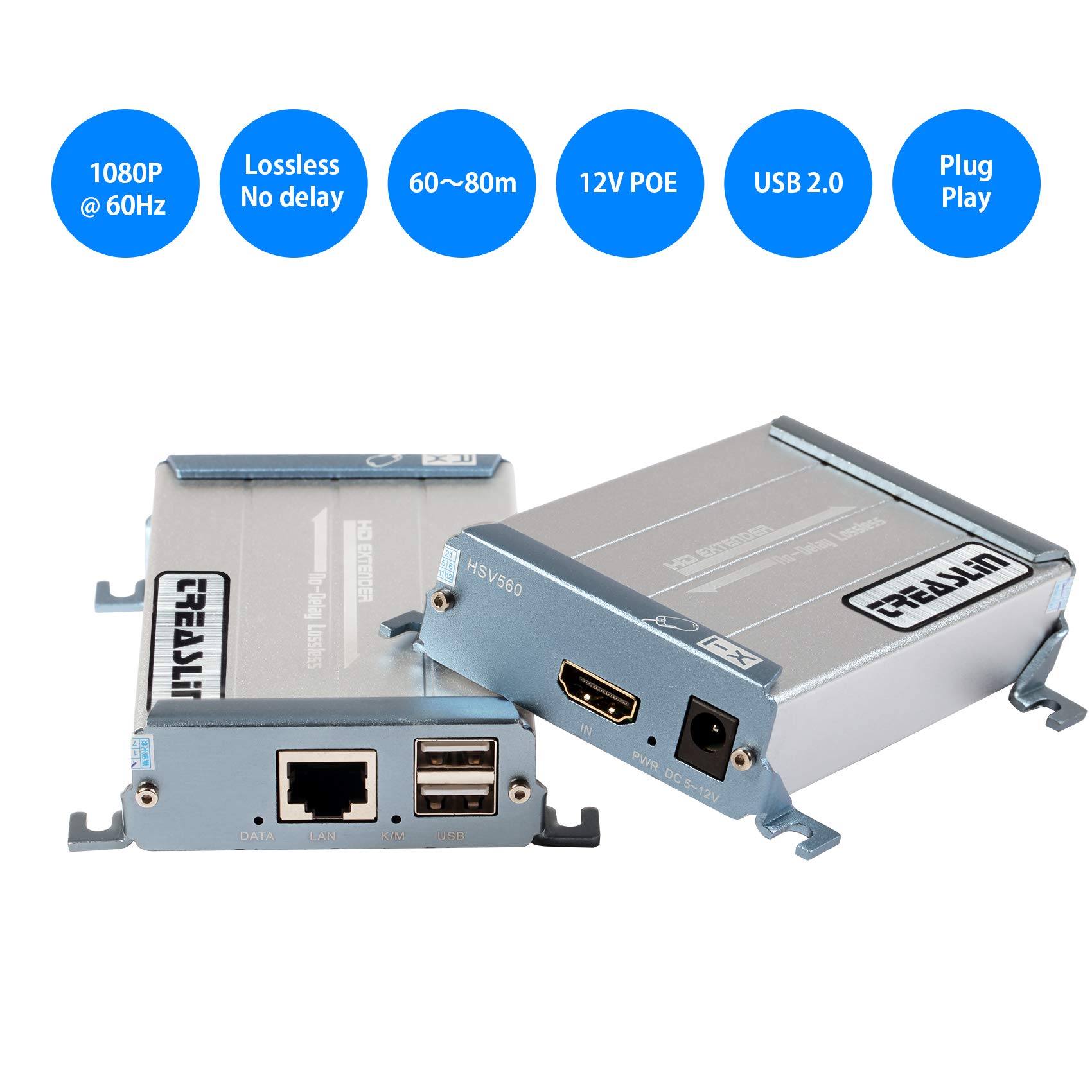
Full description not available
R**X
One of the best HDMI injectors I have tried!
Very simple to setup, anyone can do this with a little work. Nothing to configure on the units, simple PNP with a reset button on each box. I had no problems, and did not need to use the reset button for all units I installed, they worked perfectly! Produces sharp crystal clear video at full 1080P from source device.I used the kit that comes with 1 transmitter and 1 receiver, and ordered a second receiver. In my case I wanted to utilize the HDMI output on my home security camera system to send a signal to 2 different TV’s. This setup would also work if you have a rented box from Direct TV, Dish, or your local cable provider. Even Roku, a PC or Sling Box can be distributed to many displays with this setup!Entire case is metal, can be wall mounted, or use Velcro to stick it to the back of your display. Unit only gets slightly warm even when using 12VDC. There is no power LED on the box, but it does have a blue LED inside that can be seen glowing when powered up.Another great feature is that both units can use 5VDC to 12VDC. Since I have a 12V DC CCTV Distributed Power Supply Box for my cameras, I just ran a few wires from unused terminals to each transmitter and receiver. Then there was no need to find an outlet for the included wall wart power supplies. If you plan on sending to many displays I would suggest a 12VDC power panel, they come in all sizes/prices, just find one that fits your needs.While this can be connected to your router or a network switch, I used a network switch so as not to slow down my home network with the high amount of data it uses. There is no more work involved with setting it up on its own network than there would be if utilizing your router on a home LAN. If you are not using existing spare network wires, you will have to run network wires to each display no matter what type of setup you decide to use.You will also need a few HDMI cables; at least one is needed per transmit or receiver unit. Try to use the shortest HDMI cable for your installation to ensure excellent signal quality! If running network cables for your installation try to use only the lengths you need, existing network wires should work fine either way.I used an inexpensive network switch; they are available in many sizes/prices: NETGEAR 5-Port Fast Ethernet Unmanaged Switch Amazon basics HDMI cables work fine and come in many different sizes: HDMI Cable 1.5 FT (2 Pack) For a 12VDC power distribution box, if you do not need many power feeds, smaller panels are available: CCTV Camera Power Supply - 12VDC - 10Amps If using a power distribution box, these are the power pigtails I used; they fit the female plug on the units: DC Power Pigtail Cable, 12V 5A I already had an IR repeater system setup, so if you want to control the device that is transmitting from other rooms, you would need to get this kit with built-in IR signal transmission for controlling the source device: But I do not see any available spare receivers with this IR feature: TreasLin 1080P HDMI Extender with IR Remote Control
W**L
Sending church video and audio to fellowship hall
This worked out really well in my small-church application.We have a camcorder in the church sanctuary to record the service and at the same time send live video to the fellowship hall's projector (over ~200' of CAT6, but I'm sure CAT5e would work just as well). I have tried it direct wired between the extenders and also going through a network LAN switch and it seems to work just as well both ways. I didn't have to configure anything to get the two connected over the LAN.I take sound from the sanctuary's mixing board and send it to the camcorder's microphone input, then use HDMI output on the camcorder to feed HDMI Input on the Extender.I didn't want to have to send the audio and video on separate cables, and I needed to have good sound on the recorded video anyway, so I tried this model with audio extractor.At the receiver end, I send the Extender's HDMI Output to the fellowship hall projector and also feed the sound system from the Extender's Audio Output.Even when you take audio from the Extender, it also sends audio down the HDMI port with the video, so this configuration gives me the option to take the sound from the HDMI Extender, or from the projector's audio output.If you're considering an arrangement like this, make sure to get an adapter cable to attenuate your sound board's line level outputs down to the mic-level required by the camcorder!
R**A
Doesn't work coming from camera.
This worked well to run from a computer to a projector over a 150ft cat6 ethernet wire.Didn't work at all coming from a video camera back to an HDMI switcher for use with OBS. Simply no image at all.
N**L
THE BEST
Best for the hdmi. I been trying different ones this is the best out off the 12 I try
J**Y
Nice Item
This item was so good, work every well. I love it .
S**U
Works for webcam with 100' CAT 5
I received this TreasLin USB 2.0 4-Port Hub / Extender in exchange for this review.Initial impressions: easy to set up and use. Set includes a 'computer-side' device, and a 'peripheral-side' device, a single power supply that can be connected to either side (yes, it does need to be connected since your computer cannot power this long run), and a USB cable to connect to your computer. The 'peripheral-side' device has 4 USB-A ports for your peripherals. Very convenient if you need to have your peripherals located across the room, house or yard from your computer. I tested this with a 100' length of CAT 5 cable, and my keyboard and mouse worked just like they were connected directly to the computer. Then, I connected a webcam, and this too worked well. This worked perfectly on both my Windows 10 computer and my Linux computer.
Trustpilot
2 weeks ago
2 weeks ago