Some deliveries may take a little longer than usual due to regional shipping conditions.

DOWNLOAD THE APP


Customer Services
Copyright © 2025 Desertcart Holdings Limited
DOWNLOAD THE APP


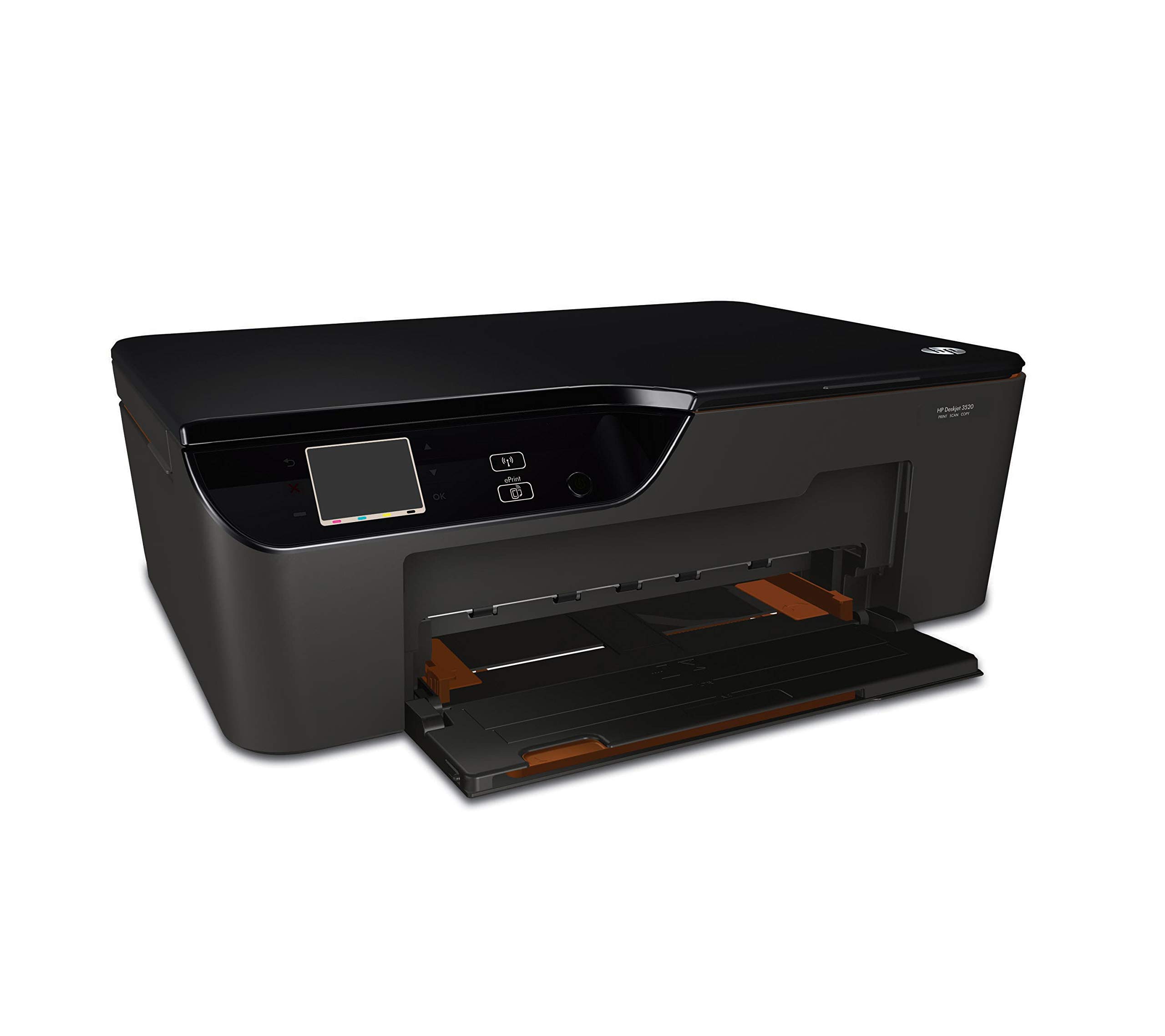
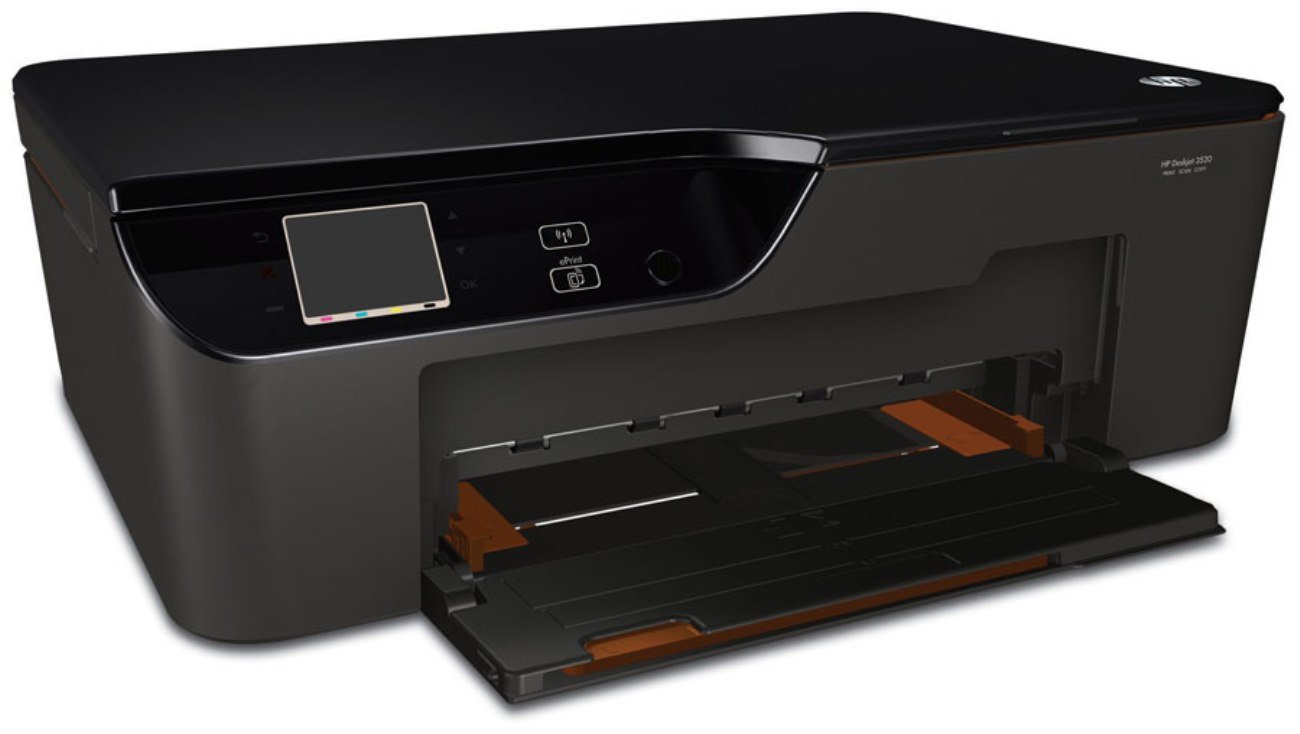
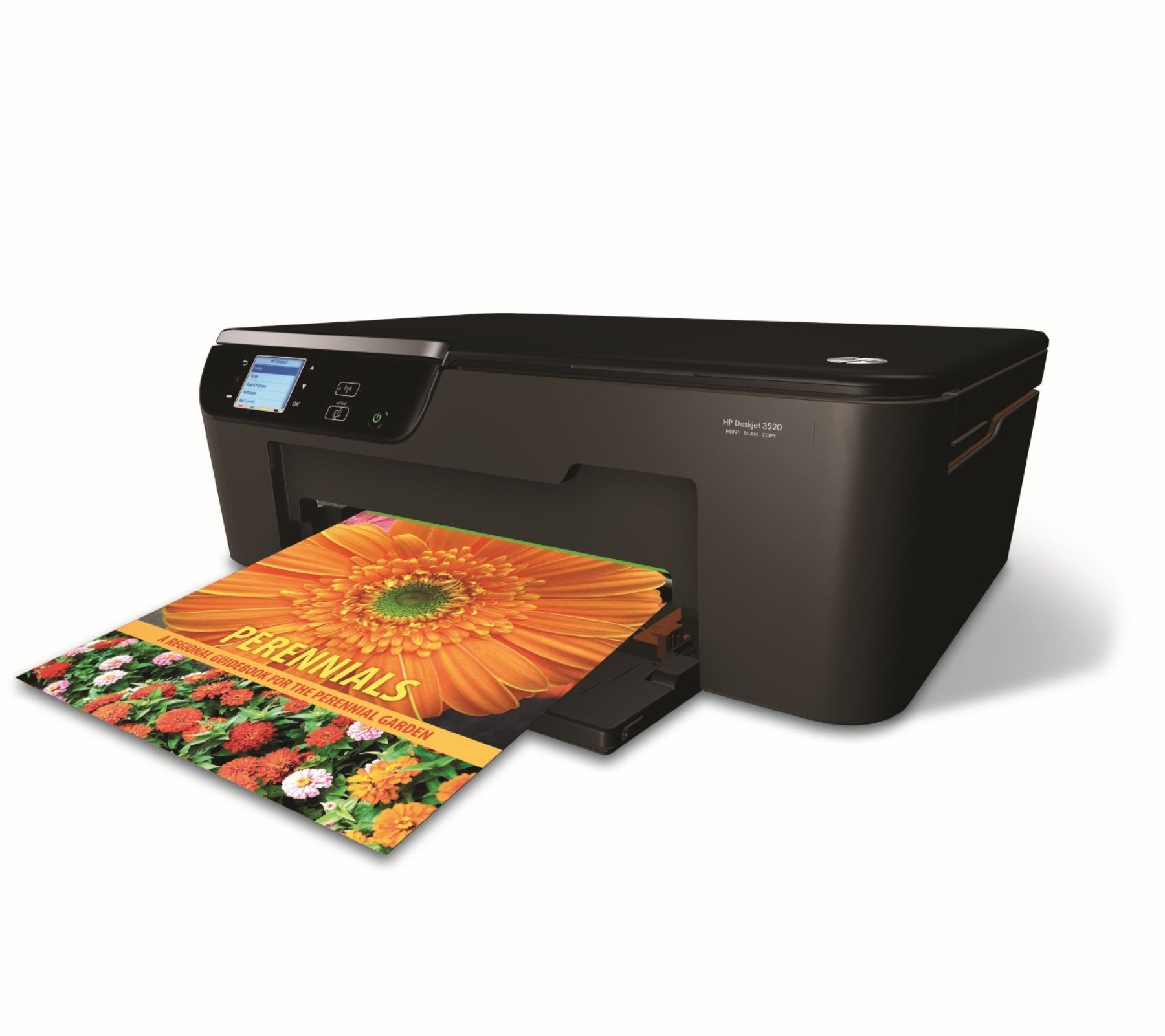
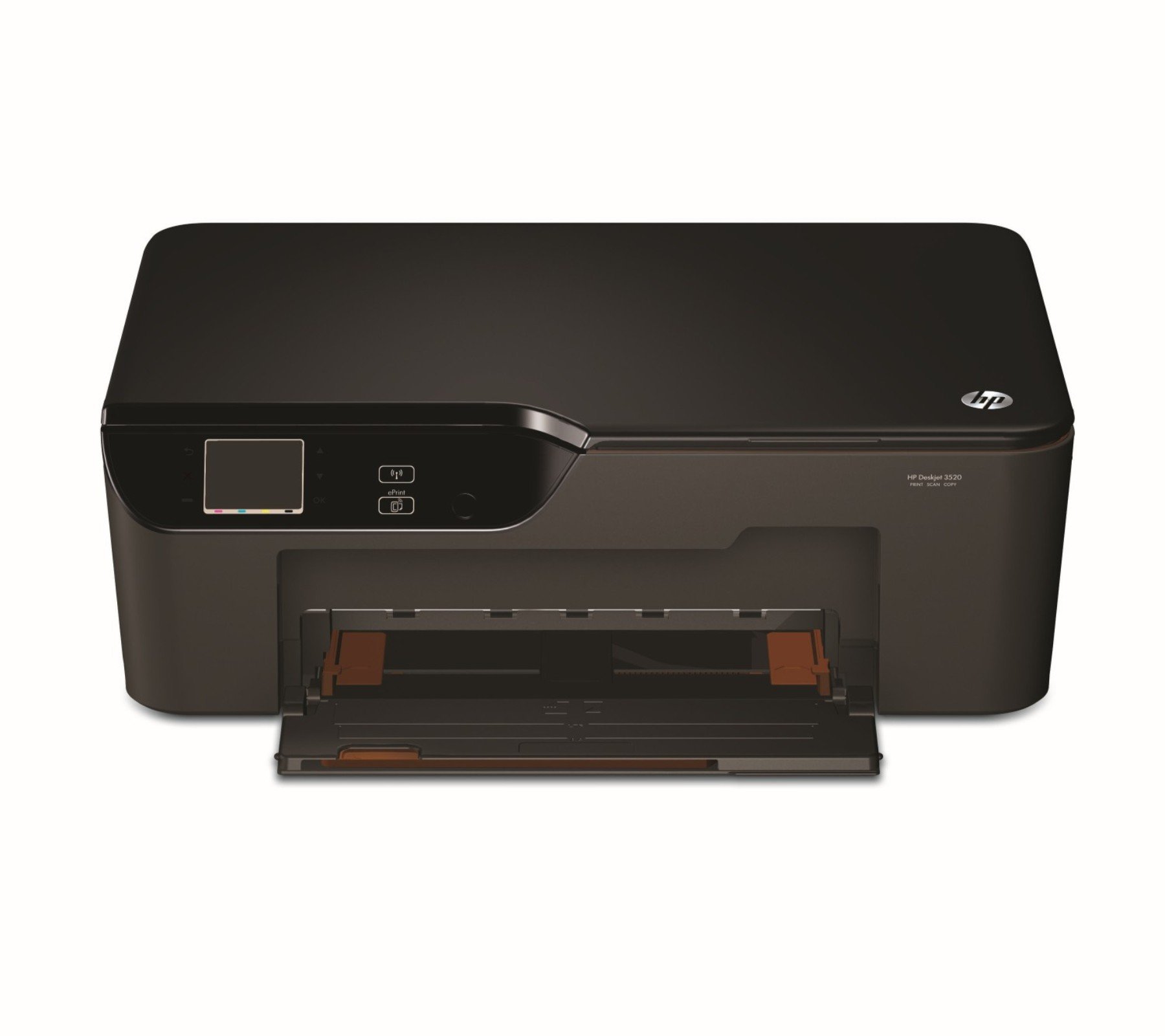
📲 Print smarter, live freer—your office, anywhere.
The HP DJ 3520 e-All-In-One Wireless Printer combines wireless mobile printing, ENERGY STAR certified energy efficiency, and HP ePrint technology to deliver versatile, eco-conscious printing from virtually anywhere. Designed for professionals on the go, it integrates scanning, copying, and printing in a compact, easy-to-use device.


C**A
Excelente
Excelente producto
N**R
Exactly what I needed
I have never bought a printer other than HP, but this one was perfect for my needs. I needed a printer I could place on the second shelf of a cart I use to be able to get all of my equipment out of the way when my grandsons come to visit. No sense setting them up for failure, is there? They are young and curious and since my system handles all of our finances, etc., it just seems safer to roll it away. This HP printer fits in place perfectly! I even have room to lift the cover and make copies, which I had not counted on. It runs well right out of the box and having the options of the ePrint and WiFi are great! My only suggestion would be to increase the amount of paper it will hold in the tray. But that's just me. My main computer has an HP 7700 all in one and I am spoiled by having two paper trays that hold a ream at a time (split between the two paper trays). All in all, HP continues to do what they do best - Printers! I hope they never forget where they came from.
D**K
Dont Be a Sucker - Just Say NO to HP Printers!
Not the sellers fault (seller was great; 2 days from order to delivery), but this HP Desktop 3520 is a piece of S*** !!! How do I know? This is my second one. "Why did you buy a second piece of S***?" you might ask. Well the first one died promptly after the end of the warranty period.Surprise! Surprise! And I was stuck with $150 worth of new ink cartridges I couldn't return. So, it was either eat the $150, or buy a second piece of s*** at $60 to be able to use the ink cartridges I was stuck with.By the way, a lot of online research and attempted troubleshooting my old printer problem (stopped printing black) revealed to me that my problem with this printer is very common with this and most similar HP printers. One forum I visited even had an HP employee giving unofficial advise to others with the same problem, and admitting that it was a common problem and HP knew all about it. Apparently HP has got it down to a science - within a few weeks of your warranty expiring, so will your printer.So, if you buy an HP Inkjet printer, you should just consider it a "disposable" item, and for God's sake, don't buy extra ink cartridges until you absolutely need them.
L**N
Cannot get it to work - but with good news - got replacement
1)I got the printer - great package etc. Unwrapped it carefully, using the USB cable - my laptop immediately recognised it.Managed to carefully insert the toner(s) but has not yet managed to print. It indicates as message" something is wrong with the printer or the cartridge please turn unit off and then on. If this message reappers please call HP". - So, I am yet to make the long phone call to HP to see how this can be solved.2) Called HP support center on Sunday afternoon 2 hours after having posted first comment. After lots of troubleshooting over the phone the HP support person indicated that this would be a 'hardware' problem and HP will send new printer to my address - I need to return the old of course. So, should have new printer in house within the next 10 days. I was impressed with the support I got and the technician also. So, will report back with additional comments when new printer has arrived3) Aug 28 my replacement printer arrived. Have installed it (this is really easy) and printer is working just perfectly. This will not be for large print jobs but for small 2-3 page documents on occasion and then a scan from time to time. Have changed the rating from 2 stars to 4 stars. I really feel that HP acted swiftly and I think I received great support when calling.
C**X
Awesome price, loaded with features and easy to use
Lets elaborate on that title. It is easy to use if you have a pc or laptop but if all you have are mobile devices, it will require a bit more work for installation. I didn't feel it was enough to take away a star tho. I resolved the problem by googling "installing hp 3250 with no computer" and I found my answer. Most people probably have the knowledge to do this already so I feel it still deserves five stars.It scans, copies, faxes and of course, prints wirelessly from anywhere in the world from either your mobile device or you can email whatever you want printed directly to the printer. You can set the printer up to update automatically via wi-fi if you so wish. The only drawback to leaving your printer open to the network is your neighbors may once in a while send something to your printer, which is annoying but sometimes hilarious.I use this printer for home use and it more than meets all of my needs. Its perfect for student use also. Inexpensive, feature packed, easy to use and trusted HP quality.
L**.
Poor printer for printing photos
This printer is fine for everyday basic printing. But if you plan on using it frequently to print photos this is NOT the printer for you. Even with using the proper settings the color and quality of the photo is fair at best. Colors are faded; images are not sharp. If you edit the color settings the picture prints distorted. The worst feature of this printer, and because of it I regret buying this printer, is that when printing photos you have to load several pages of photo paper or it will not sense the paper in the feeder. Oftentimes even with several photo pages inserted it still does not sense it or if it does it will spit out several pages at one time with one printed. Either way it requires you to insert multiple pages of photo paper whether or not you need them. This makes for a real problem because it is extremely difficult to remove the extra pages from the feeder. A 4 x 6 page sets way back in the feeder and the opening to grab the pages is very narrow. I have slender fingers and it is still very difficult to pull the pages out. The easiest way I have found is to put double stick tape on the end of a pen or pencil and use it to grab the paper out. Truly this is unacceptable to have this slip by the designers of this printer.Again, if you are going to print photos frequently, this is NOT the printer you want.
Trustpilot
5 days ago
2 days ago