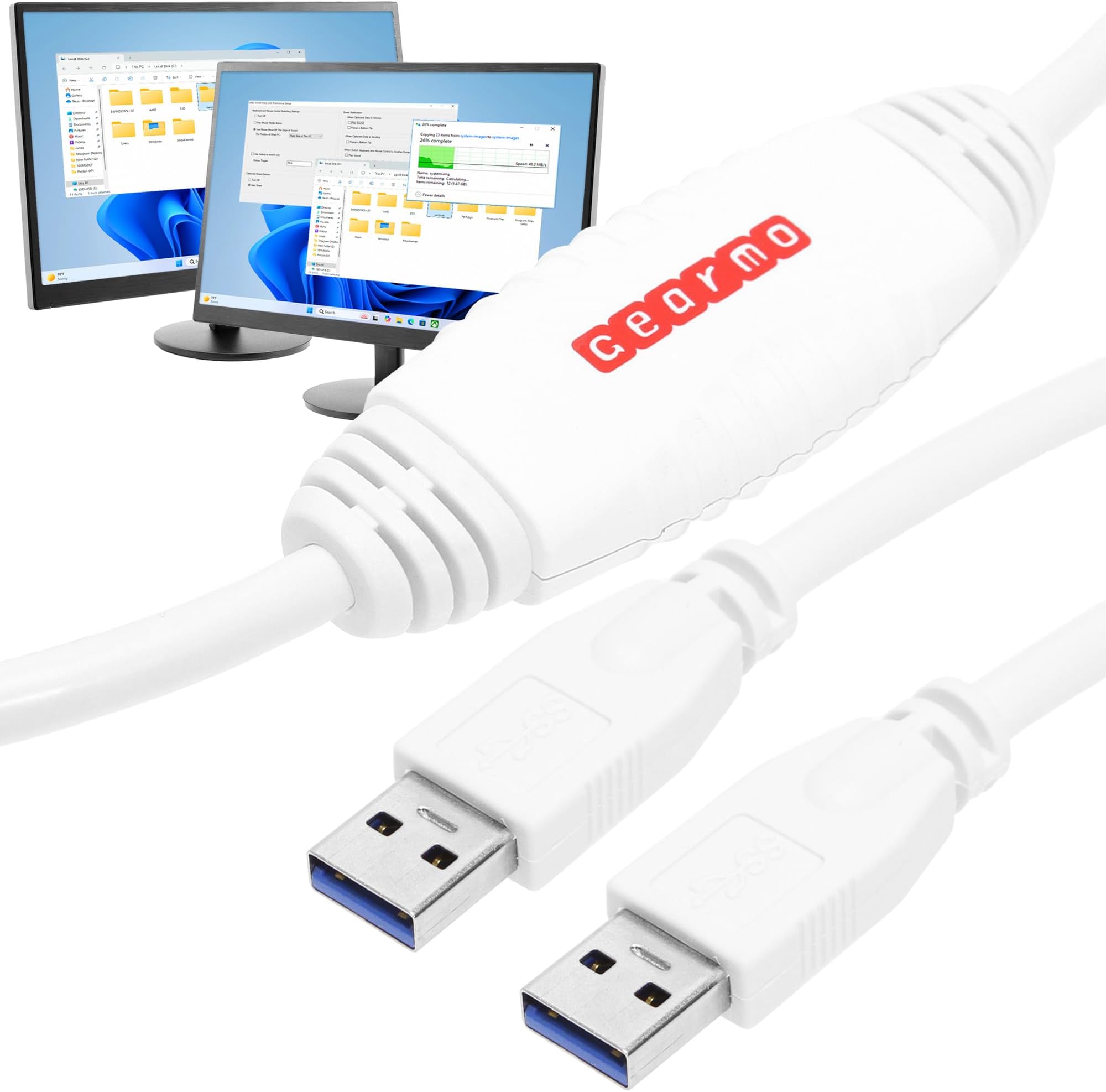
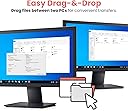
While some might use this to move files from one computer to another, a one time action, I am using two separate computers as I try to switch from an XP computer that I love and have programs I love that will not run on Windows 10, to a new computer with Windows 10 on it and I have been in the process of switching over since March (2018 - it is Sep 18, 2018 as I write this) and I have the monitor of the new computer poised above the monitor of my old computer. I do legal work so have to keep my files together in one place and that one place is on my old computer until I am ready to switch them all to the new computer. So, until that happens, I needed a way for the new computer to EASILY access programs on the old computer and this cable does that. Prior to getting this cable, I was copying files to a USB flash drive, then moving the drive from the old computer to the new computer, then coping the file to the new computer. I would then do what I needed to do with the file, then reverse the process to get the file back on the old computer. I love XP and hate Windows 10, but it is getting increasingly difficult to do things online with XP. My graphics program of choice is Adobe Photo Deluxe Business Edition 1.0 designed for Windows 98, which had trouble running on XP, but it is so simple and easy to use. It will not run on Windows 10. One of the printers I use is a 2000 HP LaserJet 3150, that I refill the toner cartridges with. 18 years old and works perfectly, and cheap to use. Sure won't run on Windows 10. No drivers. It was designed for Windows 98. With this cable, I can use my new Windows 10 computer for many things, like going online, but still use my old XP computer to use software that was designed for productivity rather than bling. On my XP computer, I have seven different versions of WordPerfect running and while I seem to have gotten them to run on Windows 10, it is shaky at best. But I write legal briefs in the field of criminal post conviction and I need a word processing program that lets me do things my way, and easily, and I like running all the separate versions so each one, which can have 7 documents open, can be sort of a desktop for a single client. I close it up and when I reopen it a week or two later, every document is right where I left it with the cursor where I left it. So, this cable will allow me to keep using my trusty XP computer and beloved software and hardware, while using a newer computer for things like working online, and have the two computers access files on the other. The software that makes this happen is Easy Suite, which I think is a program available online separately but with this cable, it is loaded onto a tiny circuit board that is built into the cable (the bulge in the cable) so when you plug the cable into a computer, the computer recognizes the software and load its it, creating a desktop icon, then you can click on the icon to run Easy Suite, which loads an Explorer like interface. When you click on it on your first computer, it displays just the file info on that computer, but when you then do the same on your other computer, it changes to showing both computers, like a version of explorer with split window. Each computer shows this so on each computer you can access files on the other computer. If you are working in a program and use that program's "open" feature to load a file, you cannot access the other computer from there. Instead you have to use Easy Suite to copy/move the document/file you want from the other computer into a folder on the computer you are working on, then use your program's "open" feature to find and load the file. My XP computer is still my main computer so all my data files are on a separate drive on it and I created a special folder on my Windows 10 computer as a convenient place to keep track of those programs since the Windows 10 version of Explorer is so incredibly bad. Hope this helps.