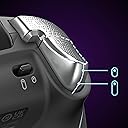
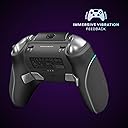
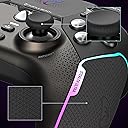
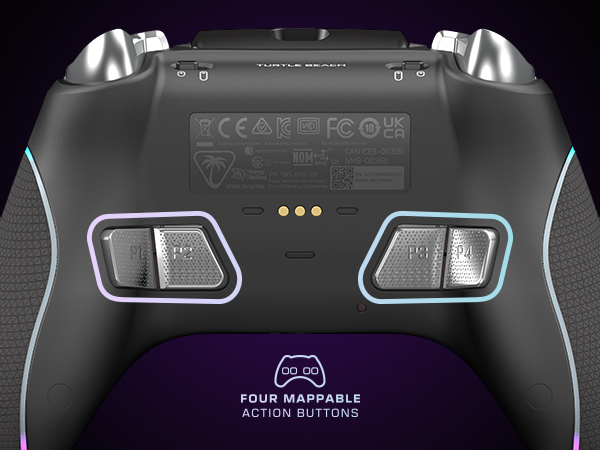
🎮 Own the game with precision, power, and style — the Stealth Ultra is your ultimate wireless weapon.
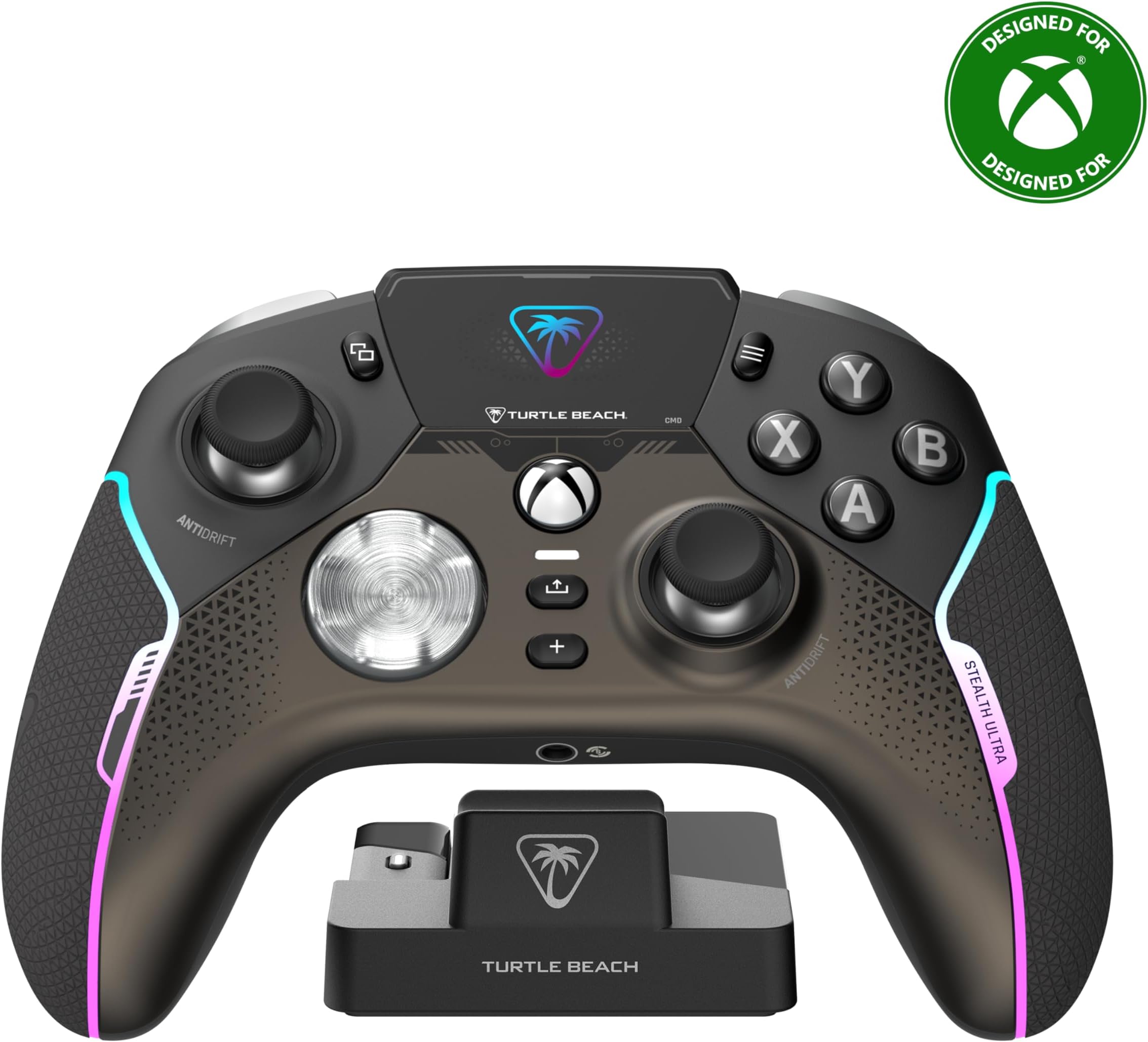
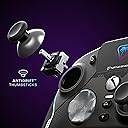
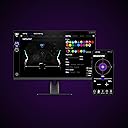
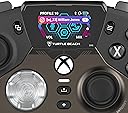
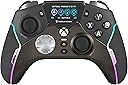
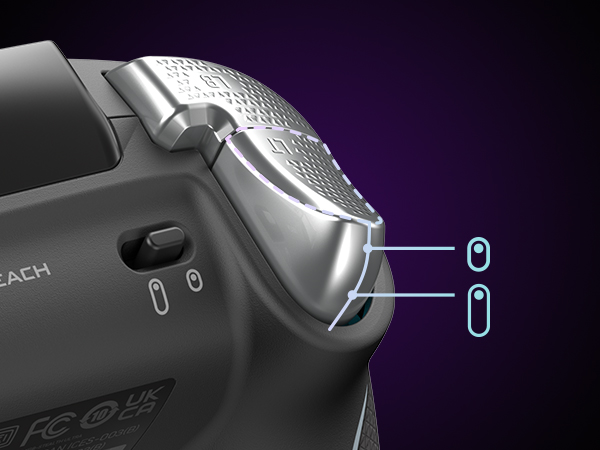
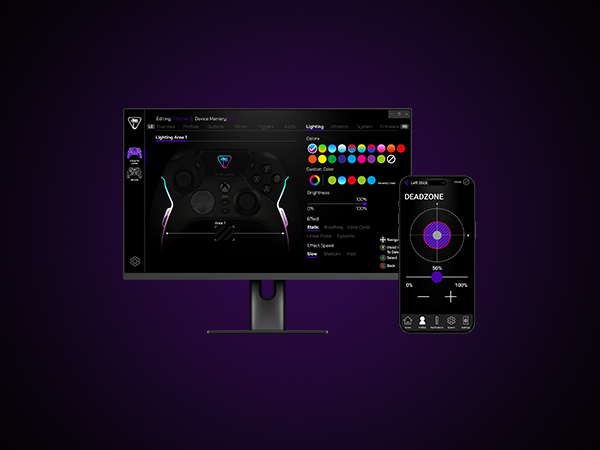
The Turtle Beach Stealth Ultra is a premium wireless gaming controller licensed for Xbox Series X|S, Xbox One, Windows PC, and Android. Featuring patented Hall-Effect thumbsticks for drift-free accuracy, a full-color Connected Command Display with social media notifications, and customizable RGB lighting with 16.8 million colors, it offers unparalleled control and personalization. With up to 20 hours of battery life in Eco mode, rapid USB 3.0 charging, and advanced audio tuning including Superhuman Hearing, it’s designed for serious gamers demanding durability, responsiveness, and seamless connectivity across multiple platforms.


| ASIN | B0CJVQFZ1S |
| Batteries | 1 Lithium Polymer batteries required. (included) |
| Best Sellers Rank | #728 in Video Games ( See Top 100 in Video Games ) #20 in Xbox Series X & S Controllers |
| Customer Reviews | 3.9 3.9 out of 5 stars (15,858) |
| Date First Available | November 30, 2023 |
| Item Weight | 13.3 ounces |
| Item model number | TBS-0710-05 |
| Language | Japanese |
| Manufacturer | Turtle Beach |
| Product Dimensions | 6.3 x 2.53 x 4.72 inches; 13.28 ounces |
| Release date | December 15, 2023 |
| Type of item | Accessory |
C**Y
10x Better than microsoft elites!
Best controller for Xbox!! I've waited several months to write this in order to include that usage in the review. That usage is at least 5 days a week with over 9hrs of use each of those days. I got this controller for the hall effect joysticks to avoid the annoying stick drift that every single microsoft controler ALWAYS gets. I've owned over 20+ controllers including the elites and they all suck and always get drift. This, does not. The only SORT OF negative thing I can even think to mention about this is the buttons (A,X,Y,B D-Pad) as they are the same kind of click as a computer mouse and not the soft button push regular controllers have. Other than that, its amazing and you'll get used to it. The wireless range is like 10x that of a regular xbox controller. I can walk to the 3rd story of my house and it stays connected in a party. I have used the text notification on the controller sceen to see that it works only once but honestly, have no use for it as my phone is always next to me. The sound equalizer built in eliminated my need to have an additional bass booster/volume control connecter which is amazing. Some people say they had connection problems with theirs, the whole 7 months of using this, I haven't once experienced that. Honestly, I want to buy another one of these to have it as a JUST in case if for some reason they ever decide to stop making them in the future. It's that good. If you need a controller to do your xbox gaming and game so much that even the most expensive microsoft controllers don't last more than 8 months, this is the one!
A**R
REACT-R Wired is an OK wired controller
I got the "REACT-R Wired" version of this controller. Comparing it to the wireless controller that came with my Xbox Series S, I would say this controller has both advantages and disadvantages. First off is the obvious, being a wired (not wireless) controller you have to plug it into your console (and it also can be purchased for around 1/2 of what a genuine Microsoft controller costs). The "wired" aspect of this controller may or may not be a problem in your case (for example, it is not a problem with my office XBox as the machine is right behind my monitor, but it would be a major issue with my bedroom machine as the XBox is across the room from where I play). However, because this controller is powered by the console, you don't have to mess with batteries or "pairing" the controller to the console (nor do you have to deal with other issues that wireless controllers have). Next off, the controller has extra buttons vs the genuine Microsoft controller. In general I've found these extra buttons mostly useless in my case (however, they aren't generally a problem for my gaming experience). In particular the two bottom buttons are all too easy to accidentally press when holding the controller, which isn't a problem for me as those buttons don't seem to do anything on my Xbox Series S (so while I accidentally press them a lot, those button presses don't affect my game play). Another minor annoyance is that the "Start button" is lower than on the official controller, so pressing it risks bumping the right joystick. For those of us playing games that make a lot of use of this button (for example the "Mass Effect" franchise), this is slightly annoying. However, this effect doesn't seem to cause a serious effect on my game play (as I just slightly adjust the behavior of my right hand while playing). However, the biggest annoyance I ran into, is the feel of the joysticks. The hard (and scratchy) plastic used in the joysticks makes it uncomfortable (on the thumbs) to play with this controller. I would have said this was a "fatal flaw" with this controller, except the "fix" for this is trivially easy. I just bought a set of "joystick caps" and put them on top of this controller's joysticks. For just over $8 I got 20 of these caps, and the controller only needs 2 (one for each joystick on the controller). With the caps in place the joysticks are nicely padded, so it no longer feels like my thumbs are sitting on sand paper. ------------------------------------------------------------------------------------------- Update/edit 1: After using this controller for a while, I have discovered that it "wears out" quicker than the official Microsoft controller does. In fact I discovered my first problems with this controller after only about 2 months of use. Thankfully these problems turned out to be easy/cheap to fix, so I'm still happily using this controller. The first problem I ran into was the joysticks starting to "stick" in place (vs automatically springing back into the "neutral" position). This did have an effect on my gameplay, as my games thought I was continuing to move the controller in whatever direction it "stuck" into. Thankfully this was easy/cheap to fix. Since the problem was insufficient lubrication at the base of the joystick, I just bought a can of spray "silicone lubricant" (for under $5) and did a couple of quick squirts at the base of the joysticks (wiping off the excess with a paper towel). After doing that the controller's joysticks no longer "stick" and in fact have more fluid movement than when I first bought the controller. This appears to have totally resolved this problem. The other problem was the controller intermittently stopped working entirely. After trying various fixes, the one that worked was replacing the USB cable I was using with the controller. Apparently the cable that came with the controller was of lower quality and just wore out with about 3 months of use (where I naturally move the cable around a lot while using the controller it's attached to). But since I had a spare USB-C cable around the house (originally purchased as a charging cable for my phone), I just tried swapping to that cable and was very happy that the controller immediately started again working correctly). In my case the cost of this "fix" was $0, as I already owned the cable I swapped to. However, even if I had to buy a new cable, this would still have been a cheap fix (as I've previously bought such cables on Amazon for as little as $5 each). While these problems did show up quicker than I got problems with the genuine Microsoft controllers I own, so far every problem has been easy and cheap to resolve. And I find that I actually prefer to play with this controller than with any of my genuine Microsoft controllers. So I'm actually considering buying a 2nd one of these controllers for "2nd player" use on my (office) xbox. BTW: I don't actually have this controller plugged directly into my XBox. Instead I have a (powered) USB 3 hub plugged into my XBox, and this controller is one of the devices plugged into that hub (along with an external disk drive, and a 2nd USB hub that I have a keyboard and mouse on). Even with all this USB "sharing" going on, my XBox Series S is still happy to fully use this controller (including being able to use this controller to start or shutdown the XBox). ------------------------------------------------------------------------------------------- Update/edit 2: I previously said that the extra controller buttons were mostly useless to me. However, I've since changed my mind on this issue, as I've found some very handy uses for those extra buttons. Among other things, those extra buttons can control a headset plugged into this controller. With a headset plugged in, you simply need to press the correct buttons on the controller to easily (and directly) adjust the headset speaker volume to whatever you prefer for listening. With most other controllers (including the genuine Microsoft XBox controller) you do not have this direct control of sound level. Also this controller has a dedicated microphone "mute" button, which makes it trivial to enable/disable your headset's microphone. In my case, I usually (for "privacy reasons") prefer to keep my microphone off most of the time, but I still want the option to "chat" online. This is trivial to do with this controller, as I just keep the microphone "muted" normally, and just press a single button on the controller when I want my microphone to pick up my voice. NOTE: Since I now now find some of the unique features of this controller (lacking in most other controllers on the market) useful to me, I have raised my review from 4 stars to 5. ------------------------------------------------------------------------------------------- Update/edit 3: I've now had 2 of these controllers for some time (the 1st for over 2 years and the 2nd for almost 2 years) and they are still going strong. Considering the fact that I often play 2+ hours/day gaming, this is saying something. Yes, I do sometimes swtich which controller I play with, but these controllers still get a lot of workout (even with me sharing that workout between 2 controllers). Now I did notice the start of "joystick drift" on both controllers. So I was thinking of just treating the controllers as the start of being "worn out" (from use) and buying another one of these for my gaming setup. However, I decided to try "fixing this issue" first, before buying a new controller. Since I still have the open spray can of "silicone lubricant" I had used eariler in the life of these controllers, I tried again spraying the lubricant at the base of the joysticks (and again wiping the excess off with a paper towel). And I'm happy to report that this procedure not only made the movement of the joysticks more smooth, it also appears to have eleminated the joystick drift I was experiencing.
C**.
Expensive piece of e-waste
I like the features and layout of this controller, but unfortunately the quality of manufacturing is nothing short of atrocious. With a few weeks of usage (and believe me, my controllers don't get much wear and tear these days) the left analog stick began to break down, and started to introduce motions in whichever direction I initially directed, after I left the stick snap back. Over the next few weeks, this worsened until the stick was creating all manner of random movements even when it was not being utilized. Within six weeks of purchase, the controller was beyond useless. By this point I could also hear bits of the components loose and rattling around inside the casing. I attempted to fix the issue myself, as I have historically done with a number of controllers (though you wouldn't expect to have to do so with a brand which has the reputation that Turtle Beach used to. Even before this attempt at repair, I was confident this effort was going nowhere, given audible indications of broken elements, but wanted to determine just how cheaply manufactured the device was. Unfortunately, all of the screws were so tightened in their fittings as to be essentially frozen in place. Several stripped and required extraordinary efforts to get out. However, even once that was accomplished, it became immediately clear that the casing was never intended to be separable to owner/user, and was in fact designed to prevent this. The case had to be broken in order get a look at the analog stick (merely to satisfy my curiosity at this juncture). However, as it turns out, all the effort would have been for vain regardless, as parts of the analog stick base and its assembly were, as suspected from the particles audibly moving inside the casing, simply ground away and cracked. Again, I am not very hard on my controllers, and this was supposedly a brand new device. I'll certainly never buy Turtle Beach again: a complete waste of time and money. So frustrating that there doesn't seem to be a single brand in consumer electronics left that maintains anything like reasonable quality control.
K**A
Je l'utilise sur Xbox cloud pour mon quest 3 et c'est que du bonheur . Les joysticks répondent au 1/4 de tour ! Un très bon achat
C**R
Excelente control, llego antes de tiempo y todo en muy buenas condiciones, ampliamente recomendado y más por el precio, leí una reseña donde un palurdo decía qué "no tenía Bluetooth", y pues obviamente si tiene, sólo que el control únicamente compatible con dispositivos Bluetooth 5.0 para arriba sino, pues el cable hace su función.
J**.
Buen mando, cómodo, con aplicaciones y botones traseros, me hubiera gustado que con Xbox s se pudiera usar inalámbricon
K**Ç
Düşünen varsa kesinlikle alsın yaklaşık iki aydır kullanıyorum herhangi bir sıkıntısı yok şuana kadar sekiro elden ring gibi oyunları gayet iyi bir şekilde oynadım sekiro gibi bir oyunda önceki kontrolculerimde aynı tuşa çok fazla ve hızlı basınca takılma gibi şeyler oluyordu ama bu kolda hiç öyle bir sıkıntı olmadı öneririm
A**D
Comfort to hold, good material, I love the sound controls, the only thing I would recommend is to provide longer cable, or extension
Trustpilot
3 weeks ago
2 days ago