🎨 Elevate your creativity—draw, design, and dominate your digital canvas!
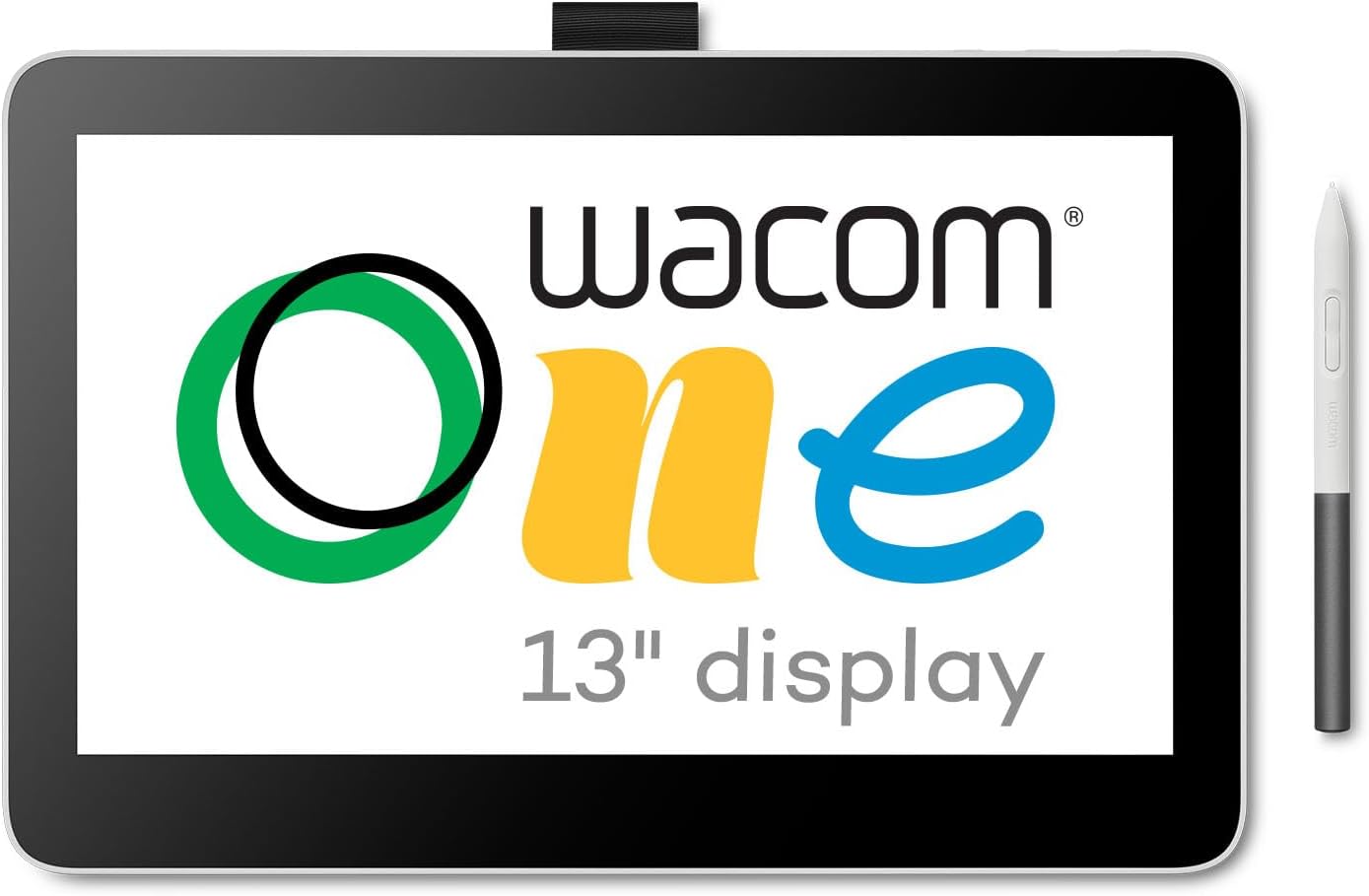
The Wacom One 13 Touch Drawing Tablet features a 13.3" HD full-laminated touchscreen with anti-glare coating, a battery-free pen with 4096 pressure levels and tilt recognition, and customizable shortcut buttons. Compatible with Mac, Windows, Chromebook, and select Android devices via USB-C, it offers a natural pen-on-paper feel ideal for digital art beginners and professionals alike. Lightweight and compact, it comes bundled with creative software and training to accelerate your artistic skills.


| Standing screen display size | 13.3 Inches |
| Screen Resolution | 1920x1080 |
| Max Screen Resolution | 1920 x 1080 Pixels |
| Brand | Wacom |
| Series | Wacom One 13 Display (2023) |
| Item model number | DTH134W0A |
| Hardware Platform | Mac, PC |
| Operating System | Windows |
| Item Weight | 1.9 pounds |
| Product Dimensions | 13.2 x 8.7 x 0.1 inches |
| Item Dimensions LxWxH | 13.2 x 8.7 x 0.1 inches |
| Color | White |
| Batteries | 1 Lithium Polymer batteries required. (included) |
| Manufacturer | Wacom Technology Corporation |
| ASIN | B0B4VRV99F |
| Date First Available | October 5, 2023 |
A**P
Great tablet for use during Zoom meetings for sketches and annotation to convey ideas better.
I am not an artist, and I use this pad for quick sketches during Zoom meetings and on-screen annotations. This tablet is the perfect size, sitting on my desk for quick sketches or highlights during a Zoom meeting. I also use it for quick diagrams or sketches, which come out more naturally than trying to do the same with a mouse. I work in the software and infrastructure engineering field, so I purchased this device to help me with sketching and sharing ideas during my Zoom calls. Sure, you can use a mouse to annotate or draw, but it comes out looking like something written by my left foot. The drawing tablet allows for a high level of precision in pen control, and I can literally sketch out ideas, plans, and diagrams right while talking with my team on Zoom. The size of this tablet is perfect for my needs. It's not too large and fits nicely on my desk next to my keyboard. The EMR pen used with the tablet frequently works with other E-Ink and EMR-type devices, so depending on the e-ink tablet you are using, you can just use the same pen to scribble on the pad. This worked fine for me when I was using Amazon Scribe; however, after switching, the ceramic nib of the Supernote Manta does not work well with this pad. Regardless, I have the native stylus sitting nearby, so I can just grab that and go. I am using this device with an older Apple MacBook Pro M1, and it has been working flawlessly through the many operating system upgrades (which I cannot say the same for my older HP laser printer). Ultimately, it's a great device that meets my needs.
K**N
BEFORE ANYONE WANTS TO GET THIS YOU MIUST KNOW SOMETHING!
Great product, the 14 display is big indeed. , and is smooth to your pens touch, and trace. However, this review is more or less a warning for anyone, that Wacom one needs a converter kit if your Moniter, or laptop dosn't have a Usb-C display port. The Converter DOSN'T come with the product. Worse part, you can't use a 3rd party Converter, or it won't work, You need the official product, that really should've came with the package.
T**N
Did not work at all with my windows computer.
I received two identical cables where both ends were a USB-C connector. I plugged it in and was informed there was no connection. The so-called manual was a single page, and explained nothing. The price on this is $300, but you have to order their HDMI cable set up for another $49.00, plus adaptors because the cables are the wrong end of the USB connector. So another $10. I went on line and found another product, a Huiron KamVas Pro 13 for $179.00. It had a bigger screen, came with a very solid stand, for a much better drawing experience. It comes with a drawing glove, the stylus, nips and a screen wipe cloth. It also had the HDMI cable, and the correct USB-C end. Don't know what's going on with Wacom. After using them for 15 years, I am no longer their customer. Overpriced, under-supported, and what's up with the two useless cables?
K**G
As simple and as easy as it gets to connect an inexpensive drawing tablet to your computer.
Had purchased a Wacom One 13.3 on Wacom's eBay page as a refurb. What that ad didn't explain is that it was an even older model that the current 13.3 on their site and came with a ridiculous octopus cable that had to be plugged into a USB port, HDMI port, a separate AC/DC power supply, and finally the unit itself. Returned that and paid the extra for a new One 14 model that has one, simple USB-C cable. One. Goes from the tablet to a USB-C port on the back of our M4 Pro mini. Done. Before you commit to a purchase, make absolutely certain at least one port on your computer supports DisplayPort Alternate Mode and Power Delivery. Otherwise, this tablet will not be recognized.
S**Y
Good product
So far I have used this for Lightroom and while it’s not the best, it gets the job done. You can use the pen to work on small features on photos. It was basically plug n play. I did have to download a driver which wasn’t difficult.
R**H
OK drawing tablet, but won't work with most USB C hubs
This seems to work well as a drawing tablet, however it's connectivity is problematic. It only has a USB C connection which has to carry the video via DisplayPort Alt, data for the pen, and power via PD. There is no separate power input. This means that almost no USB C hubs will work because they don't supply power over their USB C video ports. Directly connecting to a laptop will likely work. However the laptop USB C must supply both power and DisplayPort Alt connection.
L**S
Great portable sketch pad!
I have been using this new Wacom One 12 for a few days now. I am no stranger to Wacom. I have a Cintiq which is permanent on my desktop and wanted a small one to be able to move to other locations without using a power cable. This fit the bill. It is very small. There are no pull out legs on the back. I use Art Pucks to angle the tablet and that seems to work fine. The pen does work well and having two buttons on it is a big deal for me. Tilt is ok and drawing is smooth. Laminated display with -0- parallax. The build quality is good. I found no issues with the screen or the pen. Keep in mind this is not the same experience as drawing on my 4K Cintiq but it sure fits the bill for sketching on the go. I chose not to go with the Wacom One 13 touch because I never use the touch function on the Cintiq I already own. I also, did not want to go with another brand as both my Mac mini M1 and Macbook Pro already have the Wacom drivers installed and having to remove them each time I want to use another brand device is just too much bother. The package comes with everything you will need to get setup except a stand. This is more than double the price of other brands but as always it is a Wacom and I am hoping to get years of use out of this. Did I mention it is small? You adjust to it quickly. I do recommend if you have the extra money to spend.
V**.
Simply Amazing
I'm just two weeks into using this tablet and pen and I'm so damn excited by it. For clarity, I am trash at drawing and can't attest to that. But I've been using it to edit photos in Affinity 2 and Lightroom and manipulate svg files in Illustrator and Inkscape, and it's been incredible. For the past couple of years, I've used the iPad and pencil and have always felt limited by the ios app, though great, I sort of always wanted more from the app. I really appreciate this tablet as a second display screen that I can interact with. Some of the pro's that I'm obsessed with right now are the feel of the pen when editing, the matte finish on the display, and the portability. My only comparison is to the iPad and this pen and display finish feel so much better. There is a more natural comfort in writing and drawing, whereas my experience with the iPad felt glassy and tractionless. It might be simple or unimportant, but I prefer this matte finish to a glossy glass finish. And lastly, this just fits in my bag and goes, I've started taking it everywhere. I love that there are no batteries or charging. The cable that came with is a little stiff, but super minor inconvenience. The cons are hard to parse right now because I'm still learning to navigate, but I've had a couple of issues with the pen losing connection. I think it was a driver issue and hasn't happened in the last few uses, so hopefully that was it. The screen brightness could be better, I'm hoping it's a setting I haven't found it and Google wasn't helpful. Lastly, and this could be a me and my computer thing, the resolution defaults to a super zoomed-in screen and it took me a while to get to the settings menu and fix it. I guess the con is that I can't figure out how to make it default. I'm always happy about more name-brand companies with a bigger following and the amount of customer support and YouTube resources. There are sooooo many, Wacom has a ton of videos to help with creative processes and troubleshooting problems, and for what they don't have, others have made a host of great videos that have helped me. Lastly, and maybe because of the newness of owning this, I've been going out more and taking more photos and designing more stencils and embroidery projects half because of the newness, but I believe the other half is the ease of use. 5 out of 5 stars to anything that gets me excited and active!
Trustpilot
4 days ago
2 weeks ago