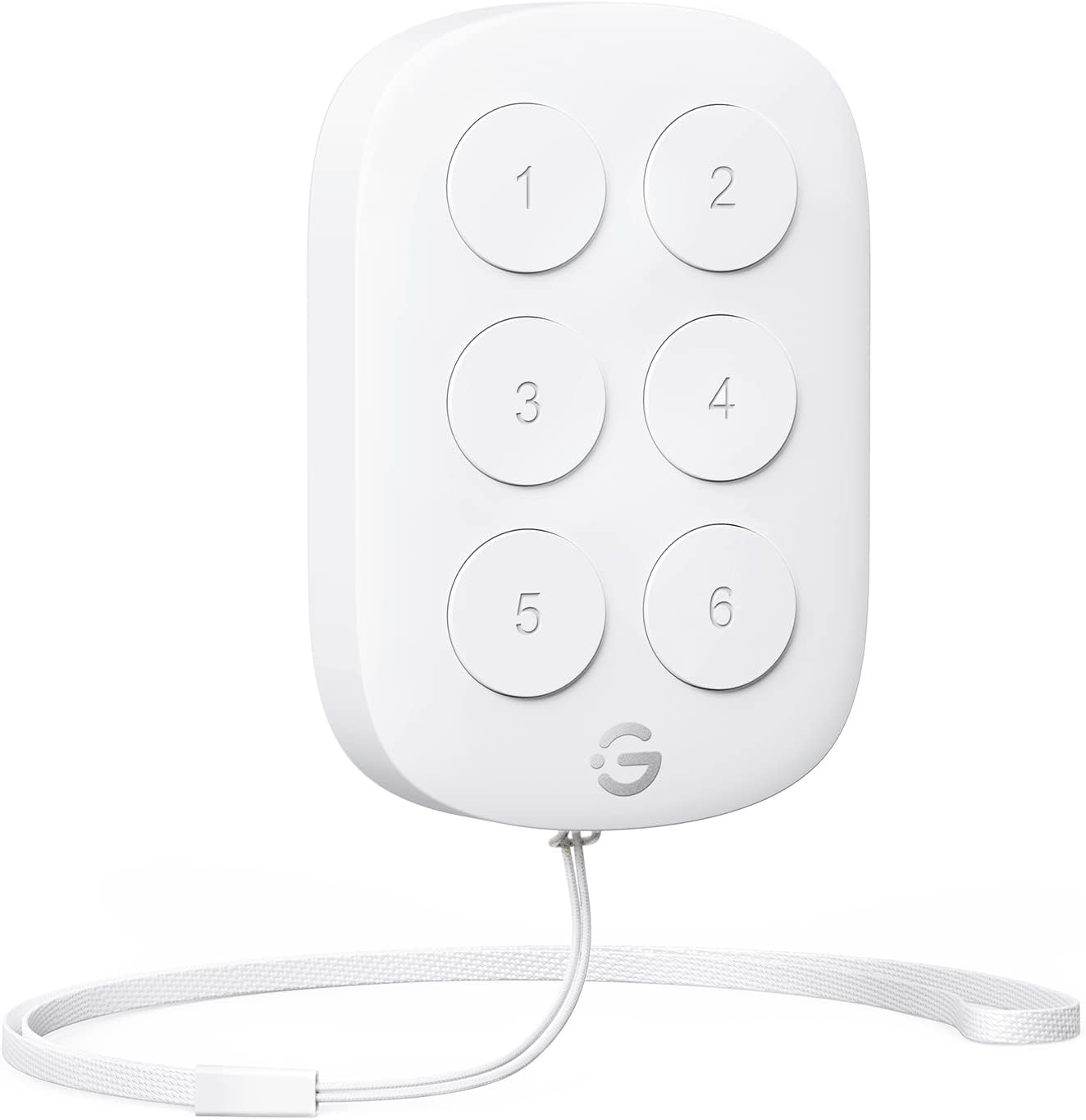
Edit: decided to bump to 5 stars due to the customer service and that if this did what I needed it would be a great product. Customer service reached out and went above and beyond to make sure I was happy, which is a great thing to do. Very appreciated. I was kind of expecting this to be able to control most Govee smart devices, which isn’t unreasonable as that is literally what it claims. Well, there are some smart devices it appears it should work for that it absolutely does not, plus the stuff it makes no sense that it can’t do but it doesn’t. An example, by control a smart device it would seem that mostly just means it can turn it on or off, not any of the other commands that would be great to have on a remote. Opening the app and waiting for things to connect is a real downer but still the best (or only) way to do things. For my tv backlight it can only give the option for on and off, which off works okay but on does absolutely nothing at all. I wanted to change the mode from game to video but that isn’t one of the options. Then , while it seems being able to turn off (and on but that doesn’t work) video dreamview would mean it could similarly turn on music dreamview, this is not the case. So for most anything other than turning off video dreamview it does not appear to work with that or anything involving any dreamview or backlight feature. What it does do, sometimes but not always, is turn the smart bulbs on and off. This mostly only seems to actually work successfully when I have it turn all on or all off. Again, on and off are all it offered for commands not changing anything which is really useless as you almost always want certain parameters but only get whatever it was on last time. I tried making smaller groups to turn on and off and again it’s very hit or miss. My guess is that by control most smart devices they mean it turns stuff on or off and mostly only non lighting devices. I’m guessing because all I have are lights. For me not being able to control these with something other than the app on my phone is close to a total dealbreaker. It’s just not convenient at all so I have just left mine on all the time and rarely use the music dreamview because I don’t feel like getting up to hit the button on it. I don’t get why you would want to just turn stuff on and off and not have buttons asssigned to set up certain presets of options for the stuff but maybe that’s what most want. Kinda ruins the reason to bother with a smart device over a regular light but that’s me. It’s not totally useless and I’m too lazy to bother with the return due to the price being too low to bother with all that. Maybe my space heater will die and I can justify having it by buying a Govee heater or something. I was hoping this would do what it really should easily do, let me make presets and select them. If the tv backlight wasn’t s as neat as it is I would likely just not bother with these products at all as the app is a hassle and has annoying bugs in it. The concept is a good one but the execution is less than amazing to me. With how hit it miss this has been as far as even doing what it lists as possible commands I really wouldn’t recommend it unless I knew you just wanted an on off switch . It likely has its uses they just didn’t turn out to be what I wanted to control without opening the app all the time. I might use it some who knows so I’ll give it the three stars. Wasn’t obvious what it wouldn’t control though so it’s a bit disappointing. Out of potential commmands it barely has an option to do many of them but I see no reason why it wouldn’t or couldn’t do those as well, especially when it’ll do certain things for one device but not the same thing for similar devices. Its not all bad but not what I thought it would be either, also much smaller rhan I imagined it would be but no way to tell from the lack of anything in the images to compare it to. Just one opinion of mine, who you likely don’t even know so take it as you feel fit. For just the most simple uses it is likely not all that bad. At least it was reasonably priced so it’s not that big a deal.