Buy anything from 5,000+ international stores. One checkout price. No surprise fees. Join 2M+ shoppers on Desertcart.
Desertcart purchases this item on your behalf and handles shipping, customs, and support to Brazil.
🎹 Connect. Create. Conquer your MIDI world.
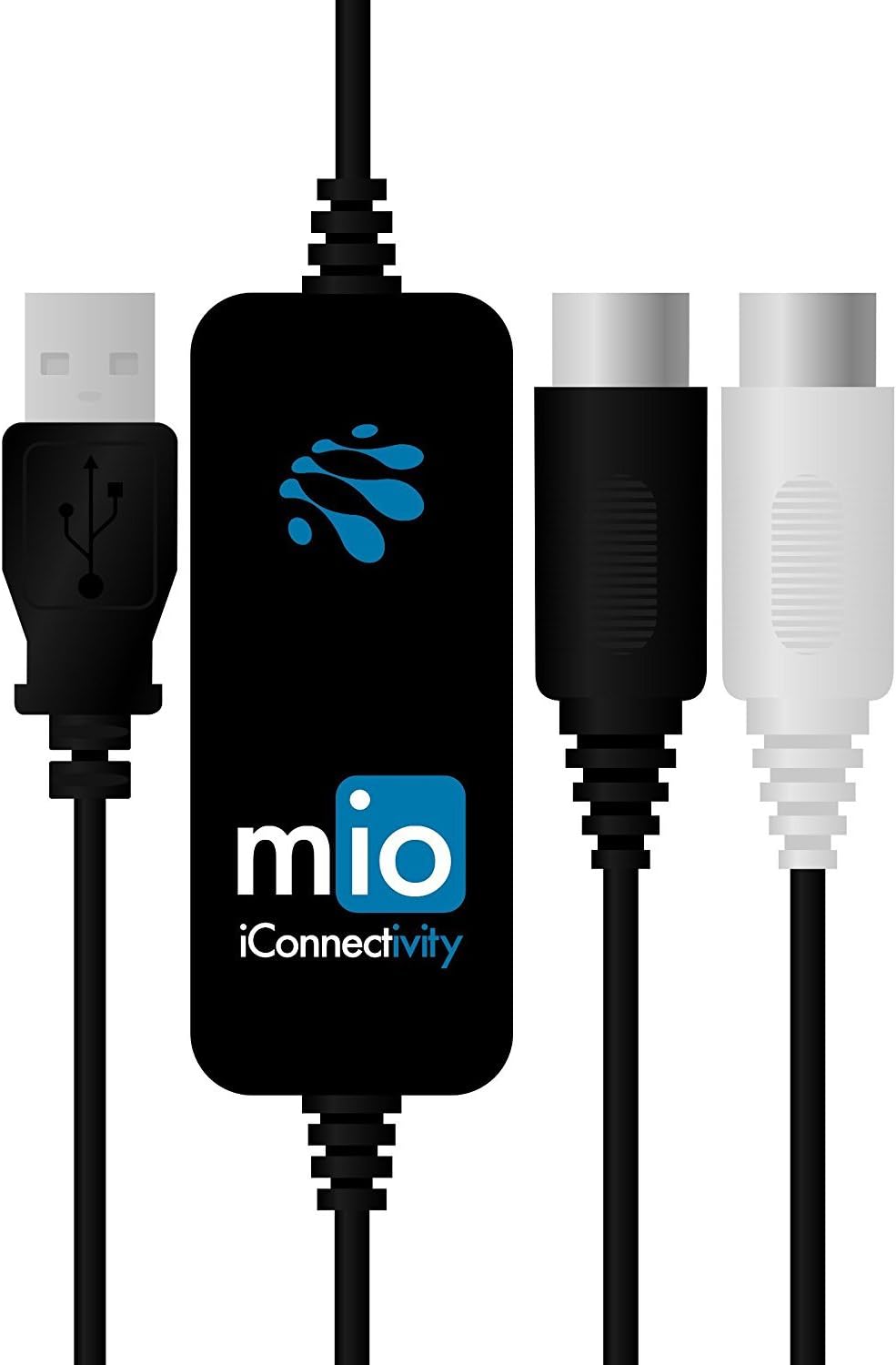
The iConnectivity mio is a compact, 1-in/1-out USB to MIDI interface designed for seamless integration with Mac, PC, and iOS devices. Featuring ultra low latency MIDI input/output and plug-and-play compatibility without drivers, it offers a reliable, bus-powered solution for musicians and producers seeking hassle-free MIDI connectivity. Engineered by an award-winning Canadian design team, the mio ensures professional-grade performance in a sleek, portable form factor.


| ASIN | B00CO5IRSG |
| Audio Input | USB |
| Best Sellers Rank | #10,630 in Musical Instruments ( See Top 100 in Musical Instruments ) #13 in Computer Recording MIDI Interfaces |
| Brand | iConnectivity |
| Brand Name | iConnectivity |
| Compatible Devices | Personal Computer |
| Connectivity Technology | USB |
| Customer Reviews | 4.6 out of 5 stars 849 Reviews |
| Global Trade Identification Number | 00835727000046, 00888680103323 |
| Item Type Name | MIDI Interface |
| Item Weight | 3.52 ounces |
| Manufacturer | iKingdom Corporation, DBA iConnectivity |
| Manufacturer Part Number | midi mio |
| Maximum Sample Rate | 48 KHz |
| Model Number | midi-mio |
| Number of Channels | 16 |
| Operating System | Windows |
| Supported Software | Compatible with various operating systems (Windows, Mac OS, iOS) and CoreMIDI compatible apps for iOS. Supported Software Compatible with various operating systems (Windows, Mac OS, iOS) and CoreMIDI compatible apps for iOS. See more |
| UPC | 713803233673 888680103323 713803236865 835727000046 |
| Unit Count | 1.0 Count |
| Warranty Description | 2-year. |
D**N
Great product from a company that eats, sleeps, breathes and dreams Midi connectivity!
USB is great for Midi, except when it’s not. With many devices, DIN Midi just works, when a USB connection sometimes won’t, or is less reliable. DIN Midi also brings the benefit of the opto-isolation that quality gear has on the DIN Midi connection, that will not be engineered into the USB port. This may mean few chances for electrical noise to creep into your signal. Case in point: The USB port on my TC Helicon VoiceLive 3 Extreme simply wasn’t compatible with the device I wanted to connect it to. I put this 1-in/1-out interface between, and they immediately synced up. Simple. This is the second iConnectivity product I’ve bought. The experience with both (MioXM) and this Midi 1-in/1-out has been just right. These product simply work. They do exactly what they promise, with no frustrations. Before getting the MioXM, I had questions. Tech support was excellent. iConnectivity is a company that solves problems, not creates them. I can’t say enough good things about both of the products I’ve bought from them.
P**F
Great interface- beware: multiple wont work at once on Windows
I've had one of these for quite some time. Works great. Works great on iphone, ipad, macbook, windows... I use it as the dedicated in/out for my octatrack to my daw (whatever it might be for the job). The big caveat is though, because of the way windows handles USB devices, if you buy 2 MIOs, and plug in 2 at once, only 1 is going to work. I did this because I thought I'd be smart and leave 1 plugged into my desktop at all times, and have another to move around to use with the iphone... or whatever right? So no value added for me if I can't use them both at the same time on the desktop for convience. I do have to other midi devices that use USB that could give me a physical midi port on my iphone or Ipad, but they are keyboards or pad controllers... the convivence of the size of the MIO just being a single cable to midi I/O is what I was looking for. Weird edge case I know, but I couldn't find anything answering this situation anywhere, so now I've done that experiment, and you don't have to. Again, if you just need 1 midi I/O on your machine or iDevice... and dont need a full blown audio interface. This is the best tool for the job.
A**R
If you love your equipment, buy this cable.
Hands down the best midi cable I’ve bought. Will work with just about anything and doesn’t feel cheap like so many other cables of this kind. Buy this cable if you need to do anything midi, it will not let you down.
R**S
Works with Garageband 10 on Yosemite 10.10.2 and Roland FP-3 (2002)
Here's what you wanted to know - will it work on your Mac. It does. Plug and play with Yosemite, etc. (see title). No latency at all with 2009 MacBook Pro (2.26 ghz) 8GB Ram, 120GB SSD. The SSD is amazing and makes the MIDI instruments load almost instantly so that could be part of the low latency. Also worth noting - the MacBook serves as our media server. So it was hosting a movie to the ATV while I was playing around with it. Mind you, I wasn't doing multi-track recording or anything. I can't go 5 starts... I just got it. But it does seem to work seamlessly without any drivers, config, etc. using a pretty old Roland FP3.
D**S
Excellent quality and easy to use
It doesn't need a separate driver. it really is plug and play. i bought this to replace a cheaper cable and it works so much better and the sound quality is better.
W**Y
Excellent iOS to midi
Ok, I was not sure if this was going to be able to separately communicate with more than one device/slave individually... I was wrong!!! I am using the mio with a camera connection kit with the iPad app called ModStep. (Pics in order of connection) The mio goes out from the camera kit into the I/o midi of the Electribe, the thru on the Electribe goes to the midi splitters in and the outs go to 2 volcas. With separate channels set up in ModStep, each channel will control its slaved device. When you press play on ModStep all devices will play tracks individually with no midi overlap like I was getting on a cheaper midi to usb. I highly recommend this product. It states it can control up to 16 different midis... I have 3 with a behringer crave and an old microkorg xl on the way to add to the mix. I purchased an open box product for basically 1/2 the price and it works flawlessly.
W**Y
Flaky
Worked for me, but very intermittently. I'm using Windows 7. When I first plugged it in it installed itself without asking for drivers. No problems there. After that I tried using it in Anvil Studio and was immediately greeted with the error message seen in the attached photo when I tried to select it as my output midi device. Seems like some sort of a 'device busy' message. I wasn't using ANY other program though. I decided to restart my PC thinking it might need a restart after the installation even though it never prompted for one. After my PC restarted I opened up Anvil Studio again and it began working! I thought I was in the clear. A couple hours later it stopped working suddenly, giving me the same error message. Once again, no other programs were open. I decided to try to download iConnectivity's iConfig tool to see if maybe it needed a firmware update or something, and was greeted with an "unexpected error" message when I tried to open the iConfig tool. Picture attached. I decided to restart the PC again. After restarting the PC, I opened iConfig and it found the MIO, and after checking for new firmware it told me that the firmware was up-to-date. I opened up Anvil Studio again, and once again it worked . . . for a few minutes. Then I got the busy error message again. Opening and closing Anvil Studio does nothing to reset it once it gets into this "busy" state, and iConfig won't open when it's in that state. Just get the "unexpected error" again. Only restarting the PC seems to work. After trying to use this for a few days and multiple restarts of my PC, I'm giving up. To be fair when this worked it worked well, but it seems to be buggy. Returned. I'll try the Yamaha USB-to-MIDI cable instead.
M**L
Los cables vienen muy bien
🤍🤍🤍
P**R
Works when generic cables dont
Trying to connect an old Korg Concert 5000 piano. Generic MIDI cables didn't transfer the notes correctly, but with this cable it worked perfectly first time.
R**D
Funciona sin problemas
M**I
Midi interface per collegare tastiere a computer
Mi è piaciuto perchè funziona senza problemi. Il costo è un po’ alto... ma funziona. Lo uso per simply piano per collegare una tastiera yamaha a ipad con un adattatore usb to lightning
A**ー
良かった
良かった
L**K
Une interface qui fait bien son job !
Utilisée pour relier mon module de batterie électronique à mon pc et pouvoir piloter les sons d'un logiciel bien connu de batterie. Rien à redire, le branchement est immédiat et après paramétrage du système, la latence est imperceptible ... ceci à condition d'avoir un peu de puissance sous le capot et pour aider, de désactiver l'antivirus en mode non connecté ; )
Trustpilot
2 months ago
2 weeks ago